Settings Overview
AutoROICalc settings help adapt the platform to your reporting workflow, display preferences, and delivery setup. Use settings to control how sources and tags appear, configure email delivery, set localization preferences, and import or export reusable report appearance settings.
The main settings page is organized into tabs so each area can be adjusted separately.
Personal and Property Settings
| Setting | Scope | Who can change it |
|---|---|---|
| Report appearance and timezone | Selected property, shared by its members | Owner or admin |
| Appearance settings import | Selected property | Owner or admin |
| SMTP and email delivery configuration | Property owner's account | Owner |
| Language and number format | Your personal account across properties | Any member |
| Application theme | Your personal browser preference | Any member |
Unavailable tabs and controls are disabled. Readers and editors open Settings on the Language tab. See Shared Properties for the complete role matrix.
Settings Areas
-
Report Appearance Settings
Customize how record sources, record types, record tags, report tags, and dashboard tags are displayed across the app.
-
Email Settings
Configure custom SMTP delivery and choose the email report template used for scheduled report delivery.
-
Localization and Display
Set timezone, language, number format, and application appearance preferences for your account.
-
Settings Import
Import exported AutoROICalc settings from an ARC file and reuse appearance configuration between accounts or environments.
When to Use Settings
Use settings when you want to:
- Keep source, type, and tag labels visually consistent.
- Prepare report, dashboard, and record tags for easier scanning.
- Send scheduled reports through your own SMTP server.
- Align report dates with the correct timezone.
- Match numbers, language, and app appearance to your preferred working style.
- Reuse appearance settings through ARC export and import.
Start with report appearance
Report appearance settings are especially useful once you have real records, reports, and dashboards. Custom icons and colors make recurring reports easier to read.
The Report Settings tab is where you can review and adjust appearance rules for record sources, record types, and tags.
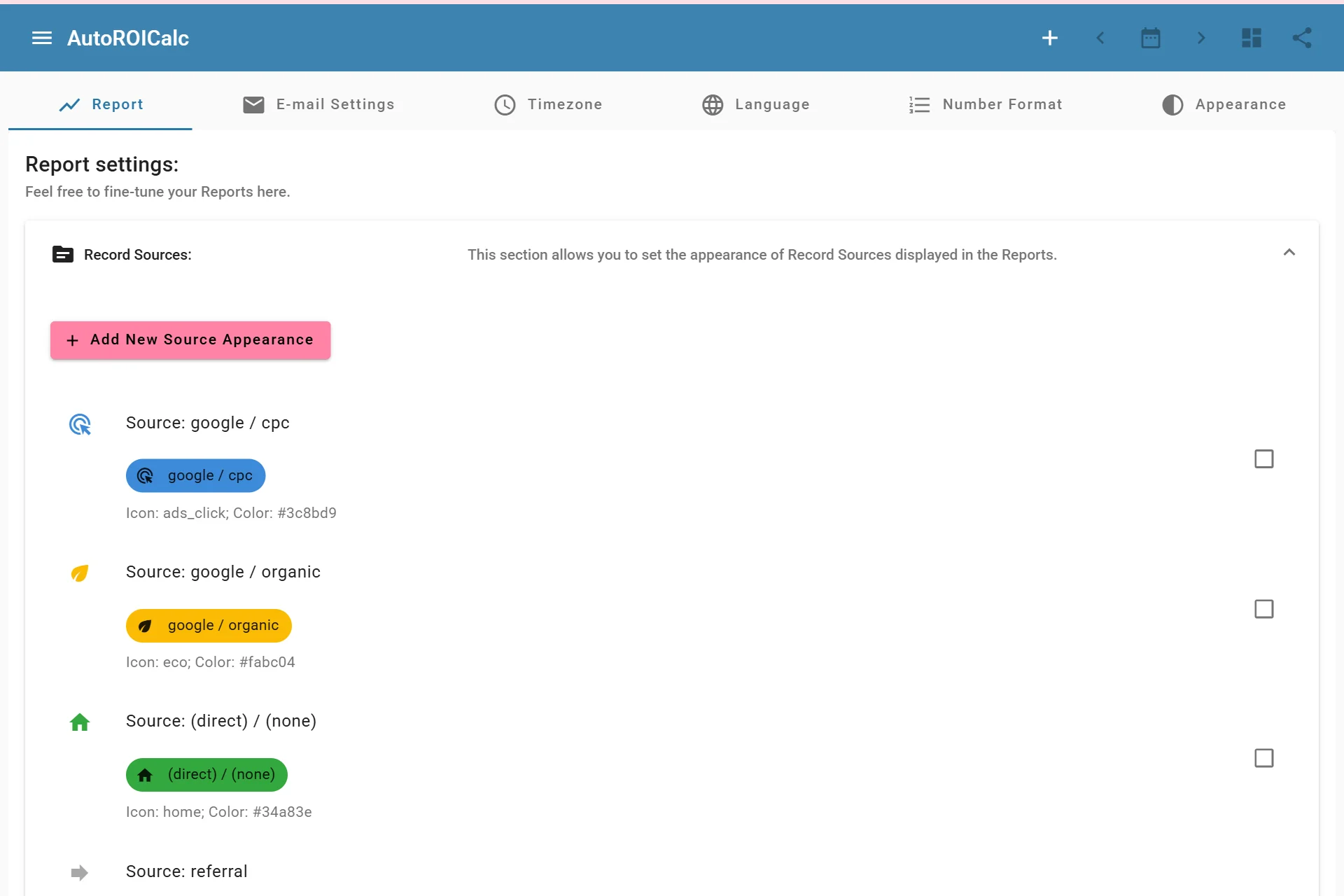
Reviewing report settings