Reporting Period and Time Base
The reporting period decides which records are included in a report. The time base decides how those records are grouped in charts, tables, and calculations.
Reporting Period Types
AutoROICalc supports three reporting period types:
| Period type | Use when |
|---|---|
| Date Range | You want a fixed start and end date |
| N Days Up To Today | You want a rolling report, such as the last 7, 30, or 90 days |
| All Time | You want AutoROICalc to use the earliest and latest matching records |
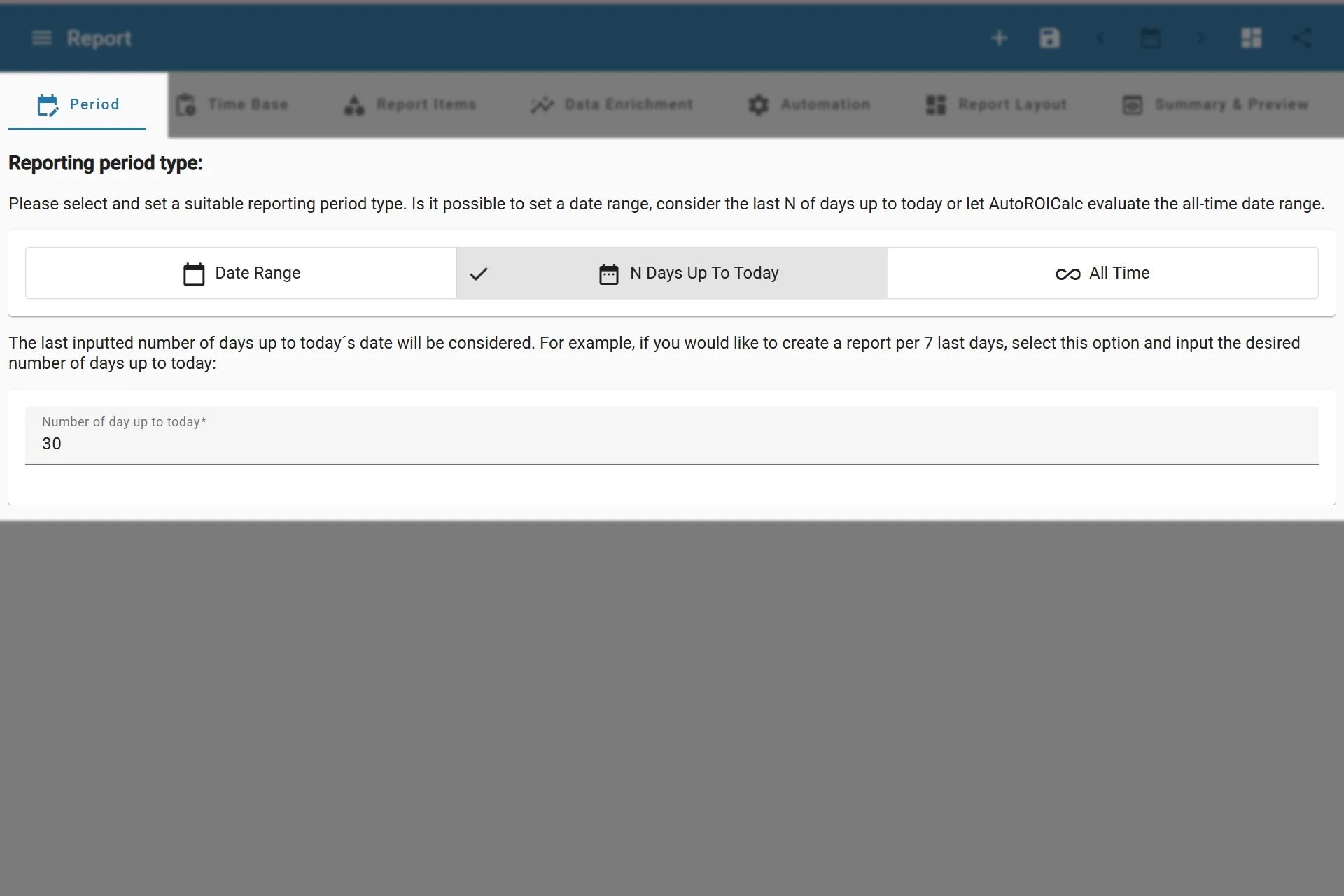
Configuring Reporting Period
Date Range
Use a fixed date range when the report should always cover the same period. This is useful for monthly reports, campaign reviews, historical analysis, and client reports with a defined reporting window.
N Days Up To Today
Use N Days Up To Today for rolling reports. For example, a report with 7 days always shows the latest seven-day period when the report is opened or refreshed.
This is useful for operational dashboards, recent performance checks, and reports that should stay current without manually changing dates.
All Time
Use All Time when the report should cover all matching records. AutoROICalc uses the earliest and latest records that match the selected report items.
All-time reports are useful for cumulative views, lifetime campaign performance, and overview reports.
Time Base
The time base controls the reporting interval. It defines one data point in the report chart or table.
| Time base | Best for |
|---|---|
| Year | Multi-year trends and high-level summaries |
| Month | Monthly performance reports |
| Week | Weekly reporting and campaign checks |
| Day | Daily activity, costs, leads, sales, and conversions |
| Hour | Short-term or real-time style analysis |
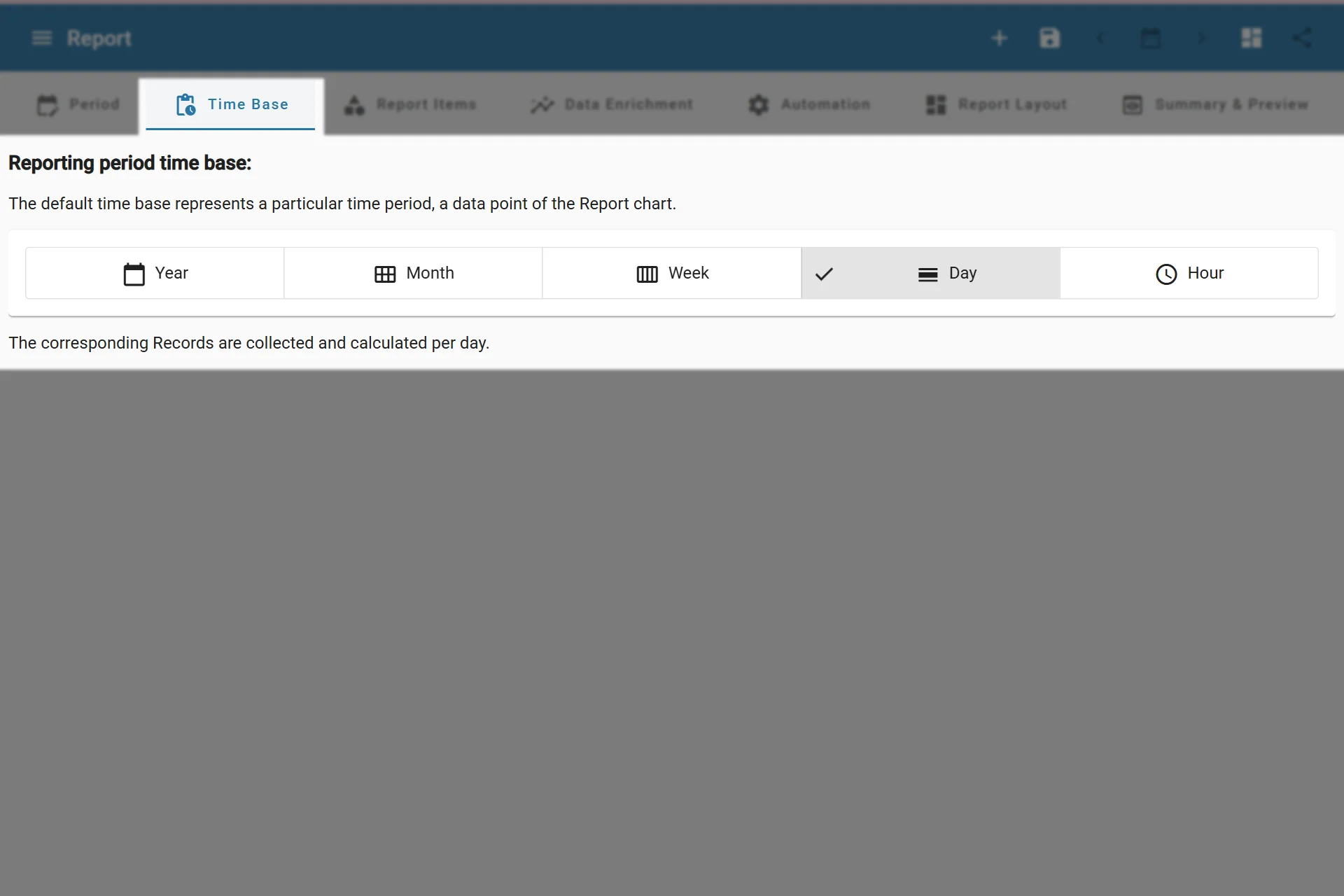
Configuring Reporting Time Base
Match the time base to the period
Use smaller time bases for shorter periods. Hourly reports over long date ranges can become cluttered and harder to read.