AutoROICalc Documentation: Automated Reporting, Dashboards, and Integrations
AutoROICalc is a flexible tracking and reporting platform for teams that need to centralize business records, automate reporting, build dashboards, and connect data across tools. It is useful for automated SEO reports, client reporting automation, custom analytics dashboards, and business performance tracking.
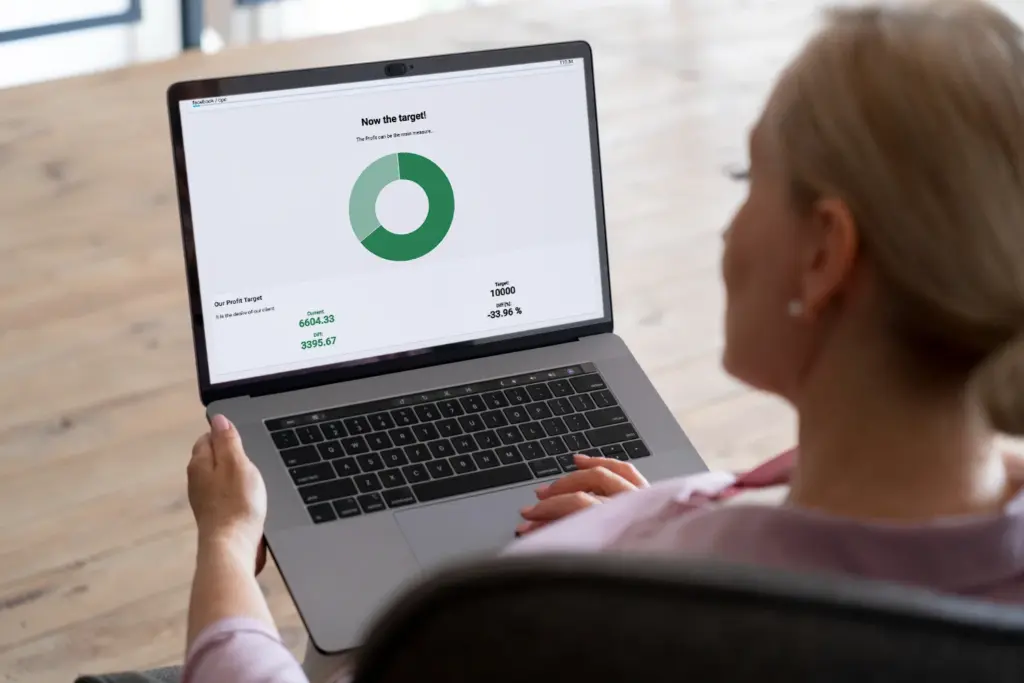
Using AutoROICalc to review reports and dashboards.
What You Can Do
- Collect and manage structured business records in one place
- Build automated reports without spreadsheet chaos
- Create dashboards for live visibility into marketing and business metrics
- Connect external tools through integrations, imports, web events, API access, and CLI tools
- Automate client reporting workflows and recurring e-mail summaries
Start Here
New to the platform? Start with the overview, then create your first report and dashboard.
Common Workflows
-
Automated SEO Reports
Collect search and marketing data, calculate performance metrics, and prepare repeatable reports.
-
Client Reporting Automation
Build reusable reports and dashboards for recurring client updates and scheduled e-mail summaries.
-
Custom Analytics Dashboards
Combine records, reports, charts, tables, and KPI widgets into dashboard views.
-
Data Collection Automation
Bring data into AutoROICalc through imports, web event tracking, integrations, API clients, or CLI tools.
Explore The Product
Want the full picture? Browse the feature reference or compare setup options.
See Features Overview Deployment Options
Need Help?
See the FAQ or contact us anytime at support@autoroicalc.com.