Sources Distribution Widget
The Sources Distribution widget shows how record sources contribute to a selected report result. Use it when a report item combines multiple sources and you want to explain which sources created the value.
Inputs and Controls
| Control | Description |
|---|---|
| Record type | Select the record type whose sources should be displayed. |
| Filter record sources | Limit the displayed source list. |
| Source filter text | Show only sources matching the entered text. |
| Custom breakdown details | Enable access to custom breakdown details where available. |
Tips and good uses
Tips
- Use consistent source names across records.
- This widget is especially useful when report items include multiple sources.
- Pair it with the Chart widget to show both distribution and trend.
Good uses
- Leads by source
- Sales by source
- Cost distribution across channels
- Comparing sources inside AutoRoiCalcAllSources
Configuration and Usage
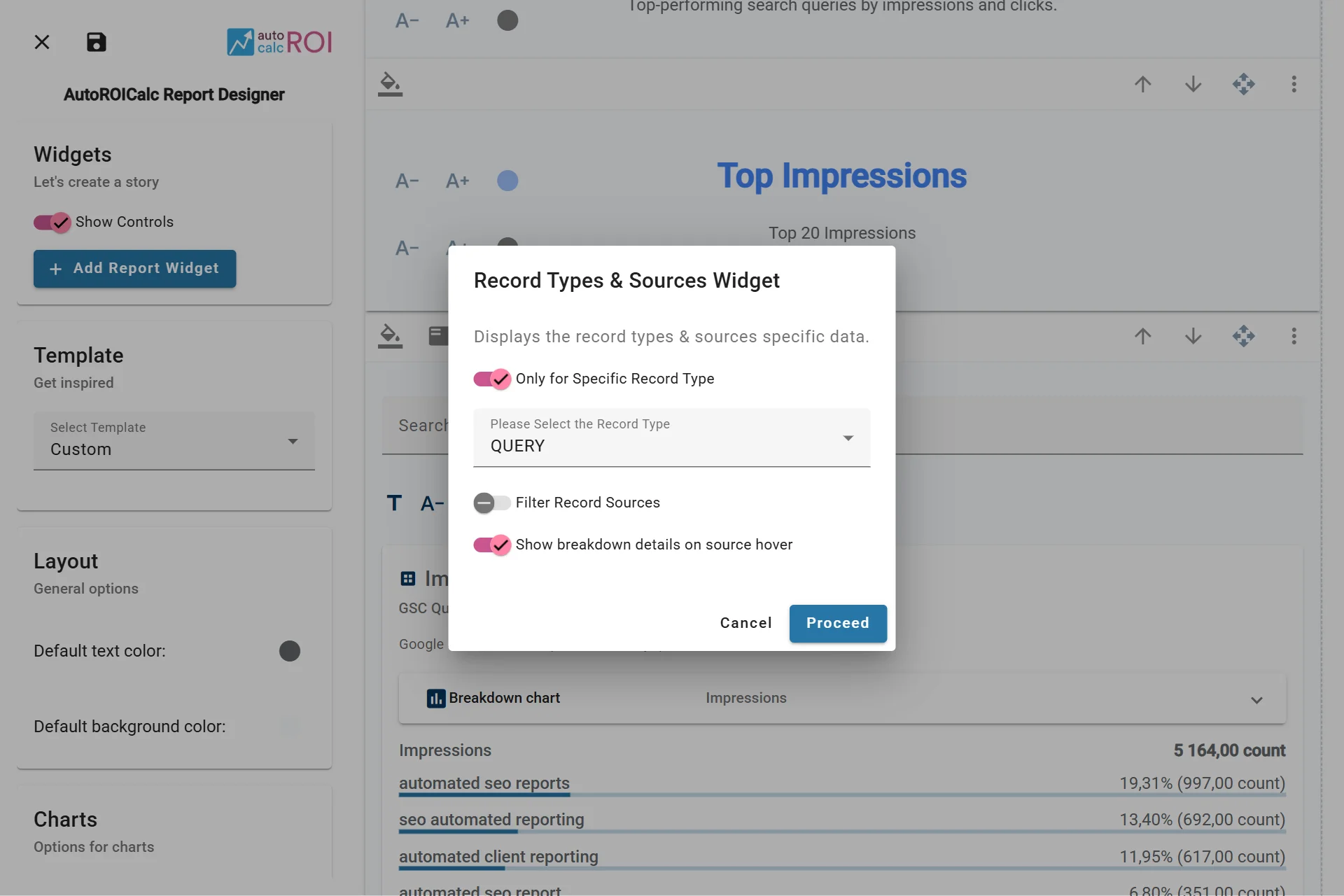
Configuring the Sources Distribution Widget
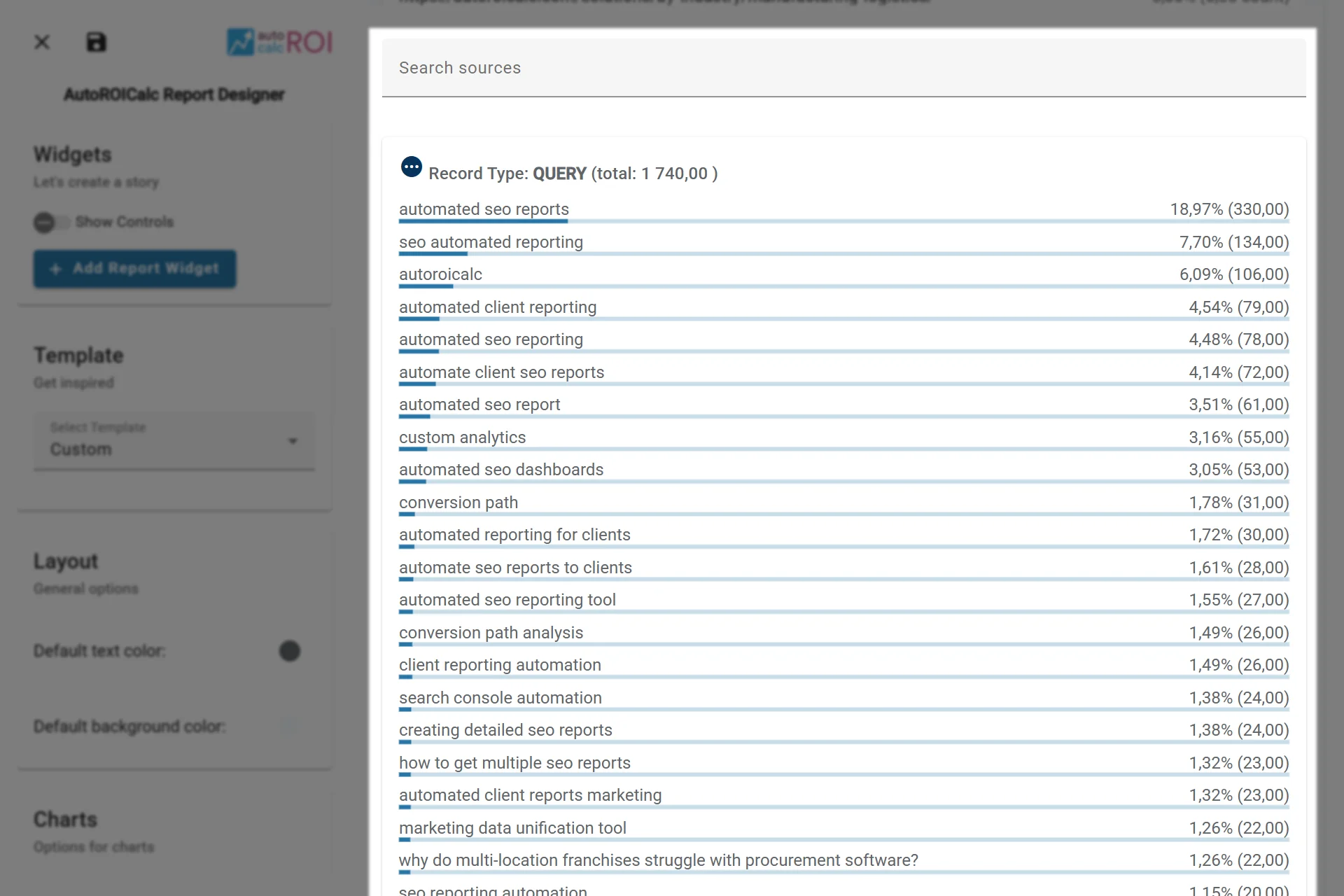
A sample usage of the Sources Distribution Widget