Date Range Widget
The Date Range widget displays the selected report period inside the advanced layout. Use it when a report may be shared, exported, or reviewed without the report builder context.
Inputs and Controls
| Control | Description |
|---|---|
| Font size | Small, medium, or large text. |
| Text alignment | Left, center, or right alignment. |
Tips and good uses
Tips
- Place it near the top of shared report layouts.
- Use it together with section or title widgets.
- It helps avoid confusion when comparing report exports over time.
Good uses
- Client-facing reports
- Recurring reports
- Dashboard-like report layouts
- Reports where the time window must be visible
Configuration and Usage
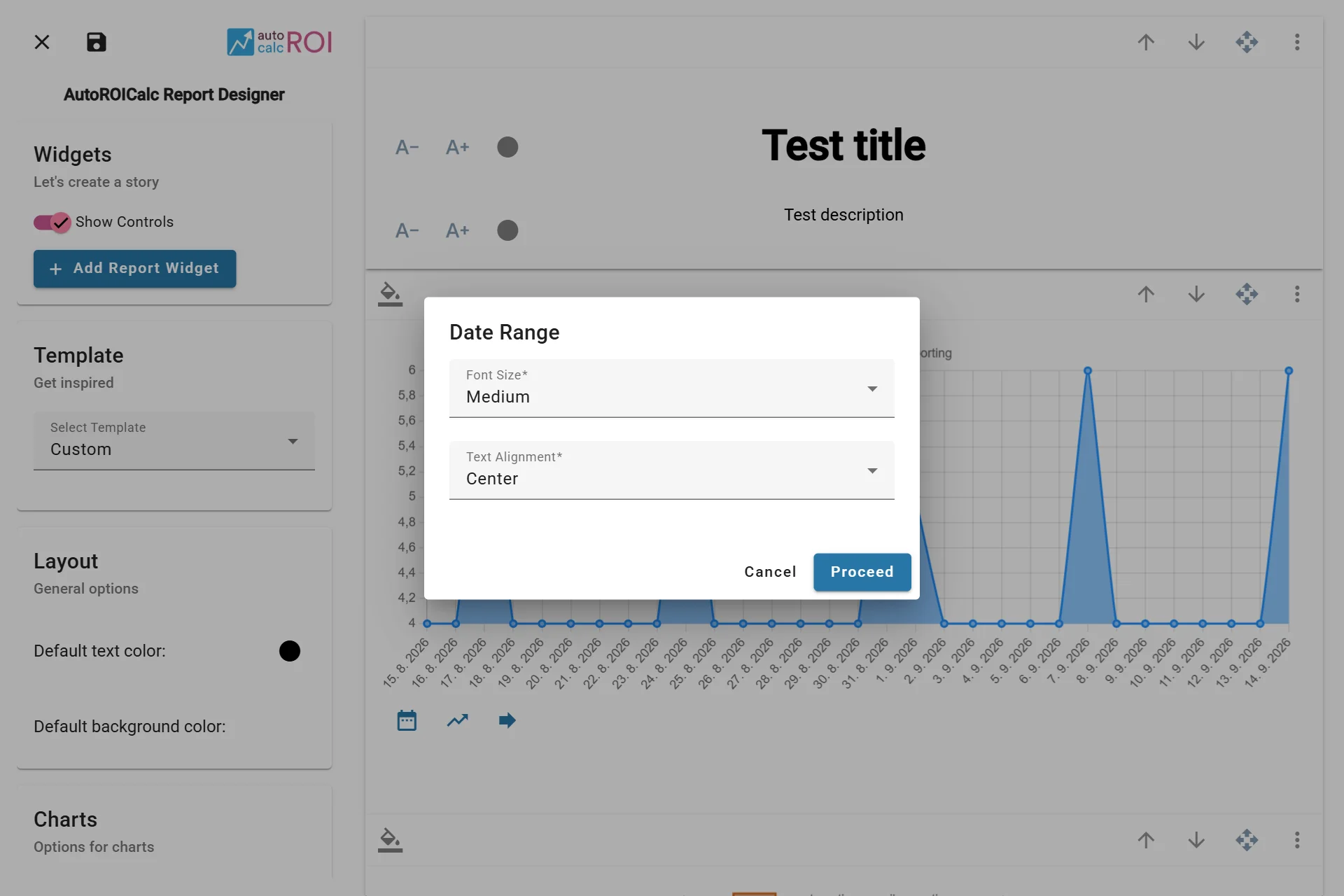
Configuring the Date Range Widget
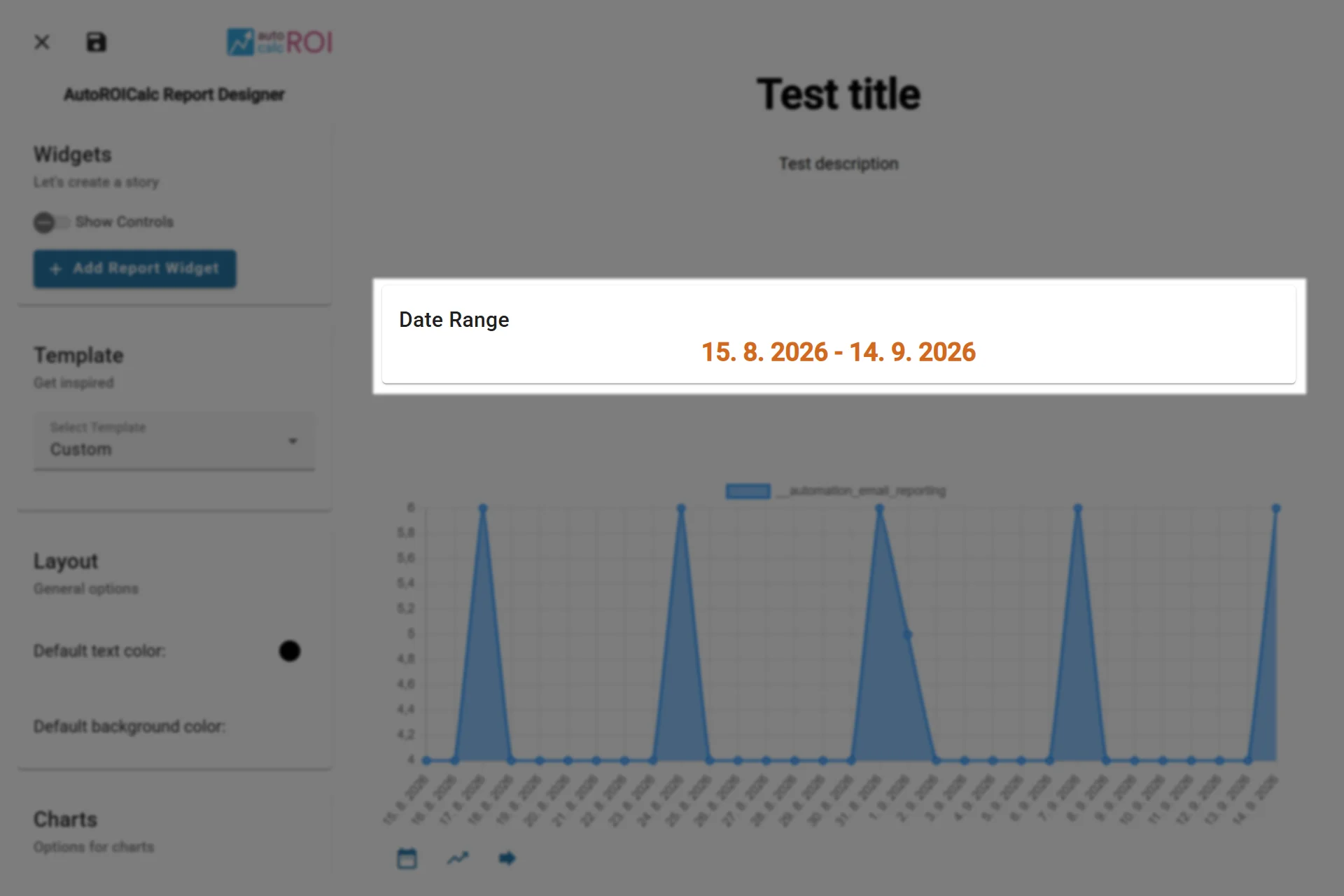
A sample usage of the Date Range Widget