Facebook Ads Manager Integration
The Facebook Ads Manager integration imports paid social advertising data into AutoROICalc records. It helps connect campaign spend, performance metrics, leads, conversions, and ROI reporting in one place.
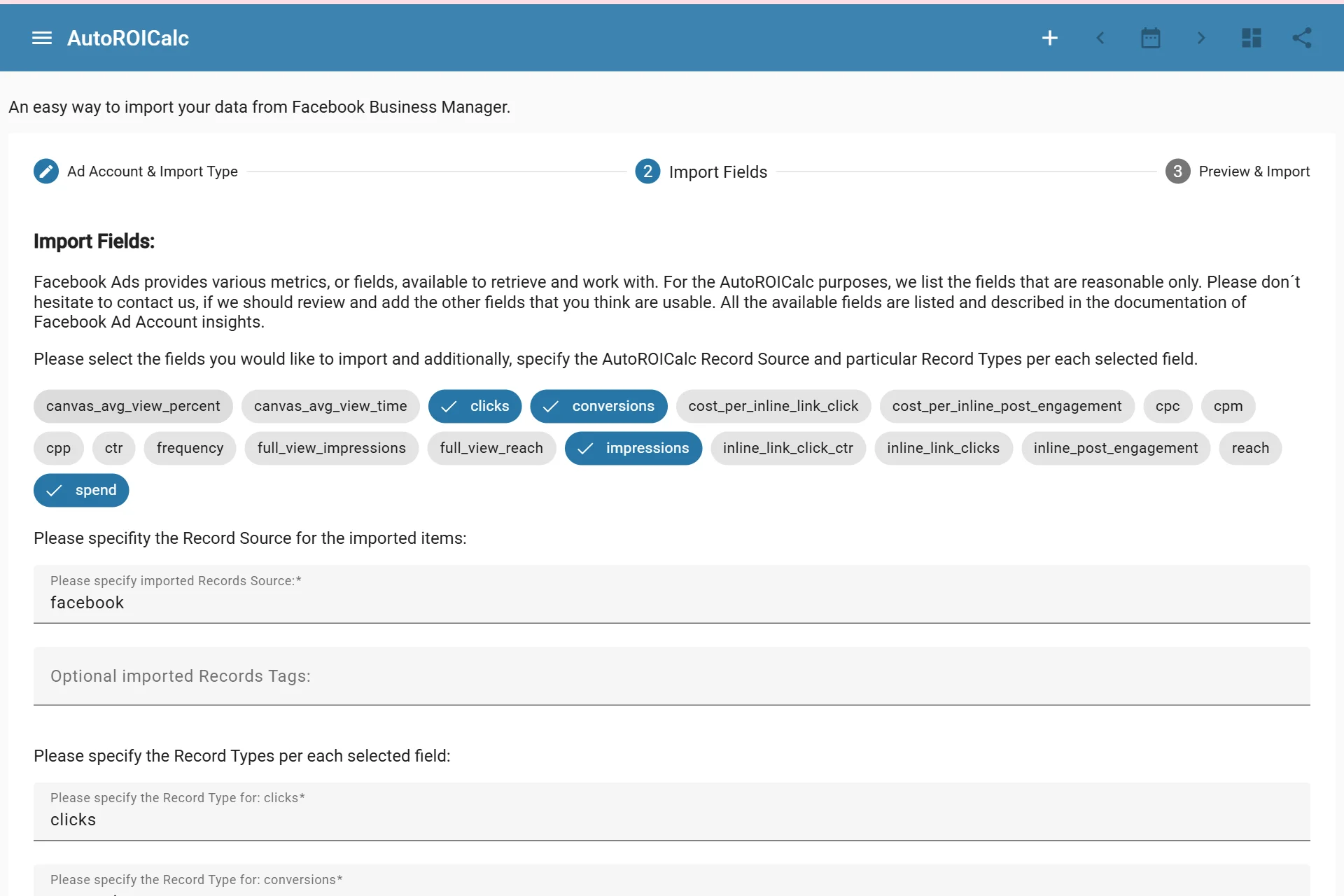
Importing data from Facebook Ads Manager
What It Is Used For
Use the Facebook Ads Manager integration to support:
- Paid social campaign reporting
- Ad account performance dashboards
- Cost and conversion analysis
- ROI and cost-per-result reporting
- Scheduled marketing reports
Connection Flow
The integration uses Facebook authorization. After connecting Facebook Ads Manager, you can create scheduled import configurations for selected ad account data.
Typical steps:
- Connect Facebook Ads Manager from the Integrations page.
- Select the ad account and import settings.
- Choose the fields that should become AutoROICalc records.
- Configure the schedule if recurring imports are needed.
- Save the scheduled import.
- Run an import or let the schedule run automatically.
Access and Re-Authentication
Facebook access tokens can expire. When re-authentication is needed, reconnect Facebook from the Integrations page and continue using the saved import setup.
Managing the Integration
From the Integrations page, you can:
- Run an import manually
- Edit a scheduled import
- Delete a scheduled import
- Re-authenticate access when needed
- Revoke Facebook access