Records Overview
Records are the source data used by AutoROICalc reports and dashboards. A record can represent a conversion, cost, lead, sale, event, revenue item, or any other measurable business activity.
Reports and dashboards are built from records, so clean and consistent records make automated reporting more useful.
Start with a small set
For your first setup, add or import only a few records. Once the first report works, you can refine record types, sources, tags, and import automation.
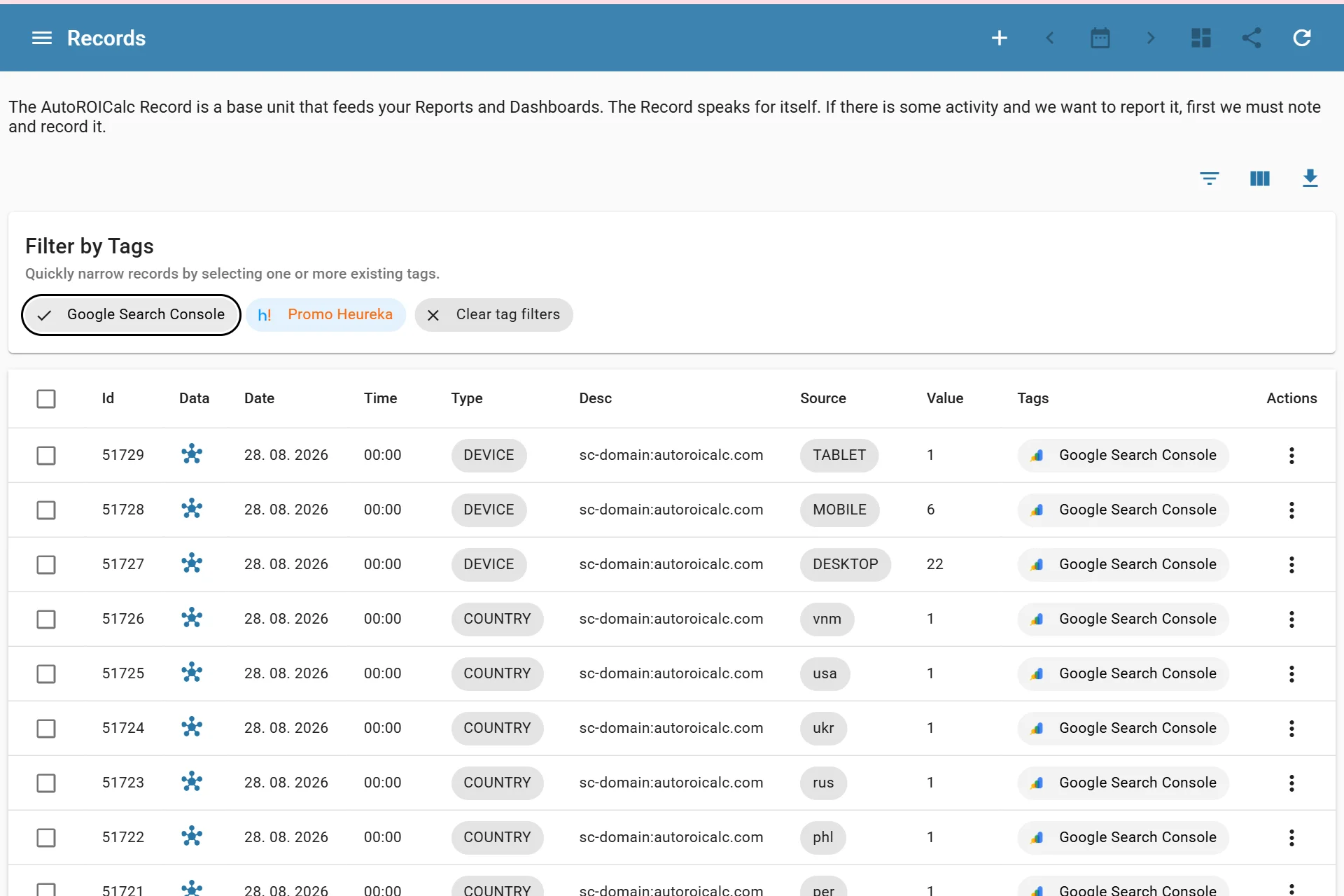
Listing records
What Is a Record?
An AutoROICalc record stores one measurable activity at a specific date and time.
Common examples include:
- A paid advertising cost for one day
- A lead from a contact form
- A sale or order value
- A conversion from a campaign
- A tracked web event
Record Fields
A basic record usually includes:
| Field | Purpose |
|---|---|
| Date | The day when the activity happened |
| Time | The time when the activity happened |
| Type | The kind of record, such as cost, lead, sale, or conversion |
| Description | A short explanation of the record |
| Source | Where the activity came from, such as google / cpc or email / newsletter |
| Tags | Optional labels for grouping and filtering |
| Value | The numeric value used in reports |
| Custom data | Optional structured details, such as external IDs, campaign IDs, order IDs, or extra context that should stay with the record |
Sources, tags, and custom data
A record can have multiple sources, tags, and custom data fields. Use them consistently so reports can group, filter, and compare data correctly.
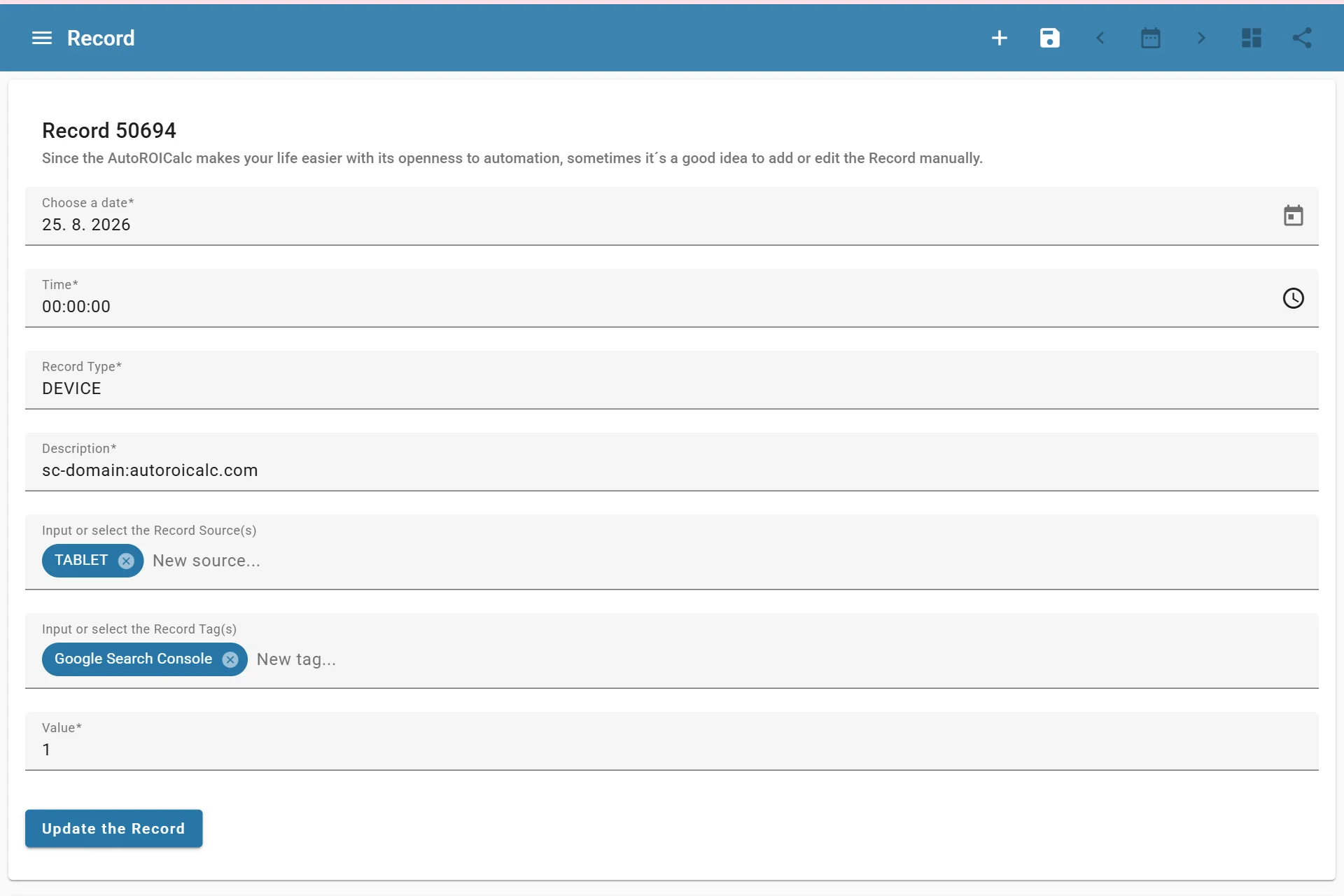
Record entry example
Managing Records
You can manage records manually, import them from files, manage them through the API, or automate them through integrations.
-
Manual Entry
Add individual records in the app when you only need a few records or want to test a report quickly.
-
File Imports
Import records from CSV, XML, or ARC files when you already have data prepared outside AutoROICalc.
-
API
Manage records from external systems, scripts, backend services, or custom automation.
-
Integrations
Bring records into AutoROICalc from supported integrations and connected data sources, including the official WordPress and WooCommerce plugins.
Validation and Duplicates
AutoROICalc validates record structure and input values before saving records. It also checks for duplicates to help avoid importing or adding the same data twice.