Web Event Tracking Integration
The Web Event Tracking integration collects website actions and saves them as AutoROICalc records. It is useful for tracking leads, signups, demo requests, checkout actions, campaign touchpoints, and other events that should appear in ROI reports.
Using WordPress?
Use AutoROICalc Event Tracking for WordPress for native Gutenberg and Elementor controls, validated form events, user registrations, consent handling, and server-side delivery without adding tracking snippets manually.
Tracking ID
The Integrations page provides a web events tracking ID. Use this tracking ID with the JavaScript tracking module or with the direct Collect Web Event API.
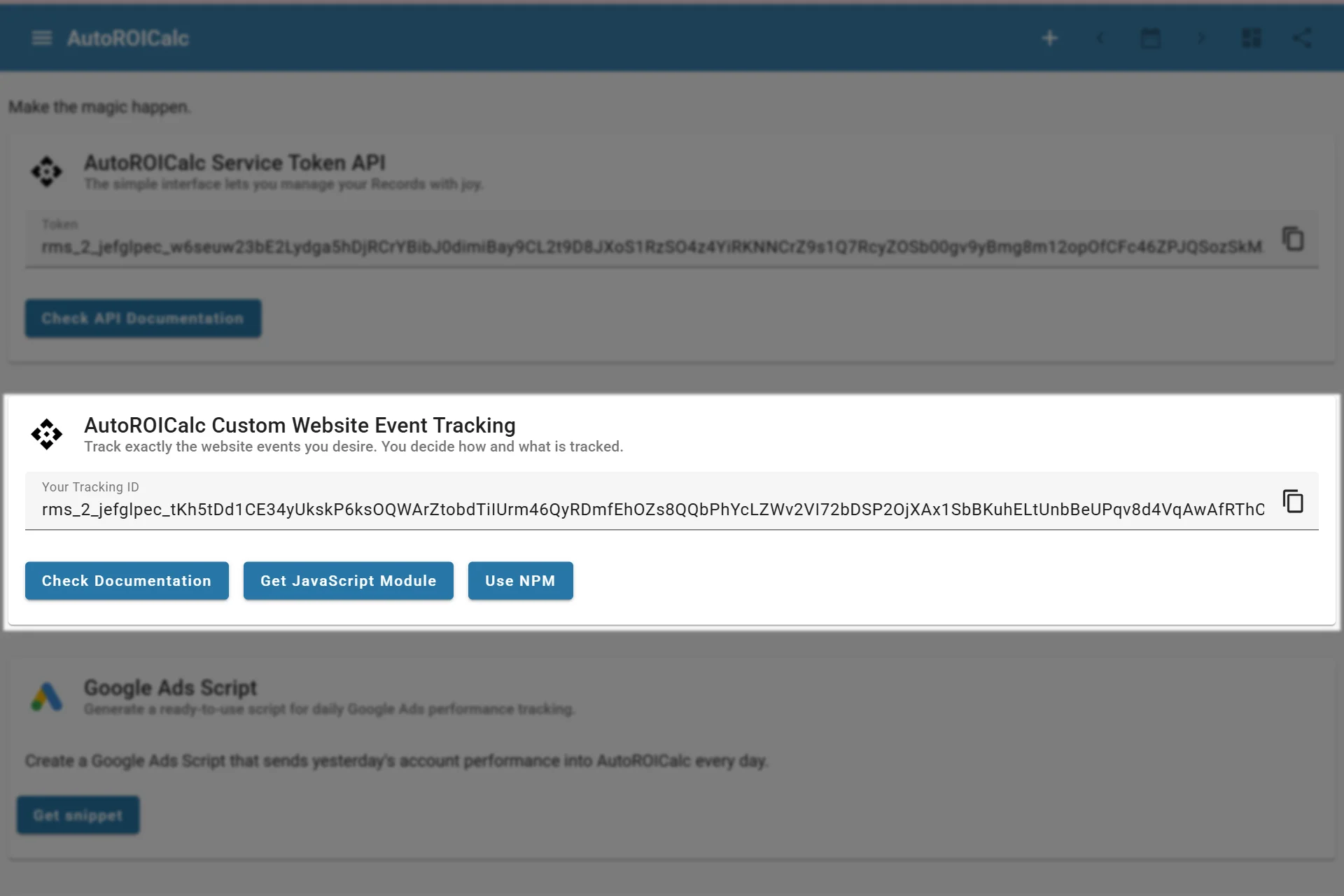
Finding the token for web events tracking
Usage Options
Read Tracking and Consent before choosing anonymous counting or attribution tracking. It explains consent signals, browser storage, and the difference between anonymous tracking and bypassing a runtime consent check.
You can send website events to AutoROICalc in several ways:
- Add the AutoROICalc JavaScript tracking module to your website
- Call the Collect Web Event API directly from custom JavaScript
- Send validated conversions from your backend
- Trigger events from a tag manager or automation tool
Developer Resources
Anonymous event counting
Version 3 of the JavaScript/npm module offers a separate anonymous counter:
arc.setTrackingId("YOUR_TRACKING_ID");
document.querySelector("#pricing-signup").addEventListener("click", () => {
  arc.sendAnonymousEvent("button_click", "pricing_signup");
});
Use AutoRoiCalc for the browser global or your AutoRoiCalc instance from the npm package in place of arc. Call sendAnonymousEvent() from click, hover, visibility or other interaction handlers; the module sends the event when called. Use static labels without personal data, with different types or descriptions for interactions you want to report separately. This method sends only the publisher tracking ID, record type and counter name, using no cookies, browser storage, attribution or visitor identifiers. Repeated events count again with value 1; sum values for totals. The request omits credentials and referrers. Its boolean return indicates that the request was queued; opaque cross-origin responses cannot confirm server acceptance.
Deploy /record/collect_anonymous_event before using updated clients. The endpoint accepts only trackingId, type and desc; it rejects extra or repeated parameters. Anonymous records use the current UTC date and time 00:00:00, with source anonymous events. They retain the normal database insertion timestamp. Requests are limited to 600/minute per publisher database per worker and normal record plan limits apply. Requests are not automatically retried.
Attribution methods in version 3 default to denied. Connect your consent manager to arc.setConsent({ analytics: true }) after consent, and to arc.setConsent({ analytics: false, marketing: false }) on withdrawal. Supply consent on each page load; it is stored only in memory. Without consent, source capture, source-cookie writes and ordinary event sending are blocked. Granting consent does not add attribution to sendAnonymousEvent().
This mode minimizes collected data; it does not guarantee a consent exemption. Web servers receive normal connection metadata, so review infrastructure logging and retention. Other scripts may independently use storage.
The full records documentation includes event parameters, direct URL examples, JavaScript examples, and server-side examples.
Web Event Records Guide Tracking Module on GitHub