Map Widget
The Map widget visualizes geographic data. It can use record types or custom breakdown data when the report contains country or location attributes.
Inputs and Controls
| Control | Description |
|---|---|
| Title | Label shown above the map. |
| Data target | Use record sources or a custom breakdown. |
| Record types | Select one or more record types for record-source data. |
| Breakdown | Select the custom breakdown used for geographic values. |
| Metric | Select the custom breakdown metric to display. |
| Country attribute | Select the data attribute containing the country value. |
Tips and good uses
Tips
- Use consistent country or location values in records.
- Map widgets work best when geographic data is complete.
- Pair maps with tables or breakdowns for exact values.
Good uses
- Leads by country
- Revenue by market
- Regional campaign performance
- Custom breakdowns with country attributes
Configuration and Usage
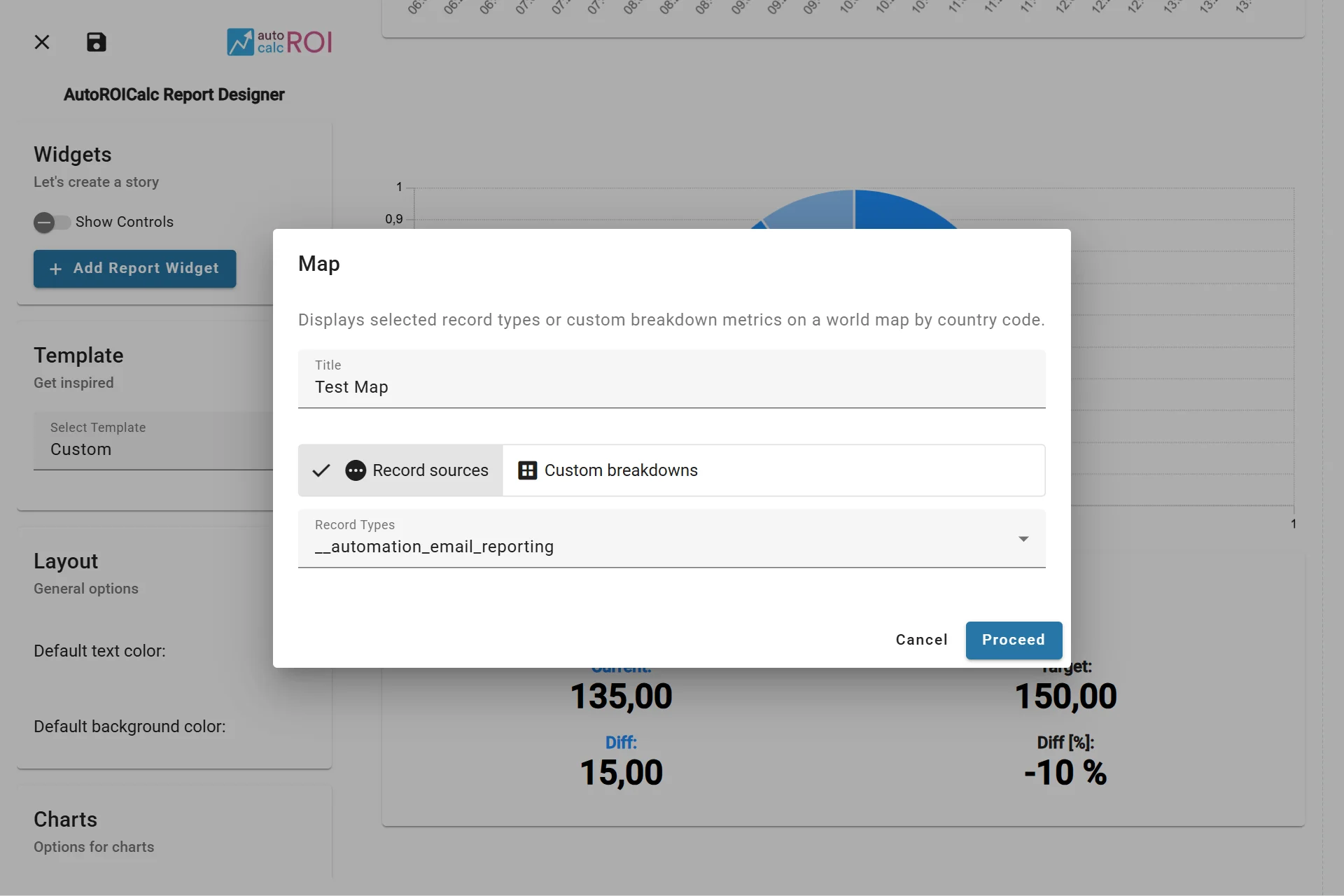
Configuring the Map Widget
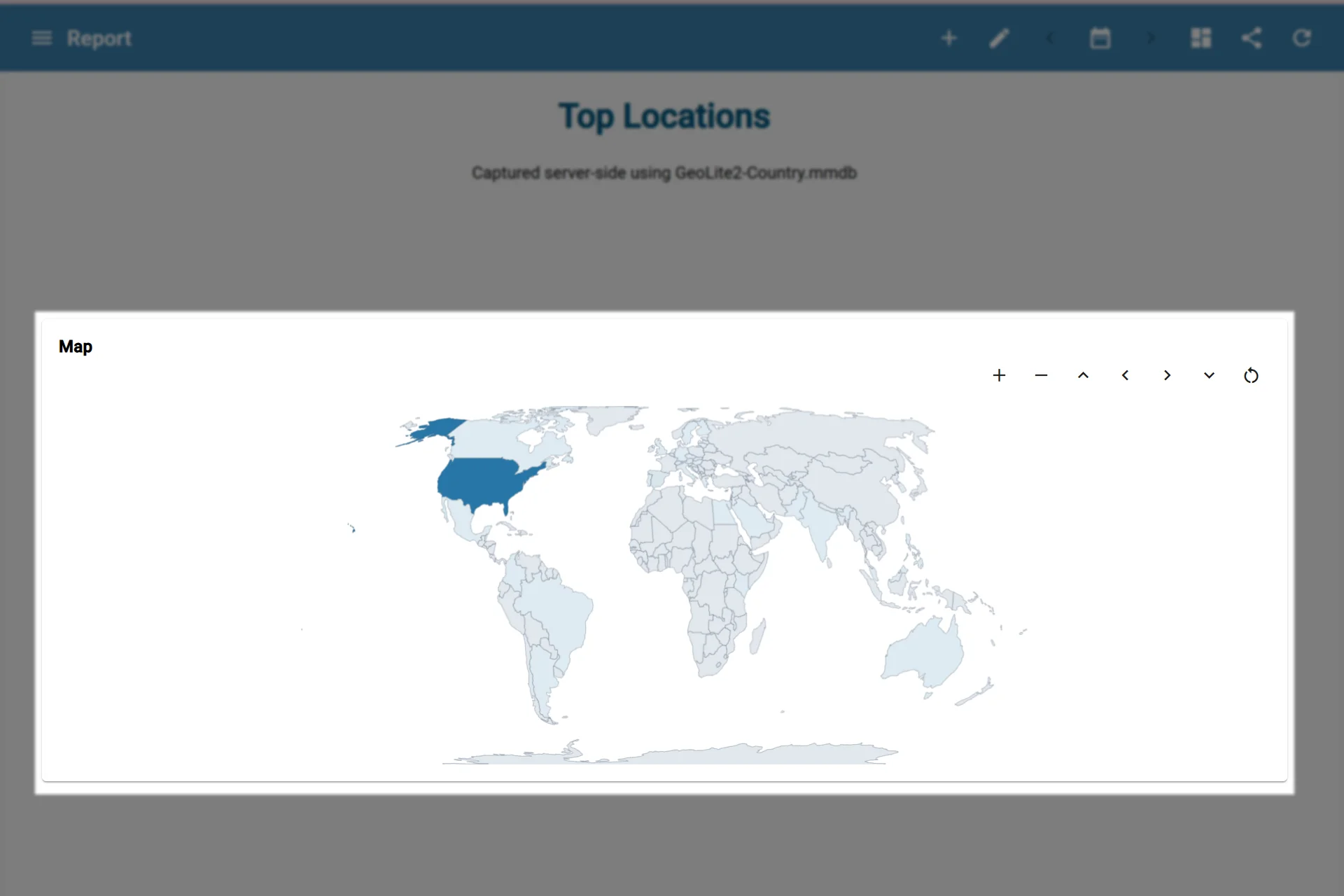
A sample usage of the Map Widget