Data Value Widget
The Data Value widget shows one selected report dataset as a focused value. Use it for headline KPIs that should be visible immediately.
Inputs and Controls
| Control | Description |
|---|---|
| Data set | Select the report dataset used by the widget. |
| Description | Supporting text shown with the value. |
| Value font size | Small, medium, or large value text. |
Tips and good uses
Tips
- Use Data Value widgets near the top of the layout.
- Add value postfixes on report items when the unit matters.
- Limit headline values to the metrics readers care about most.
Good uses
- Total cost
- Total revenue
- Number of leads
- ROI
- Cost per conversion
Configuration and Usage
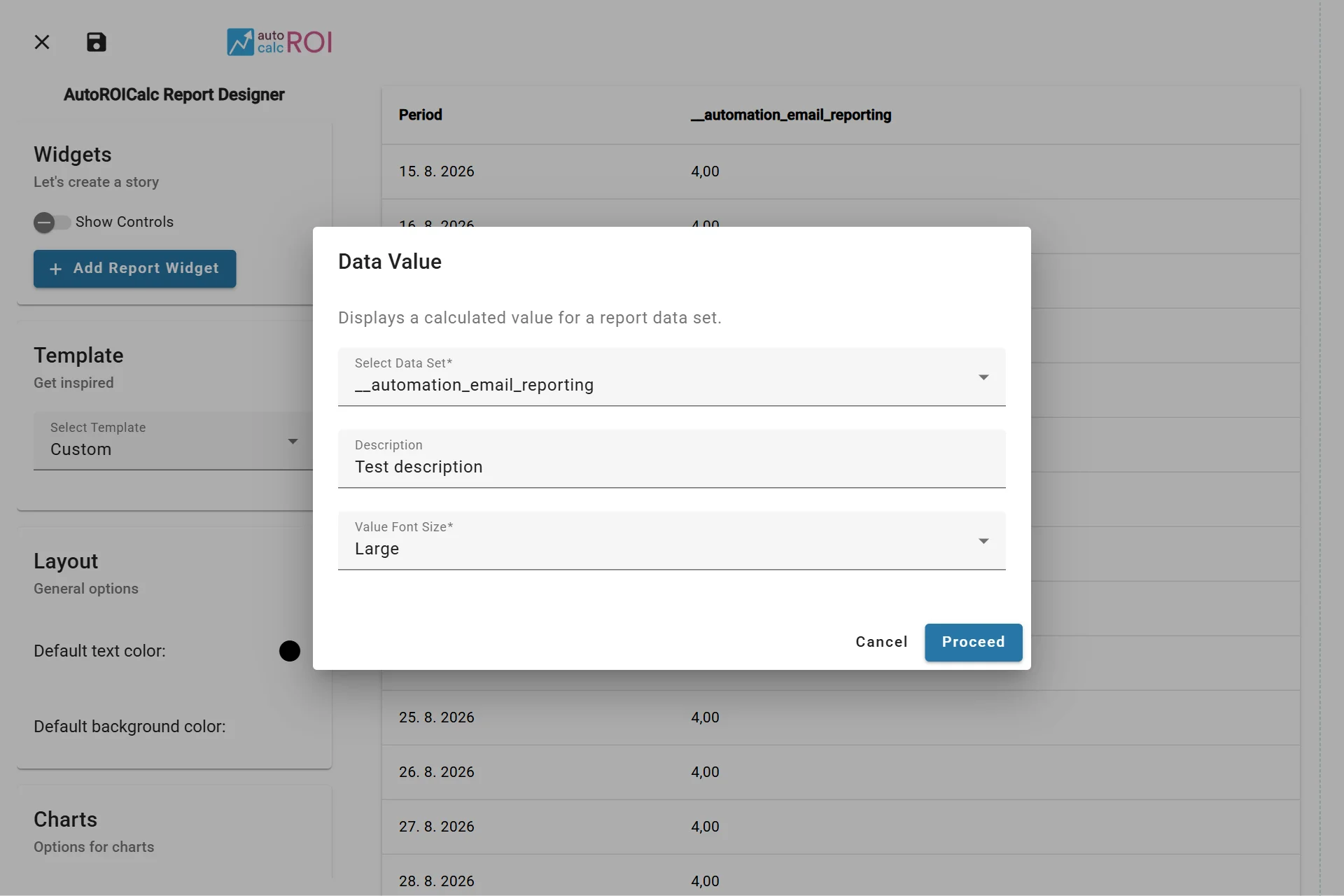
Configuring the Data Value Widget
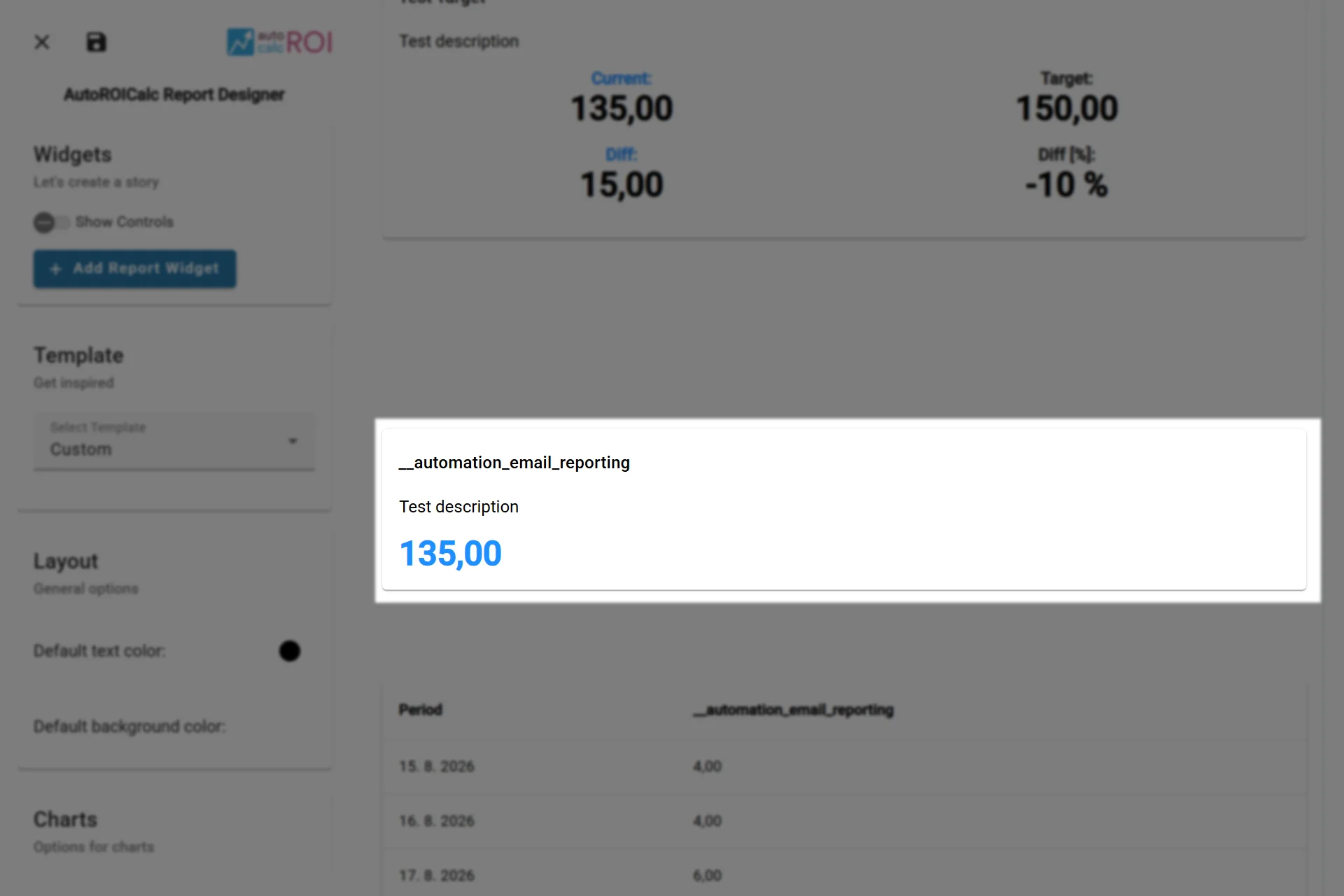
A sample usage of the Data Value Widget
Embed This Widget
Embed a Data Value widget saved in your report layout using its widget ID. Use public access only for report data that is safe to share publicly, or authenticated backend access for a private integration.
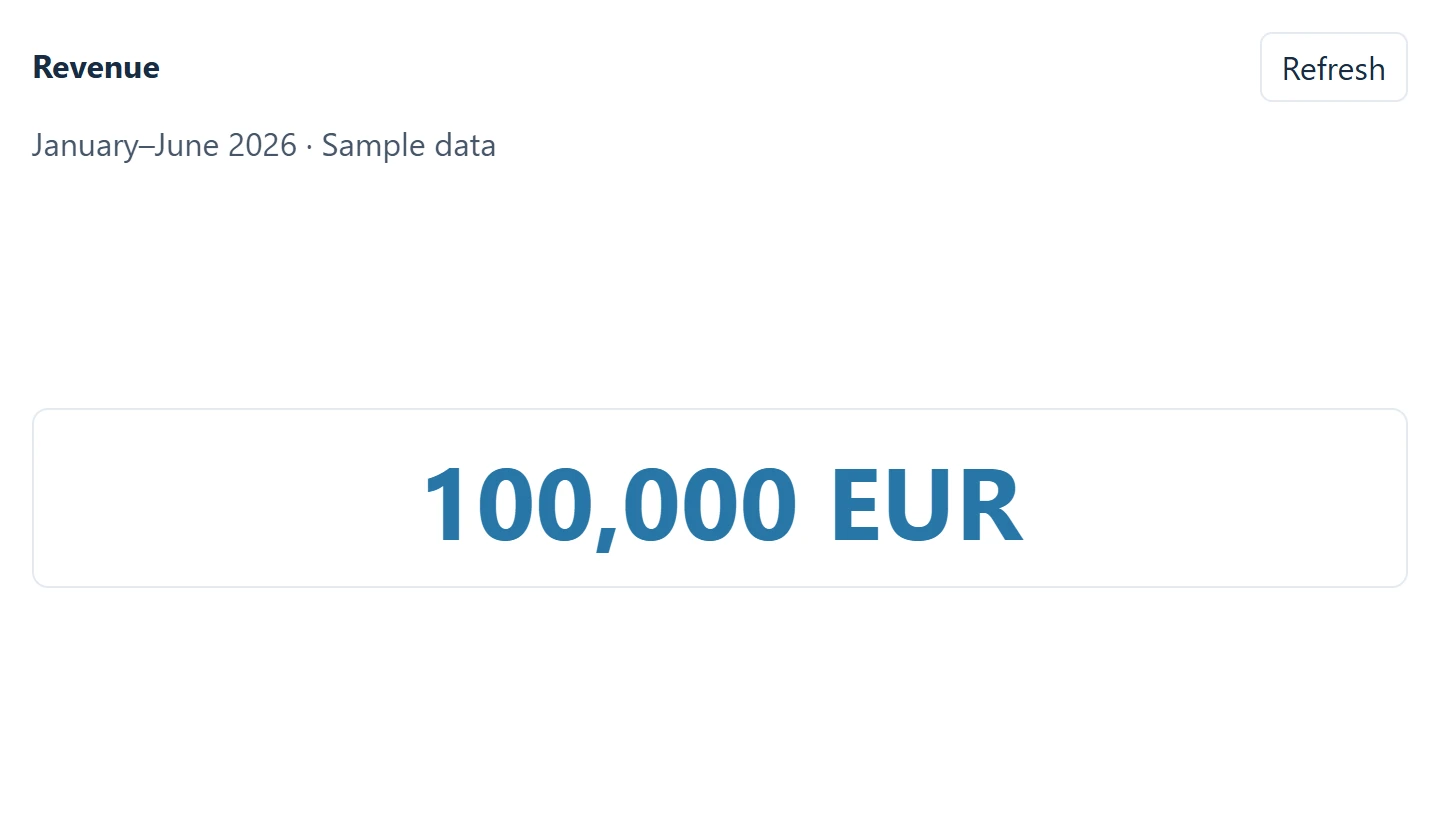
Revenue KPI rendered outside AutoROICalc — sample data.
Follow the Report Widget API guide for the endpoint and iframe setup.