Section Widget
The Section widget adds text or section content to an advanced report layout. Use it to introduce a report area, explain context, separate sections, or add notes for a client or team.
Inputs and Controls
| Control | Description |
|---|---|
| Title | Heading displayed in the section. |
| Description | Supporting text displayed below the title. |
| Font size | Small, medium, or large text. |
| Text alignment | Left, center, or right alignment. |
Tips and good uses
Tips
- Keep section text short and scannable.
- Use sections to make long advanced layouts easier to read.
- Place section widgets before the charts or values they explain.
Good uses
- Report section headers
- Short explanations
- Client-facing notes
- Context for nearby charts or values
Configuration and Usage
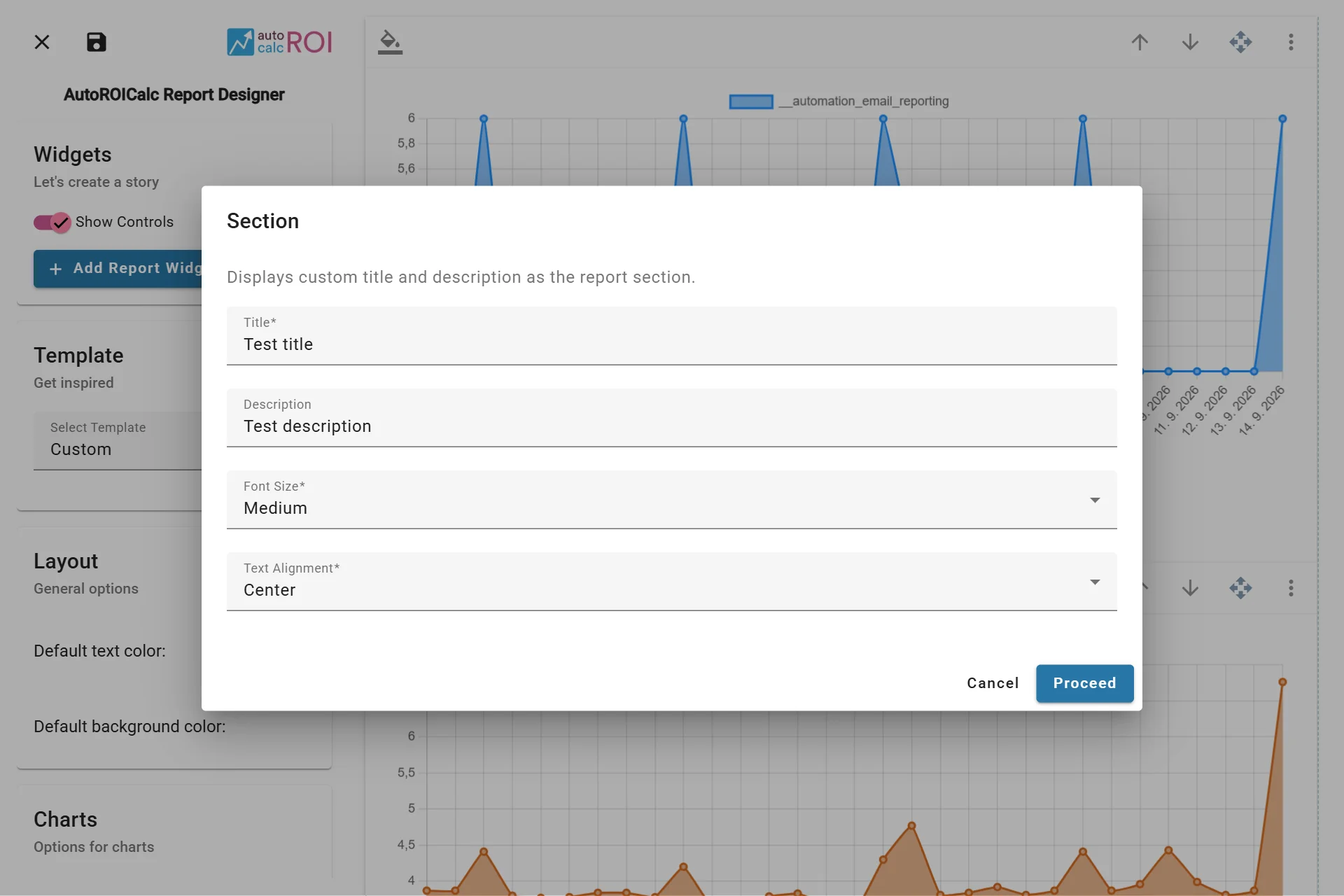
Configuring the Section Widget
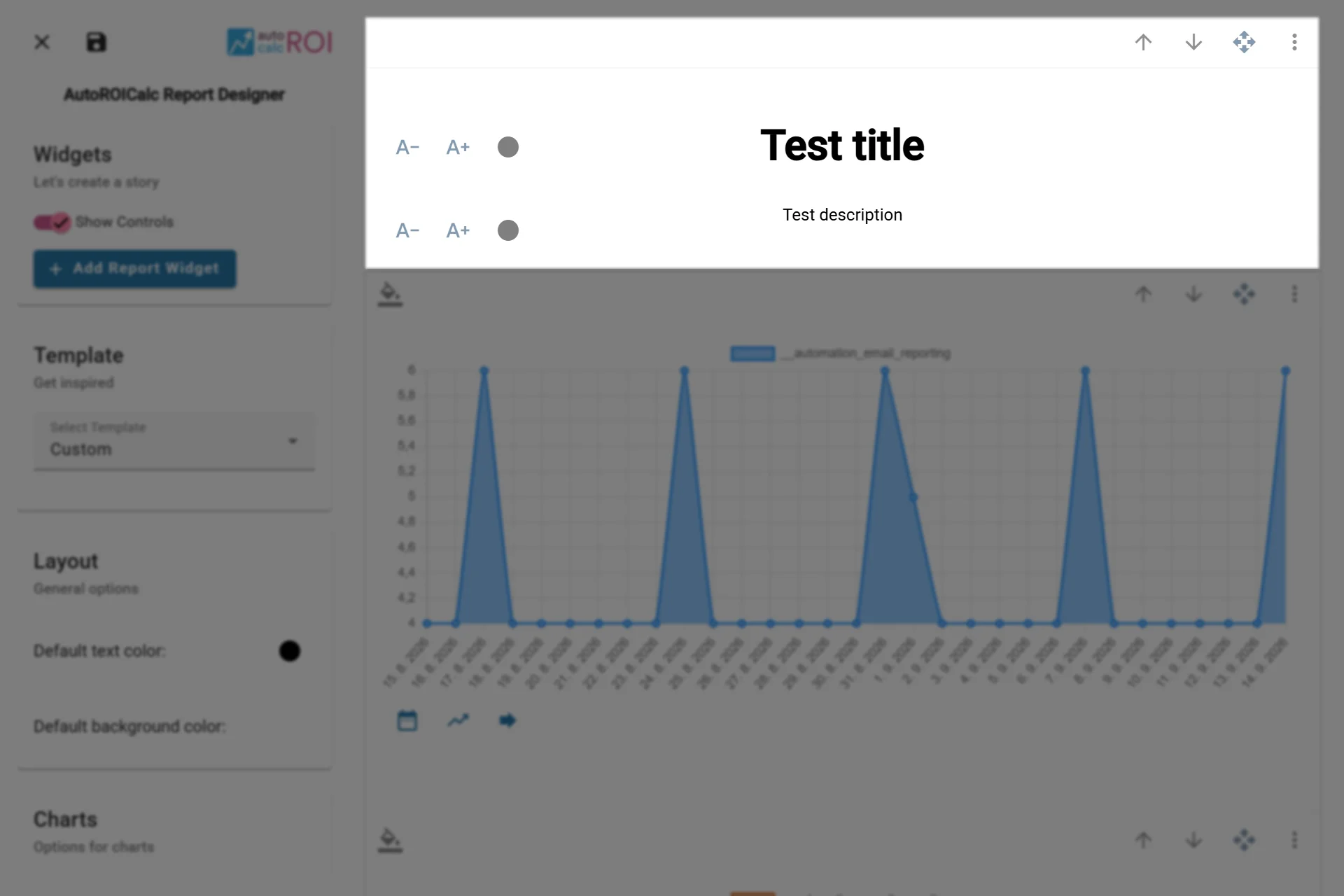
A sample usage of the Section Widget