Conversion Paths Widget
The Conversion Paths widget helps analyze source paths behind conversions or other valuable activity. Use it when records contain multiple sources and you want to understand source sequences or touchpoints.
Inputs and Controls
| Control | Description |
|---|---|
| Record type | Select the record type whose source paths should be displayed. |
| Filter record sources | Limit the displayed source list. |
| Source filter text | Show only sources matching the entered text. |
| Custom breakdown details | Enable access to custom breakdown details where available. |
Tips and good uses
Tips
- Use it with records that contain meaningful source history.
- Keep source naming consistent so paths are readable.
- Use it as an analysis widget rather than a headline KPI.
Good uses
- Conversion journey analysis
- Multi-source attribution context
- Campaign touchpoint review
- Understanding source combinations before a sale or lead
Configuration and Usage
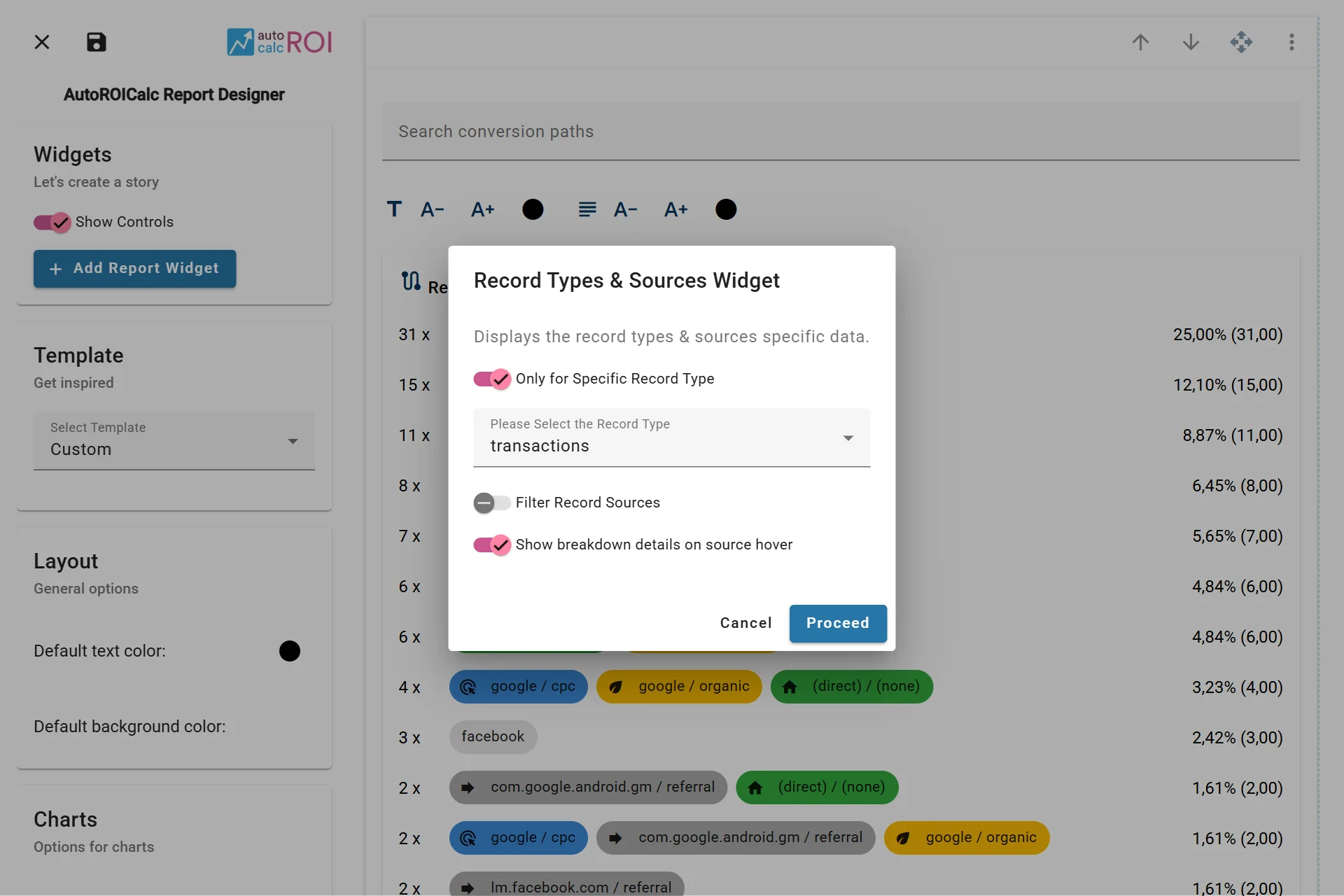
Configuring the Conversion Paths Widget
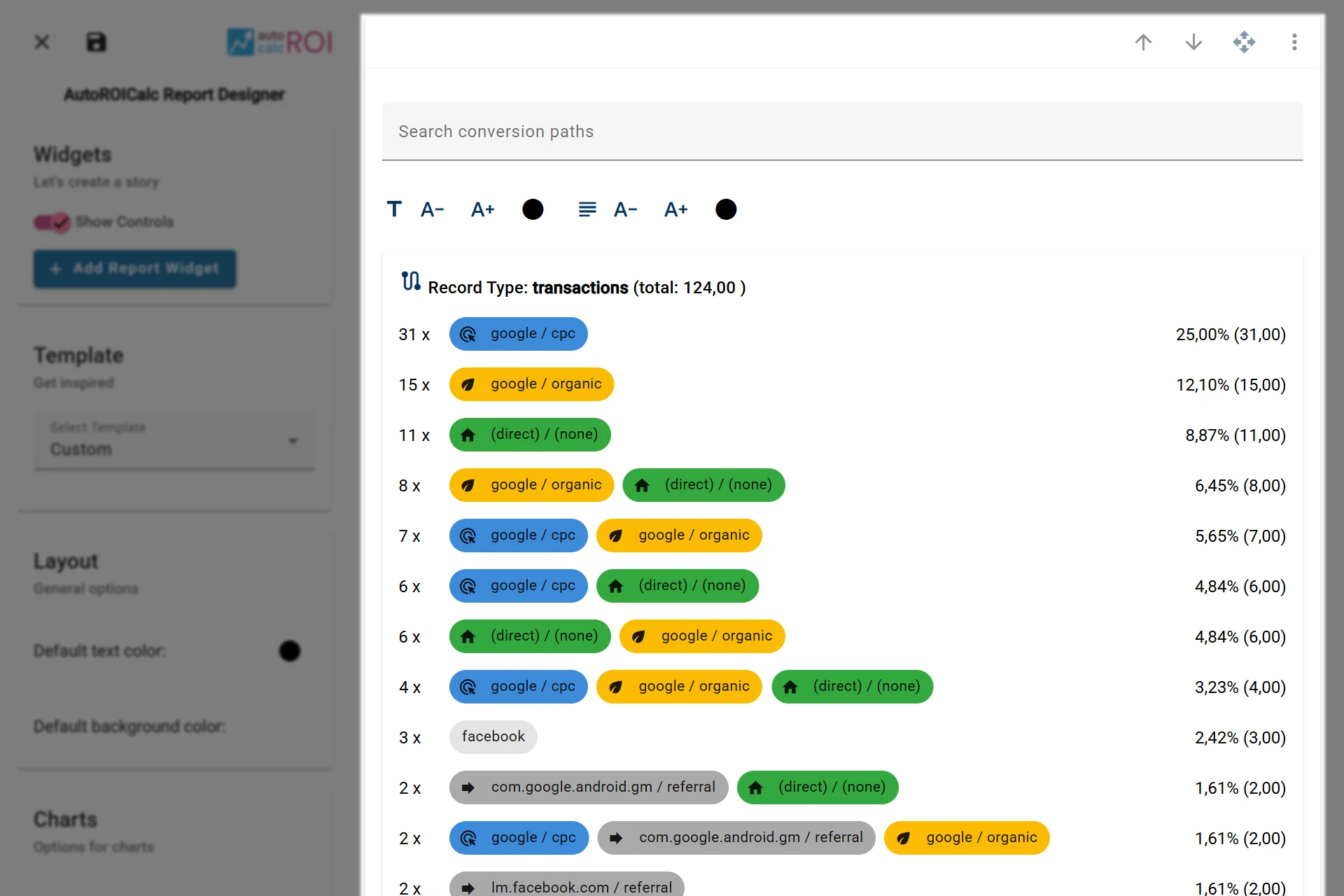
A sample usage of the Conversion Paths Widget