Heureka Statistics Import
The Heureka Statistics import helps turn Heureka CSV statistics into AutoROICalc records. This is useful for product performance reporting, marketplace analysis, ecommerce monitoring, and ROI dashboards.
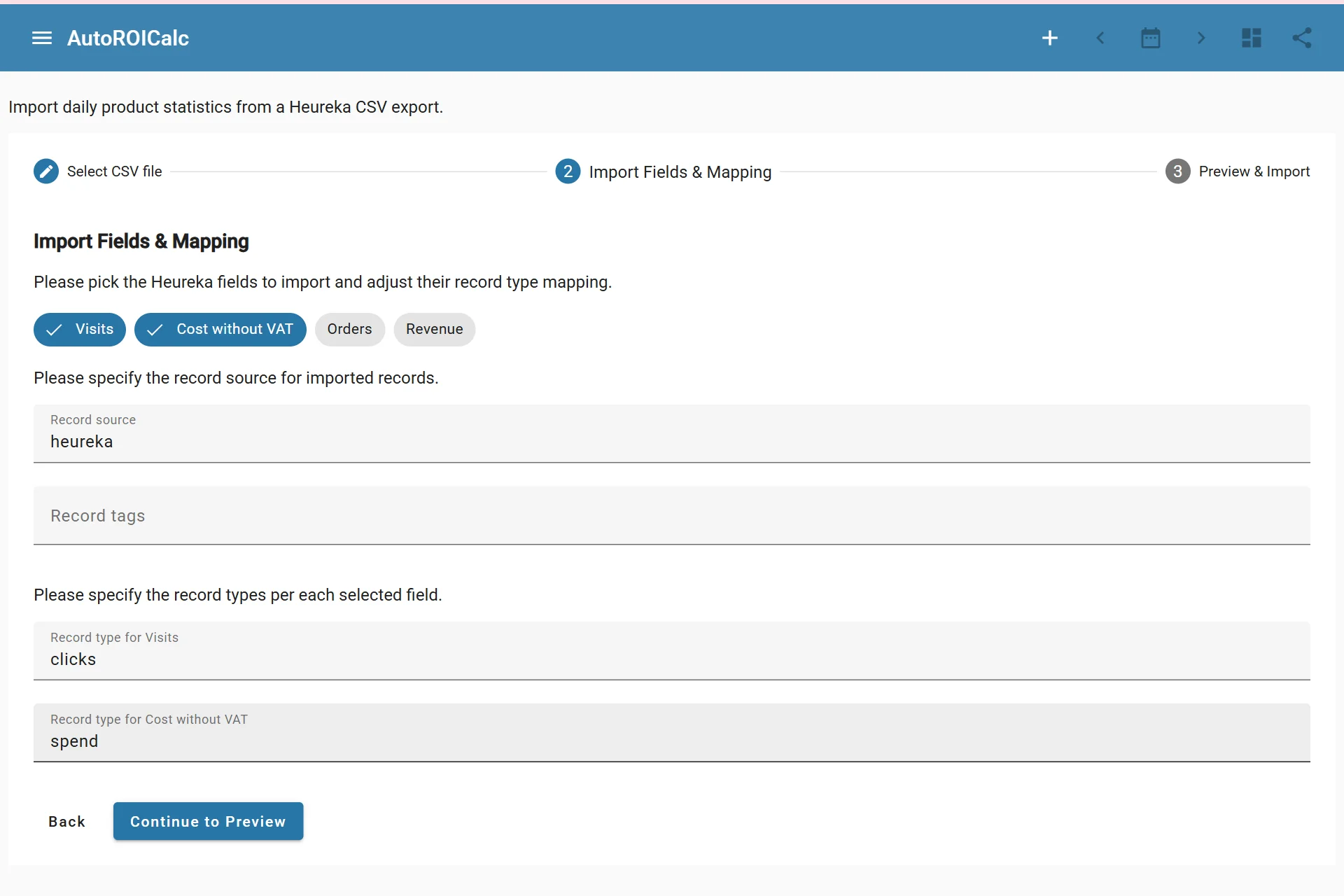
Importing data from Heureka
What It Imports
The Heureka import reads a statistics CSV file and lets you map selected metrics to AutoROICalc record types.
Supported metric areas include:
- Visits
- Cost without VAT
- Orders
- Revenue
The import preview shows the records that will be created before the data is imported.
Import Flow
Typical steps:
- Select a valid Heureka statistics CSV file.
- Choose which Heureka metrics to import.
- Set the record source.
- Add optional record tags.
- Map selected metrics to AutoROICalc record types.
- Preview the generated records.
- Import the records.
Custom Data
Heureka product details can be stored as custom data on imported records. This helps reports and dashboards keep product-level context while still using standard record fields for calculations.