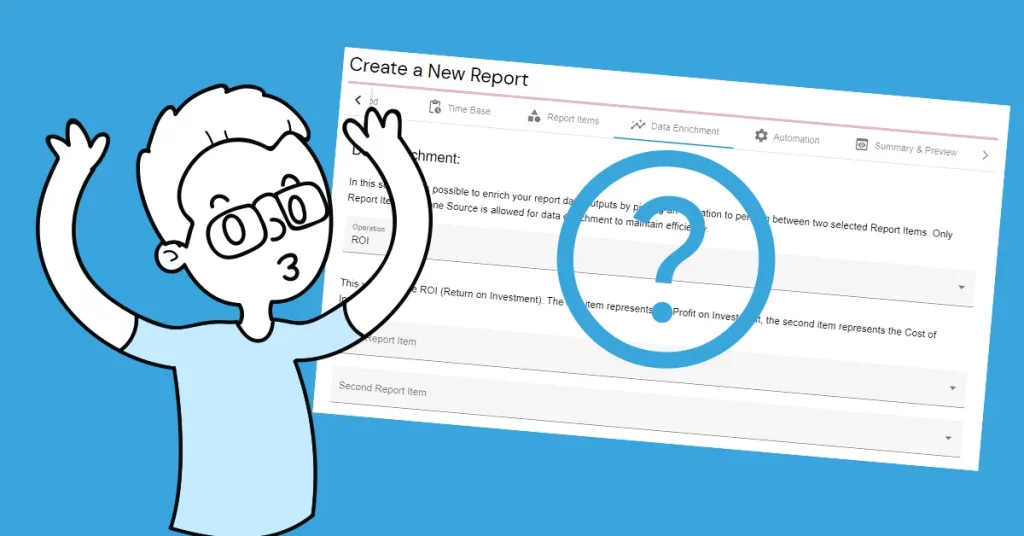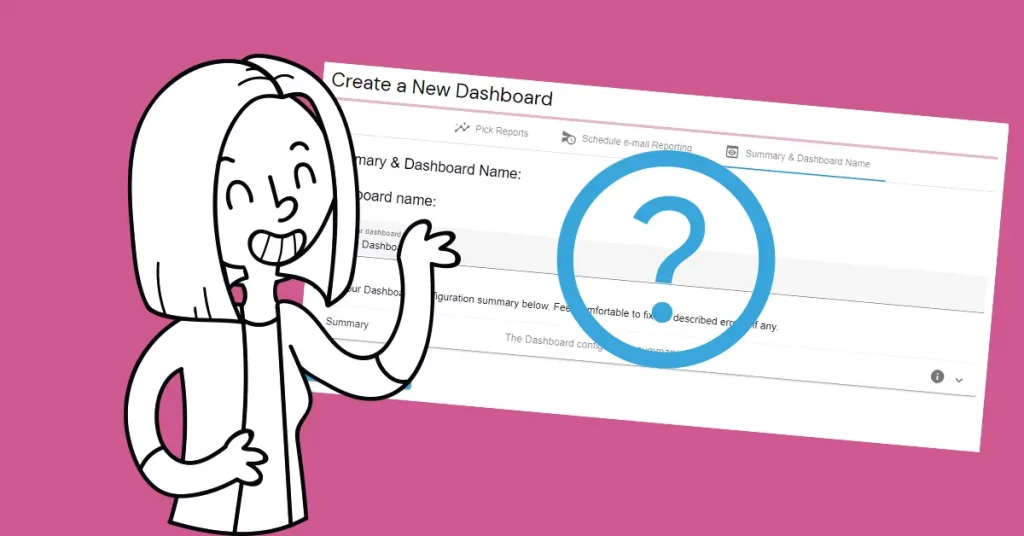

How the Report automation features can improve your reporting process? Maybe you have been experiencing the convenience of scheduled dashboard reporting using the power of email. The Dashboard is sent to your User Account email address according to the configured schedule. Additional receivers are optional, but welcomed 🙂
Dashboard vs. Report automation
At this stage, the above-mentioned Dashboard automation sends the dashboard to the inbox of the receivers. This happens on the static configuration. The difference between Dashboard and Report automation is that Report automation is triggered by a configured set of rules.
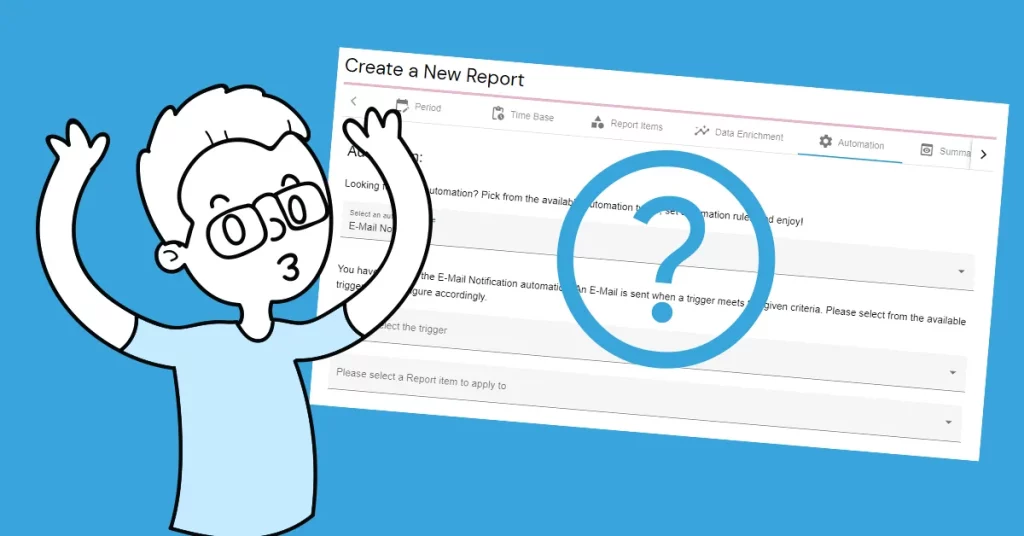
Report email notification automation
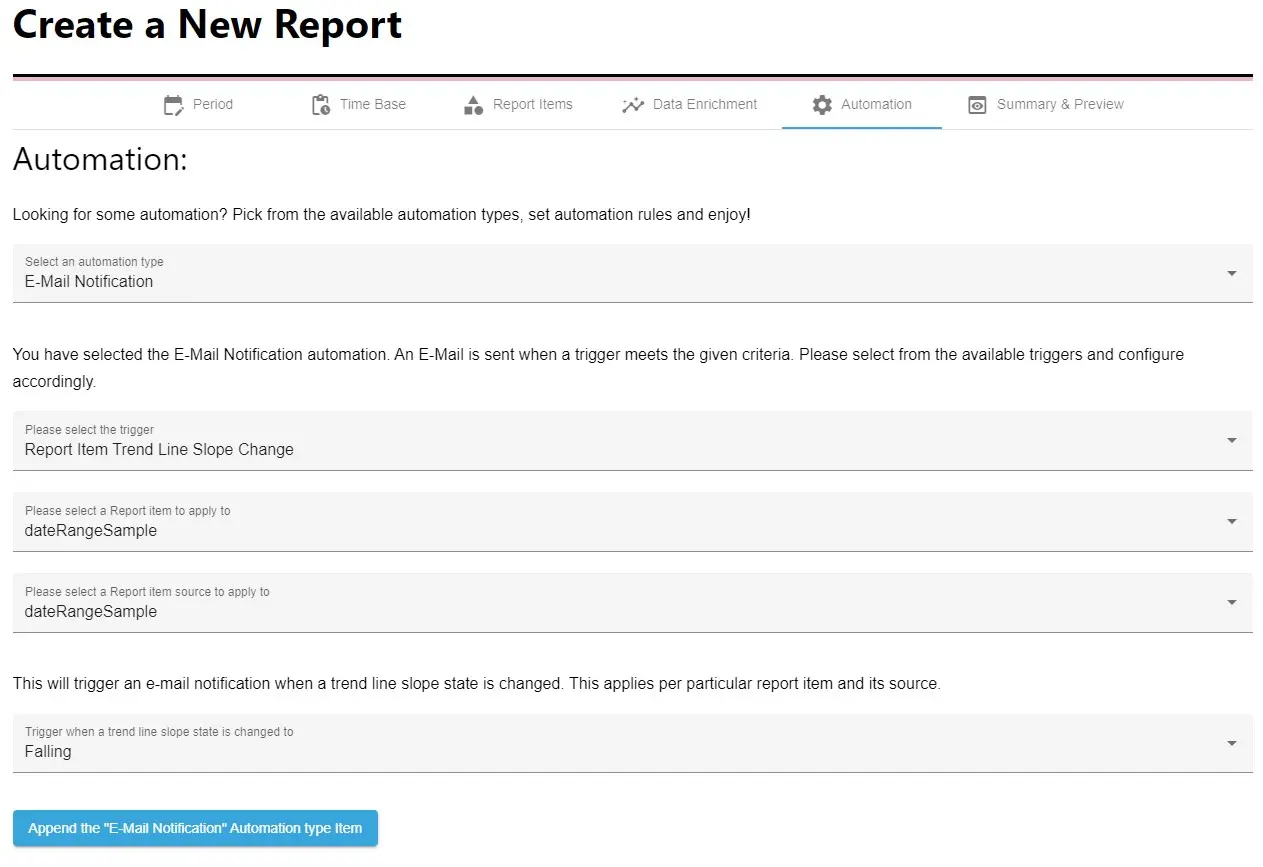
A notification email is sent when a configured trigger meets the given criteria. At this time, these triggers are available for this type of automation:
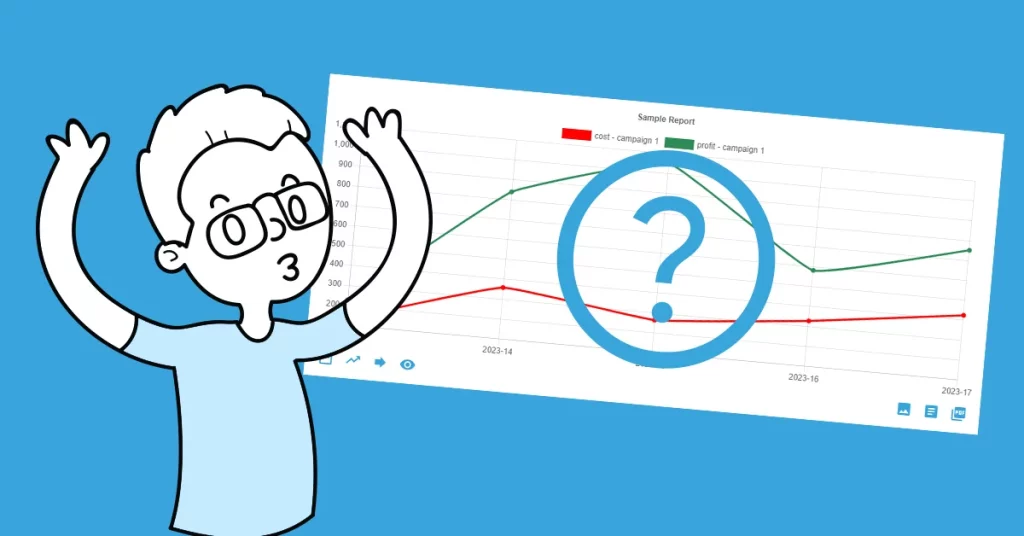
- The Report item trendline slope change.
- The Report period values percentage change.
All the information on how to configure this type of automation is within the content of the Report “Automation” tab.
Report config update automation
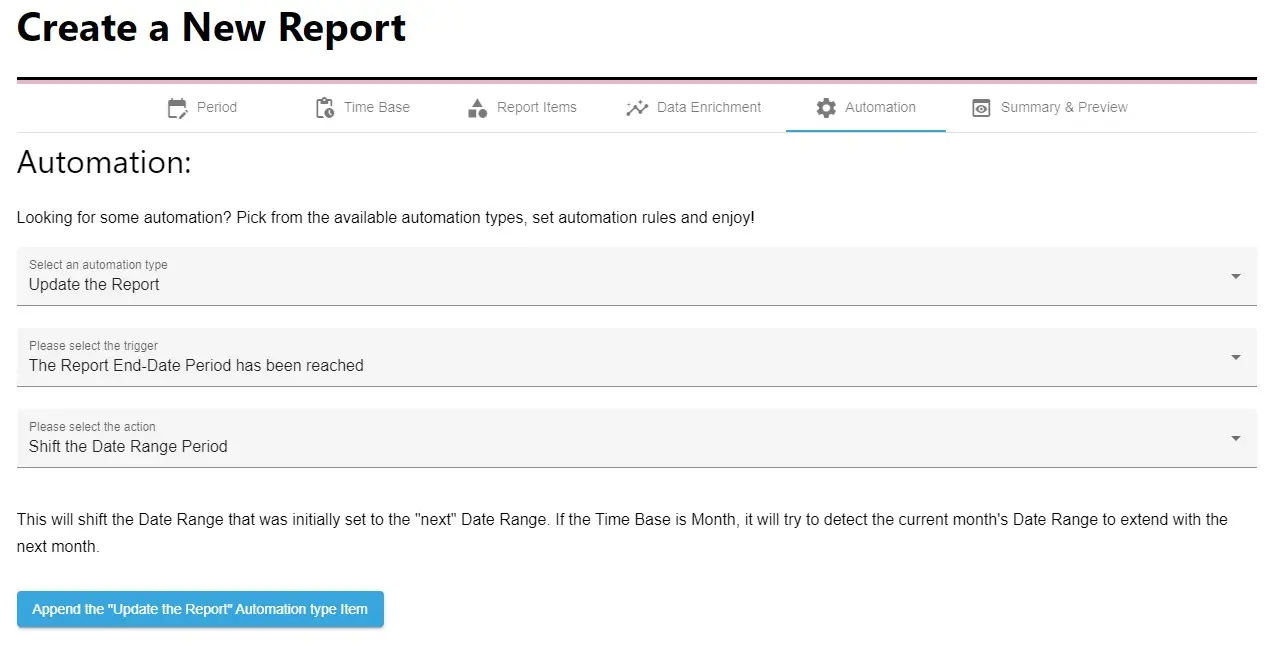
This type of automation updates the Report configuration. For example, it can update the fixed report date range if the report end-date period has been reached. In other words, it can change the current month´s date range and extend or shift it to the date range of the next month.
Experience it now
Since the Report automation features are available in the Premium Service Plan, experience it now with a 30-day free trial!
Flexible analytics & reporting without BI complexity
Unify your data, build custom metrics, and automate dashboards and reports — all in one platform.
Unified and Consistent Data Layer
Aggregate and structure data from multiple platforms into one reliable, analytics-ready environment.
Flexible Data Management
Manage your data manually or automatically with powerful tools for synchronization, updates, and transformations.
Accessible Anytime, Anywhere
Your dashboards, reports, and data remain accessible across devices — always under your control.
Custom Analytics & Automated Reporting
Define your own KPIs, build custom dashboards, and automate reporting workflows across your organization.
Set Once, Enjoy Forever!
Start your free 30-day trial and explore all features.
Explore the pricing plans. No credit card is required.