

Start with a proven report structure.
Customize it for your business.
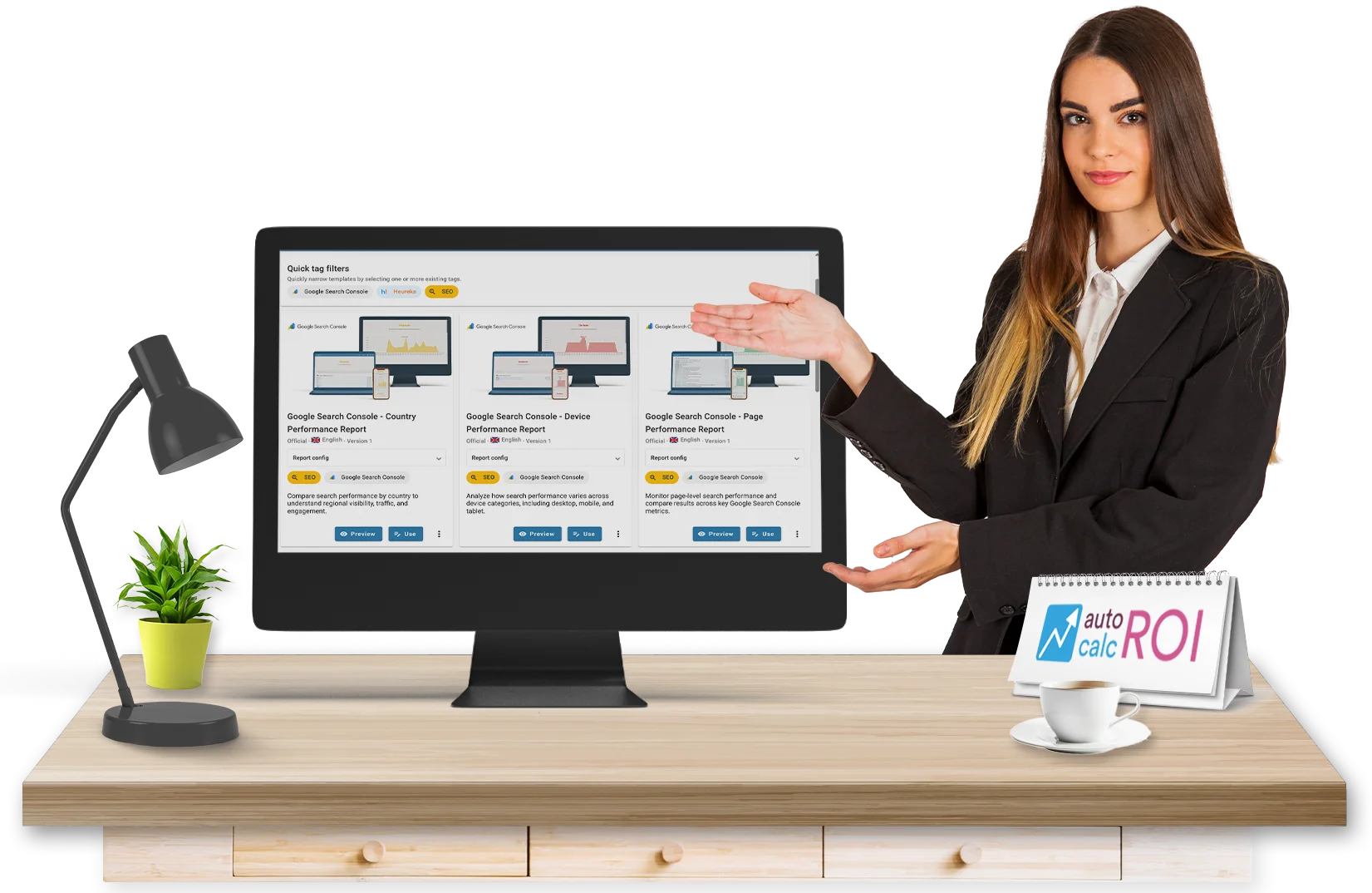
AutoROICalc Report Templates help you create reports faster by starting from ready-made layouts, metrics, calculations, and visual report structures.
Use official templates, reuse templates saved by your team, or share your own report setup with other users.
Build reports faster
Instead of creating every report from scratch, choose a Report Template and adapt it to your data, goals, and workflow.
Templates can include report structure, selected metrics, data sources, chart settings, calculated values, layout configuration, and visual presentation settings. You can:

- Preview templates before using them
- Test templates with sample data
- Preview with your real data
- Import a template as a saved report
- Open a template and customize it before saving
- Save your own reports as reusable templates
Choose from the template library
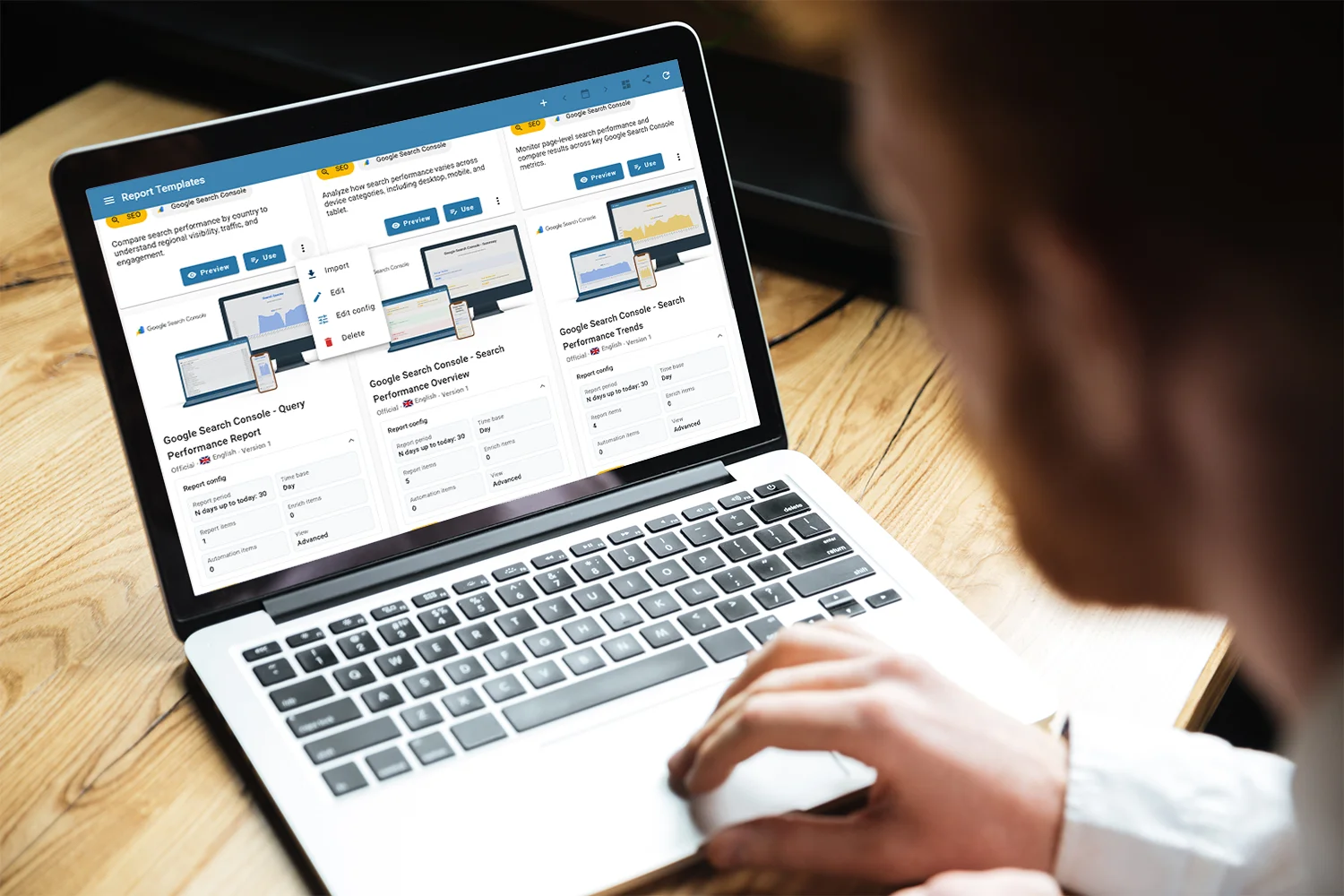
AutoROICalc organizes Report Templates into clear libraries:
Official Templates
Ready-made templates prepared by AutoROICalc.
Library
Those are the report templates you can currently use in AutoROICalc:
English

Official
Google Search Console – Devices Comparison
See how the desktop, tablet, or mobile contributes to the search performance.

Official
Google Search Console – Top Pages
Top-performing pages by impressions and clicks.

Official
Google Search Console – Top Queries
Top-performing search queries by impressions and clicks.

Official
Google Search Console – Top Countries
Top countries' performance overview by search occurrence, impressions, and clicks.

Official
Google Search Console – Country Performance Report
Compare search performance by country to understand regional visibility, traffic, and engagement.

Official
Google Search Console – Device Performance Report
Analyze how search performance varies across device categories, including desktop, mobile, and tablet.

Official
Google Search Console – Page Performance Report
Monitor page-level search performance and compare results across key Google Search Console metrics.

Official
Google Search Console – Query Performance Report
Identify top-performing search queries and explore detailed breakdowns of search visibility and traffic.

Official
Google Search Console – Search Performance Overview
Summarize core Google Search Console metrics in one report: average position, impressions, clicks, and click-through rate.

Official
Google Search Console – Search Performance Trends
Visualize changes in average position, impressions, clicks, and click-through rate over time.
Slovenčina

Official
Heureka Štatistiky
Počet platených kliknutí, náklady na platené kliknutia, priemerná cena za preklik. Podrobné rozloženie výkonnosti produktov podľa kliknutí a nákladov.

Official
Heureka – Súhrn
Počet platených kliknutí, náklady na platené kliknutia. Číselný súhrn za zvolené obdobie.
Public Templates
Templates shared by users for reuse across the platform.
Private Templates
Your own templates, available only in your workspace/account.
Each template includes a title, description, language, version, and optional preview image, so you can quickly find the right starting point.
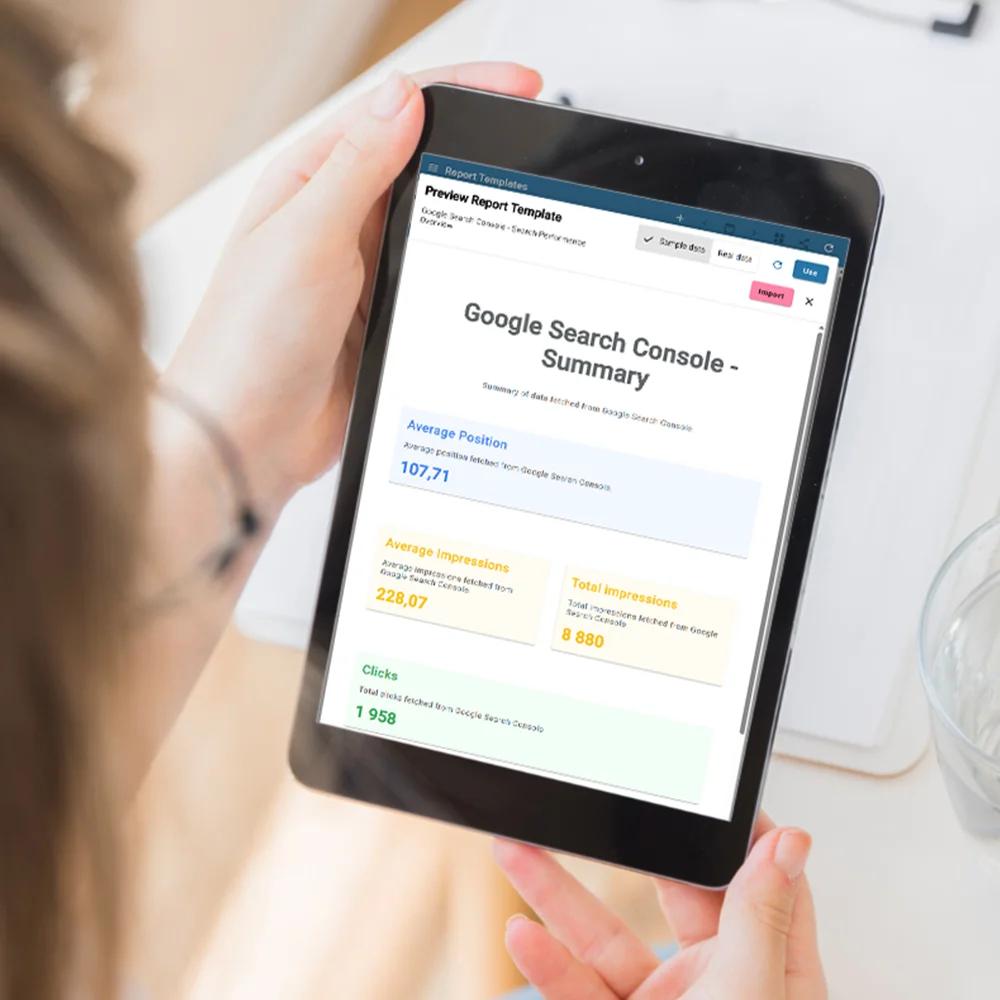
Preview before you commit
Open any template and see how the report looks before importing or editing it.
You can preview templates using:

- Sample data to understand the report structure immediately.
- Real data to see how the template works with your own records.
- Regenerated sample data for quick testing.
This makes it easier to evaluate dashboards, charts, ROI calculations, source breakdowns, conversion paths, tables, and report layouts before creating a saved report.
Use it your way
AutoROICalc gives you two ways to work with a template:
Use
Open the template in the report editor, adjust the configuration, and create a report when it fits your needs.
Import
Create a saved report directly from the selected template.
This is useful when you want a quick start, but still want full control over the final report.
Create your own templates
Any saved report can become a reusable Report Template.
Save your best report configurations as templates so you can reuse them later, standardize reporting across projects, or share useful reporting structures with others.
When creating a template, you can define:
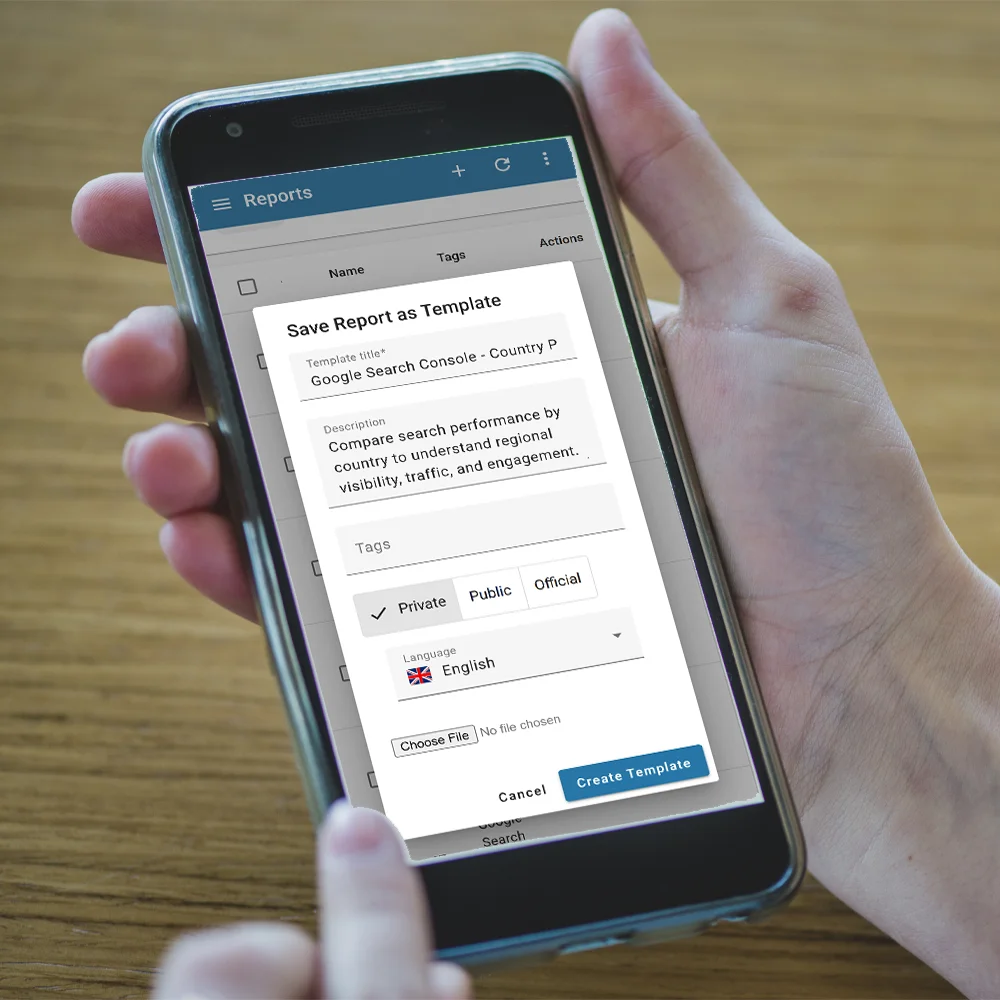
- Template title
- Description
- Visibility: private or public
- Language
- Preview image
- Report configuration
Admins can also manage official templates.
Templates for repeatable reporting
Report Templates are useful for:
- Marketing performance reports
- SEO and Google Search Console reports
- Google Analytics reports
- Facebook Ads performance reports
- Ecommerce ROI reports
- Campaign comparison reports
- Executive dashboards
- Monthly client reports
- Internal business performance reviews
Turn your best reports into reusable workflows
Start with an official template, adapt a public one, or create your own template library for repeatable reporting.
FAQ
What is a Report Template?
A Report Template is a reusable report configuration. It can define the structure, metrics, charts, layout, calculations, and presentation of a report.
Can I preview a template before using it?
Yes. You can preview templates with sample data or with your real data before importing or editing them.
What is the difference between Use and Import?
Use opens the template in the report editor so you can customize it first. Import creates a saved report from the template.
Can I create my own templates?
Yes. You can save an existing report configuration as a reusable template.
Can I share templates with other users?
Yes. Templates can be saved as public templates so other users can reuse them. Private templates remain available only to you.
Are templates available in multiple languages?
Yes. Templates include language information, making it easier to organize and reuse templates for different audiences.
Do templates include my actual data?
The template is focused on the report configuration. Users can preview with sample data or real data, but the template itself is designed as a reusable report structure.