

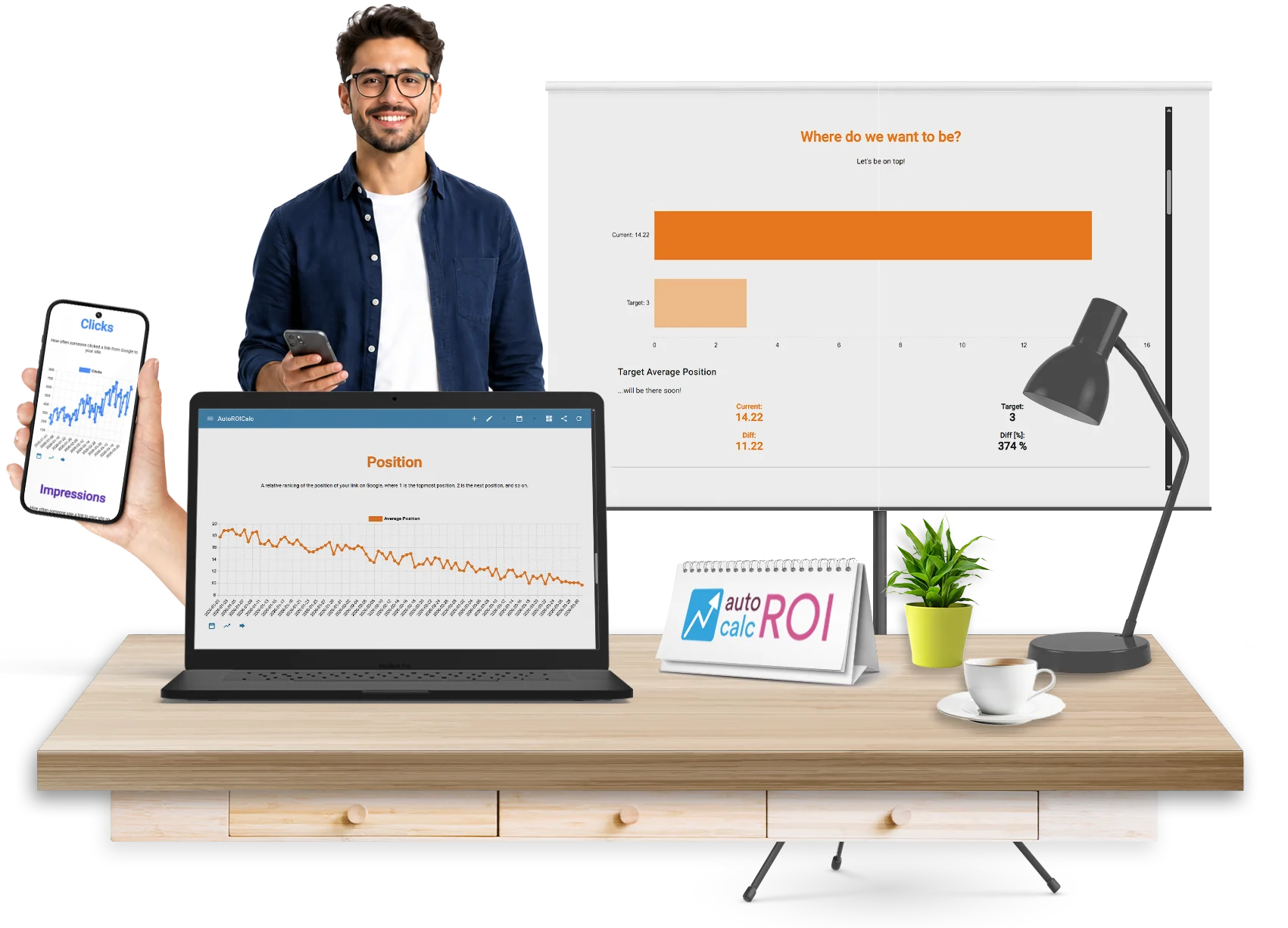
Automated SEO Reporting with
Google Search Console
Turn Google Search Console data into reusable reports, dashboards, and scheduled SEO updates. AutoROICalc helps you monitor organic search performance without manual exports, spreadsheets, or rebuilding the same SEO reports every week or month.
Google Search Console is full of valuable SEO data, but turning that data into clear reports often takes too much manual work. AutoROICalc helps you connect Google Search Console, import search performance data, use ready-made SEO report templates, and automate dashboard updates for your website, clients, or marketing team.
Still Creating SEO Reports by Hand?
SEO reporting should help you make better decisions, not consume your week.
Do you still struggle with:

- Exporting Google Search Console data manually?
- Copy-pasting queries, pages, clicks, and impressions into spreadsheets?
- Rebuilding the same SEO report every month?
- Tracking keyword and landing page trends across multiple time periods?
- Preparing client-ready SEO dashboards before meetings?
- Explaining organic performance without a clear visual report?
AutoROICalc replaces repetitive SEO reporting work with automated dashboards that stay up to date.
One Automated System for Search Performance Reporting
AutoROICalc turns Google Search Console data into structured, reusable, and scheduled SEO reports. Track organic visibility, understand what changed, and share clear dashboards with clients, teams, or leadership. From raw Search Console data to automated SEO reporting, without the manual reporting cycle.
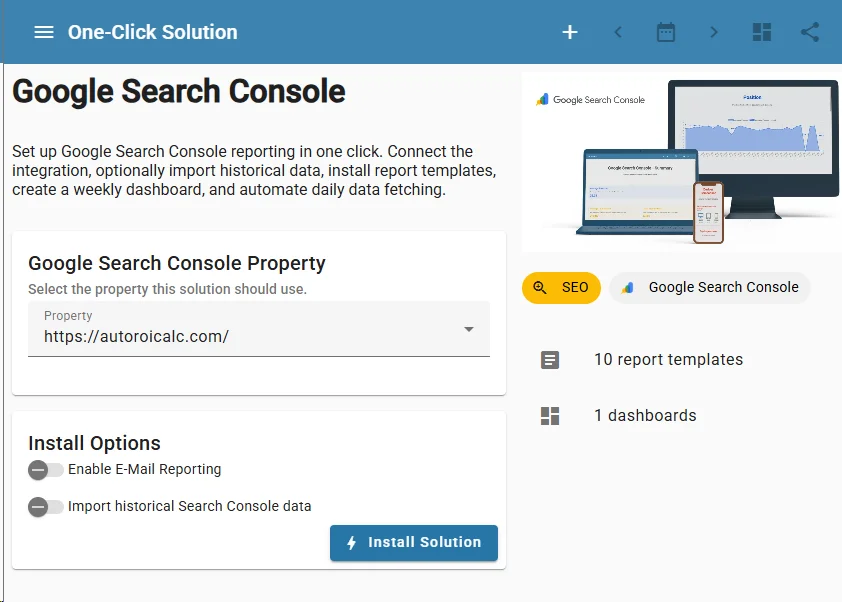
Connect Google Search Console
Connect your Google Search Console account and bring search performance data into AutoROICalc. Monitor key SEO metrics such as: clicks, impressions, CTR, average position, search queries, landing pages, countries, devices, search appearance.
No repeated exports.
No spreadsheet cleanup.
No manual data preparation.
Import Historical Search Data
Start with existing performance history instead of an empty dashboard. AutoROICalc can help you import historical Google Search Console data so your reports show trends, comparisons, and context from the beginning.
Use historical data to understand: which queries are gaining visibility, which pages are losing traffic, how CTR changes over time, where average position is improving, which countries or devices drive organic performance.
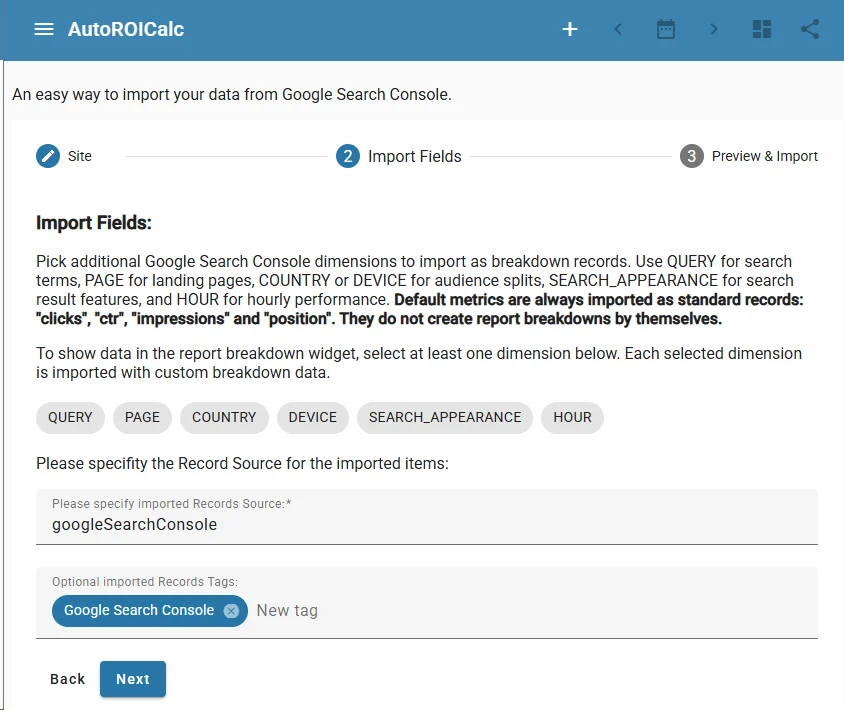
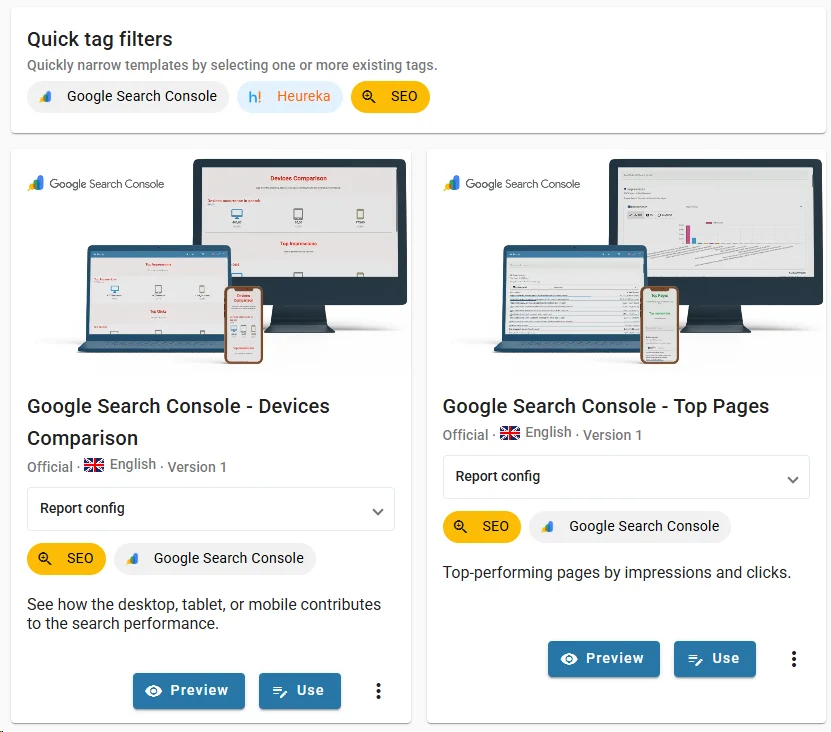
Use SEO Report Templates
Start faster with prepared Google Search Console report templates.
Use templates for: Top Queries, Top Pages, Device Performance, Country Performance, Search Performance Overview, Search Performance Trends, Query Performance Report, Page Performance Report. Each template gives you a proven reporting structure that you can preview, customize, and reuse.
Create SEO Dashboards That Update Automatically
Combine your SEO reports into dashboards for daily monitoring, weekly reviews, monthly reports, or client presentations. Dashboards can include charts, KPI values, tables, trends, source breakdowns, and performance comparisons. Your SEO dashboard becomes a single place to understand what is happening in organic search.
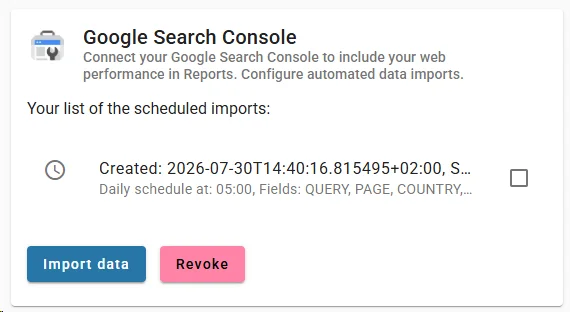
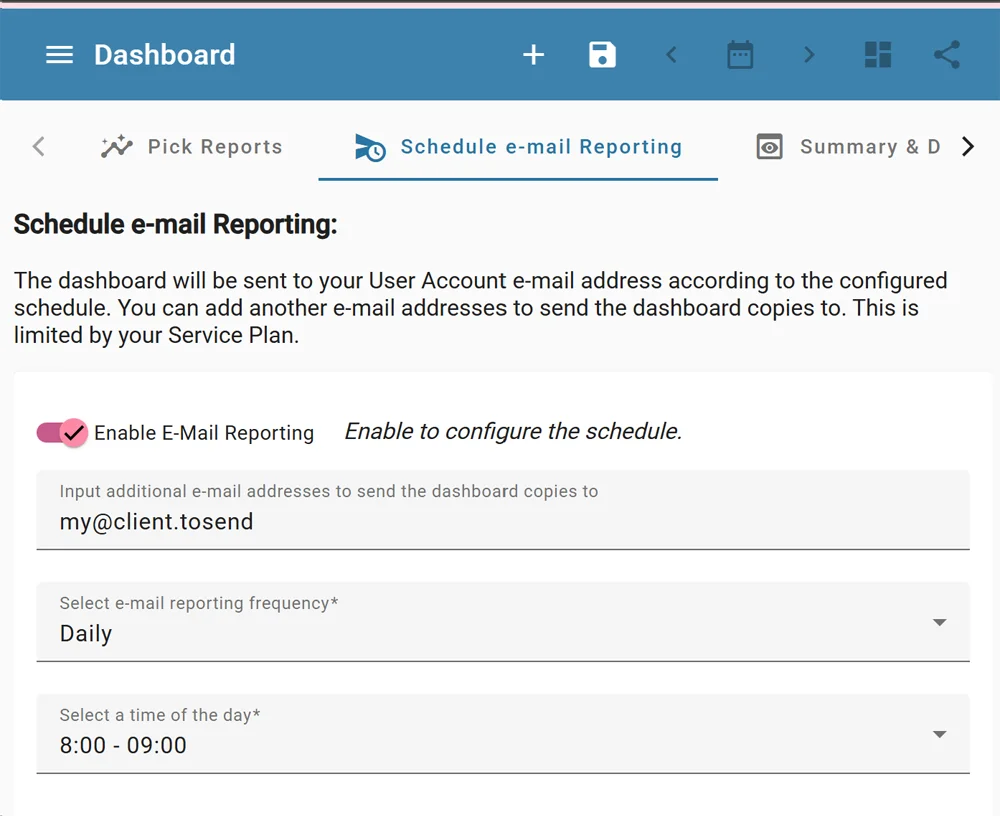
Schedule SEO Reporting
Keep reports fresh with automated updates and scheduled delivery. AutoROICalc can update Google Search Console data daily and deliver reports on a recurring schedule.
Use scheduled reporting for: weekly SEO updates, monthly client reports, internal marketing dashboards, executive search visibility summaries, multi-site or multi-client SEO monitoring.
Start Faster with One-Click SEO Reporting
AutoROICalc One-Click Solutions help you launch a complete Google Search Console reporting workflow faster.
The Google Search Console One-Click Solution can:
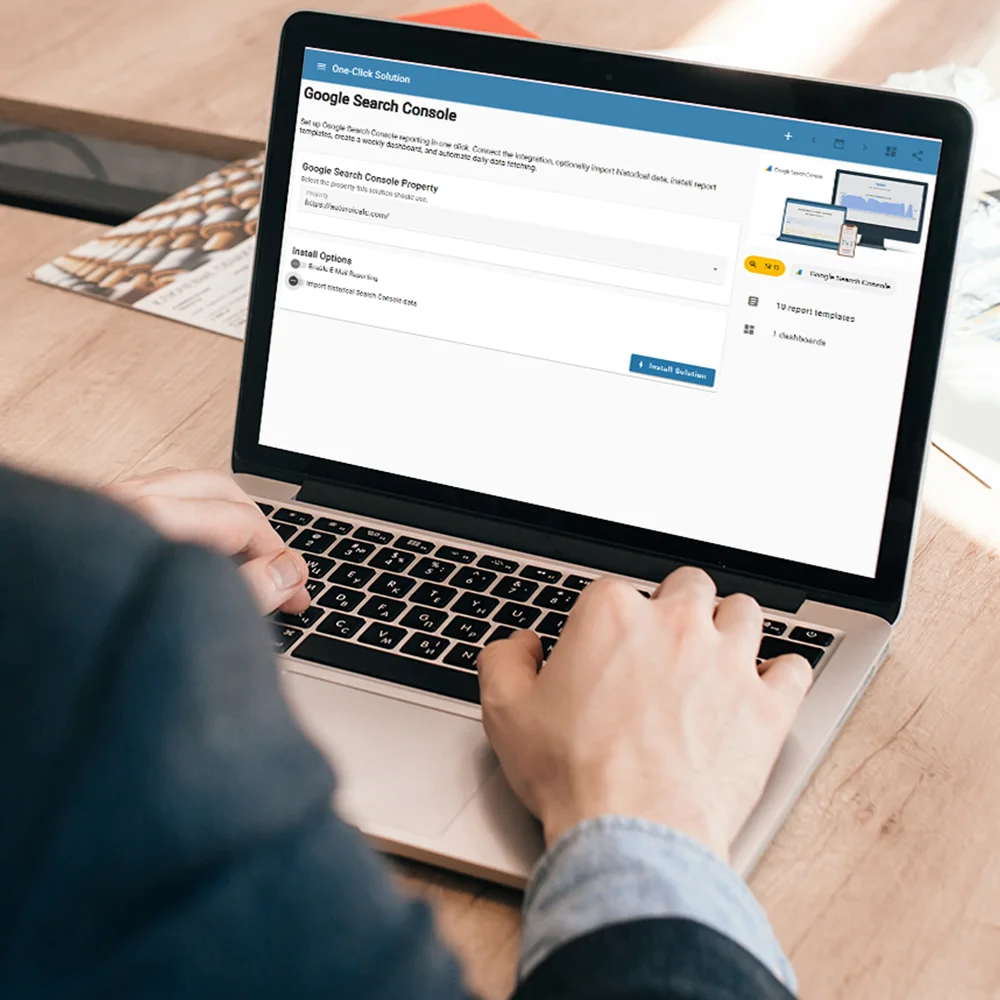
- connect your Search Console integration
- optionally import historical search performance data
- import prepared SEO report templates
- create a Search Console dashboard
- add a weekly dashboard schedule
- add daily automation to fetch fresh data
Start with a working SEO reporting setup, then customize the reports, dashboard layout, schedule, and automation settings to match your workflow.
Start Free — Scale As You Grow
Free plan up to 10K records
On-Premise / Self-Hosted options
Get started instantly with our free plan, which includes up to 10,000 data records — perfect for small teams, startups, or testing your reporting setup. When you’re ready to scale, choose from affordable, usage-based pricing with no long-term contracts or hidden fees.
Need more control? We also offer robust On-Premise / Self-Hosted deployment options for businesses that require custom hosting, enhanced data security, or full infrastructure ownership.
- Free plan up to 10K records
- Affordable paid plans
- No long-term contracts
- On-Premise / Self-Hosted options
Turn Client Reporting Into a Competitive Advantage
Stop wasting time on reports.
Start delivering insights clients actually value.
Start for free today or book a personalized demo to see how it works.
Works on any device!
Whether you’re in the office, in the field, or working remotely, your dashboards, reports, and data are always at your fingertips — synced and consistent across all devices.
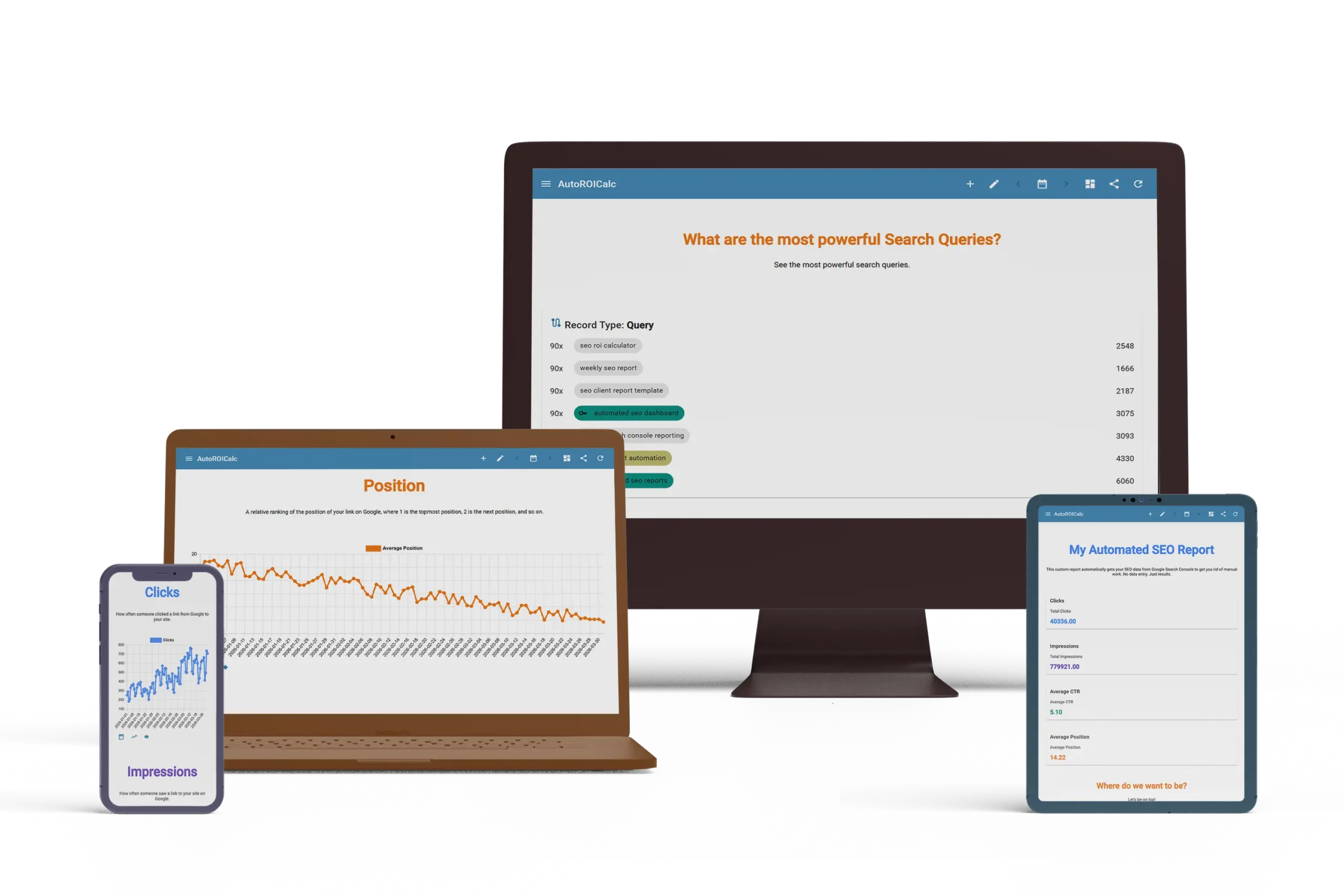
Desktop and Laptop
The best experience!
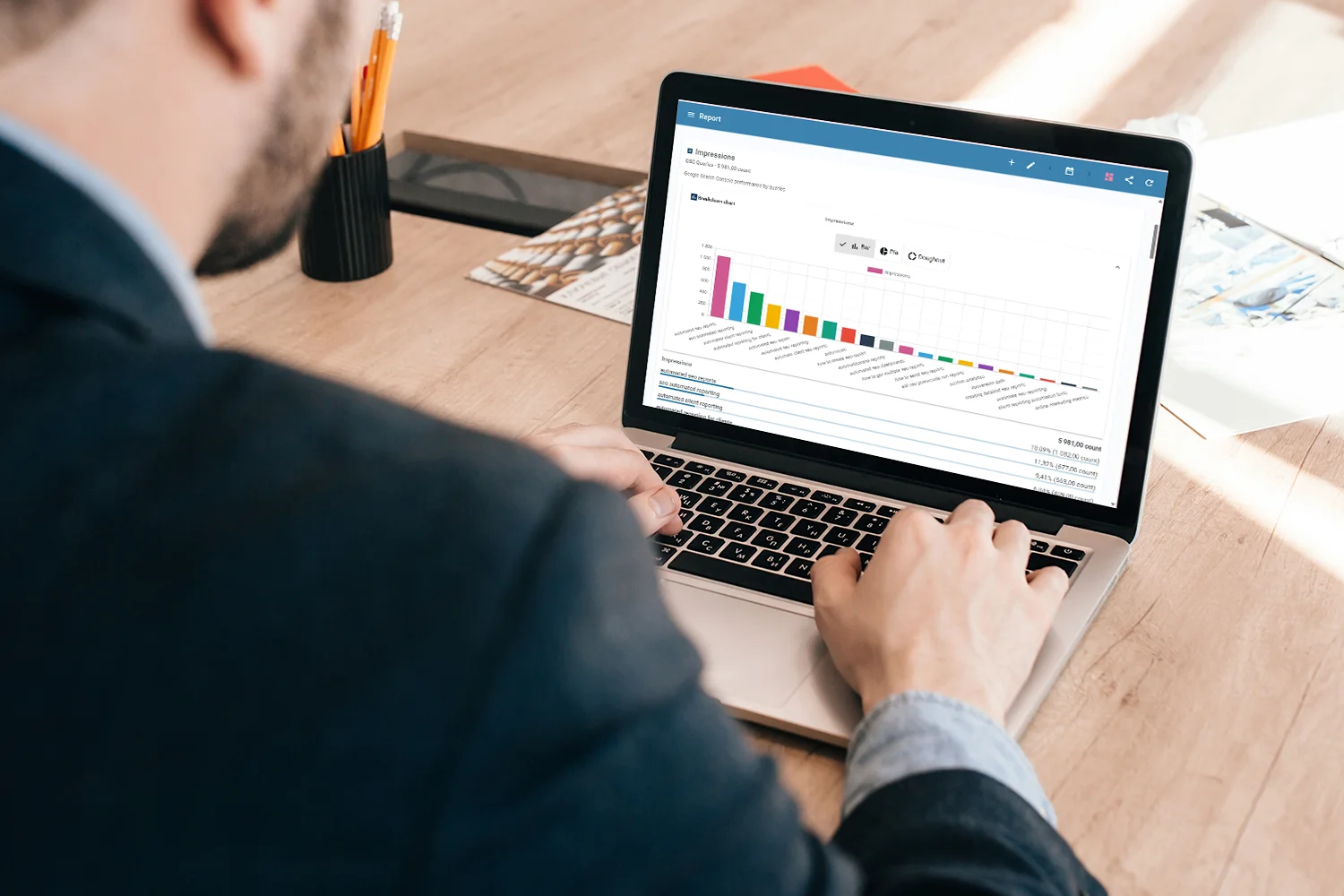
Get started in no time — set up easily, supercharge your reports, integrate your tools, design impactful dashboards, and unlock full automation.
Tablets
Wow, what a presentation!
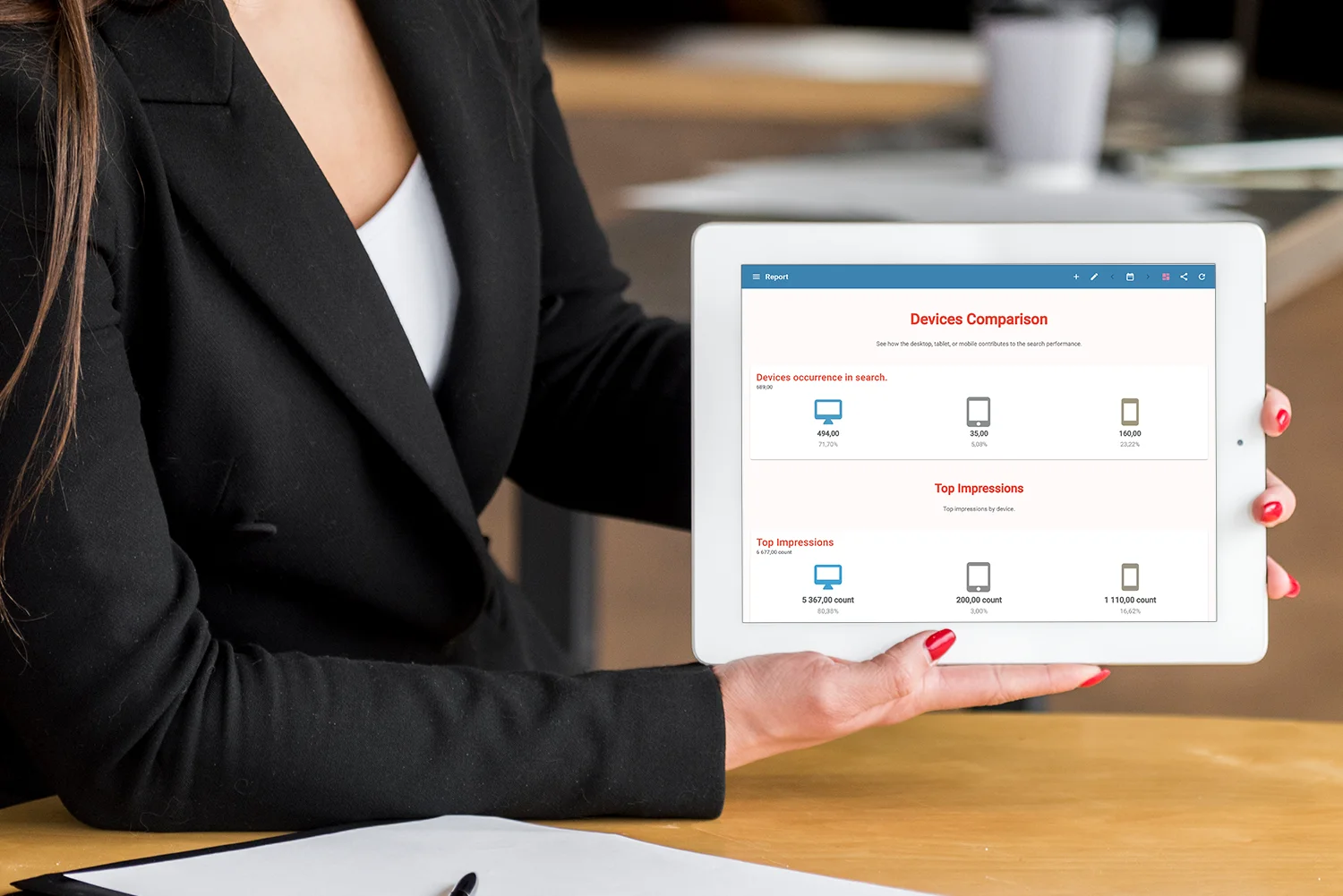
Impress on the move — deliver stunning dashboards, interactive reports, and real-time insights straight from your tablet.
Mobiles
Synced literally on the go!

Your business in your pocket — monitor performance, view dashboards, and make quick decisions with instant mobile synchronization.
Why Teams Automate SEO Reporting
AutoROICalc helps teams move from manual SEO reporting to repeatable, automated search performance dashboards.

- Save Time on SEO Reports
Stop exporting, cleaning, and rebuilding reports by hand. Automate recurring SEO reports so your team can focus on analysis and action. - Track the Metrics That Matter
Monitor queries, pages, clicks, impressions, CTR, average position, countries, devices, and search performance trends in one place. - Create Client-Ready SEO Dashboards
Give clients clear reports they can understand. Show what changed, where performance improved, and which pages or queries need attention. - Spot SEO Trends Faster
Use search performance trends to identify ranking changes, traffic opportunities, CTR issues, and landing pages that need optimization. - Standardize Reporting Across Websites or Clients
Use reusable templates and dashboards to keep reporting consistent across multiple properties, brands, or client accounts.
FAQ
What is automated SEO reporting?
Automated SEO reporting is the process of collecting, organizing, updating, and sharing SEO performance data without manually exporting and rebuilding reports each time. With AutoROICalc, Google Search Console data can be turned into reusable dashboards and scheduled reports.
Which Google Search Console metrics can I report on?
You can monitor clicks, impressions, CTR, average position, search queries, landing pages, countries, devices, search appearance, and search performance trends.
Can I use ready-made SEO report templates?
Yes. AutoROICalc includes ready-made Google Search Console report templates for queries, pages, devices, countries, performance overviews, and search trends.
Can reports update automatically?
Yes. AutoROICalc can fetch fresh Google Search Console data automatically and keep your dashboards updated.
Can I use this for client SEO reports?
Yes. The workflow is useful for agencies, consultants, and marketing teams that need recurring SEO reports for clients or internal stakeholders.
Can I customize the reports?
Yes. You can customize imported templates, dashboards, widgets, schedules, and report layouts to match your SEO workflow.