
Google Analytics lets measuring advertising ROI as well as tracking websites, social networking sites, and various applications. It is well known in the online world thanks to using it to track website activities, such as session duration, pages per session, the bounce rate of individuals using the site, along the information on the source of the traffic.
Streamlining the relevant stuff
Every report in Google Analytics is made up of dimensions and metrics. Dimensions are attributes of the data. Then the metrics are quantitative measurements. With various dimension-metric combinations, the user can get a wide range of information useful for further use and reporting.
The AutoROICalc handles any business model and so it can store and use any kind of data. For reporting purposes, individuals and companies are forced to use multiple tools in order to get the report that includes all the desired data. If we are talking about the online world, Google Analytics occurs in most cases. Therefore, it can become annoying to open and pick relevant data each time per tool.
Why not utilize AutoROICalc to do all the “painful” stuff for you? The result is a daily, weekly, monthly, or even yearly based report including your Google Analytics data automatically.
How it works?
The process is simple:
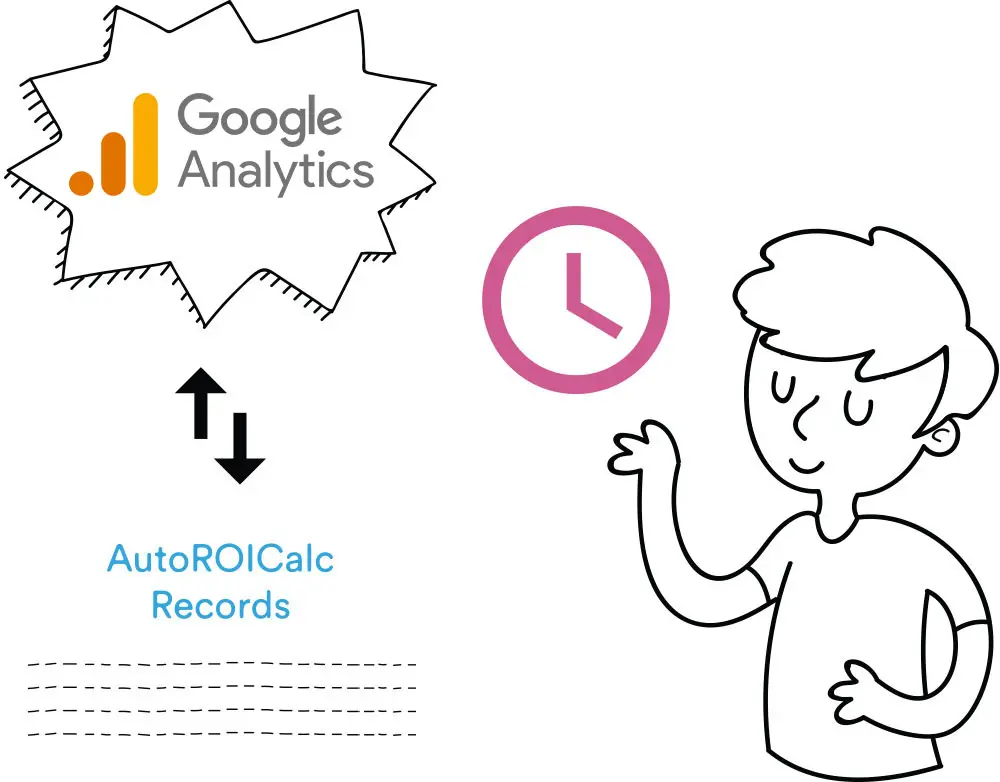
- You grant the AutoROICalc access to “read” your Google Analytics account data.
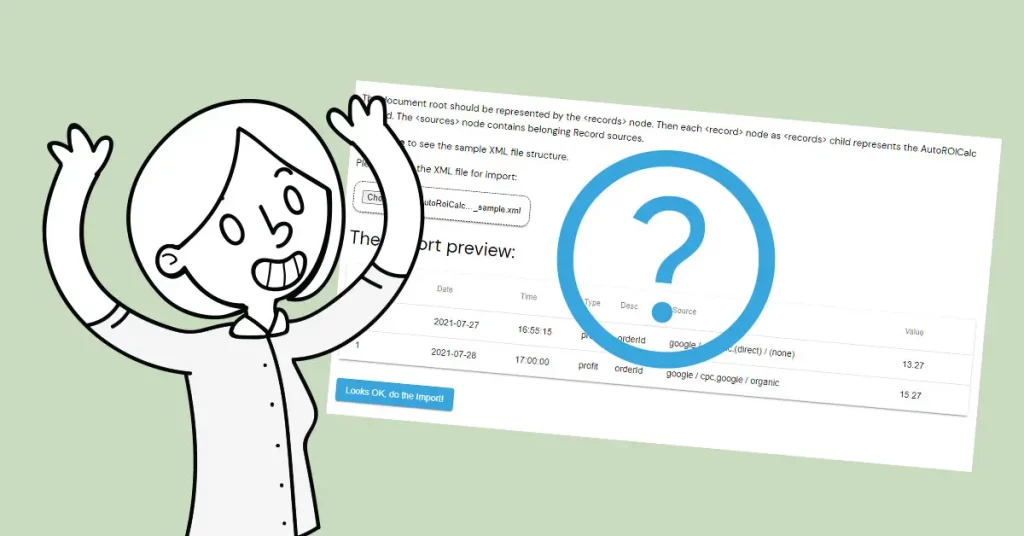
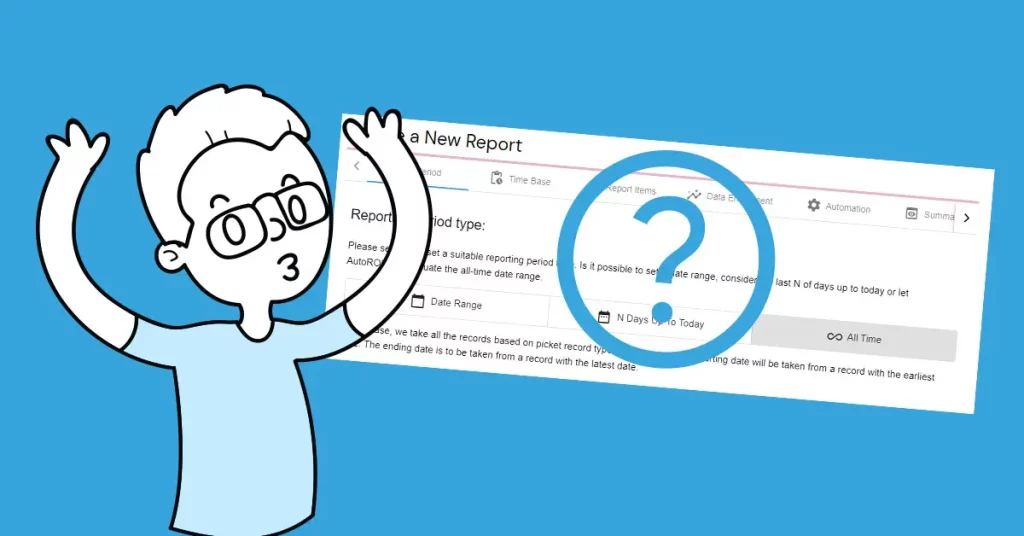
- Then it is possible to do a one-time manual import where a certain time period can be selected or set the scheduled importing on a daily basis.
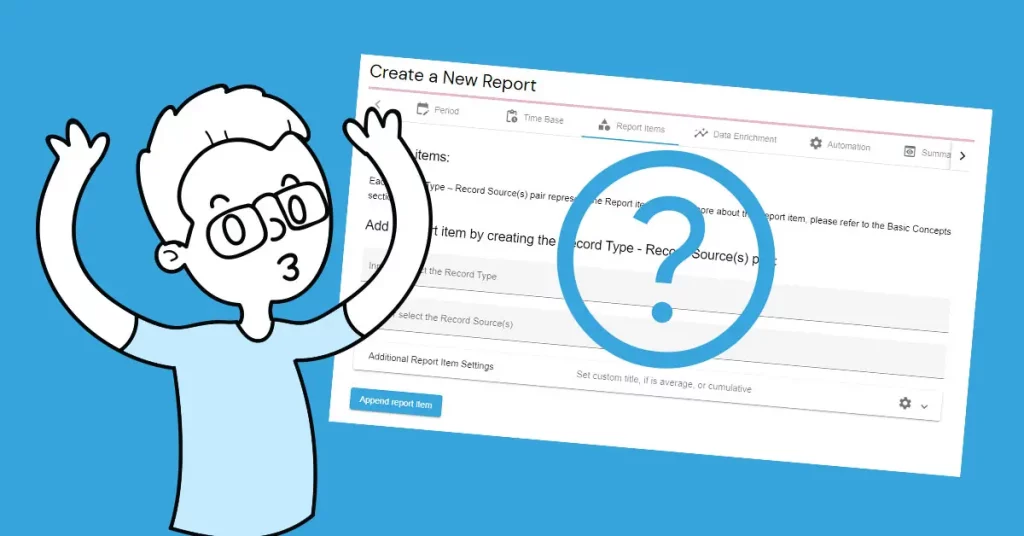
- In the next step, it´s important to select the desired dimension-metric combination.
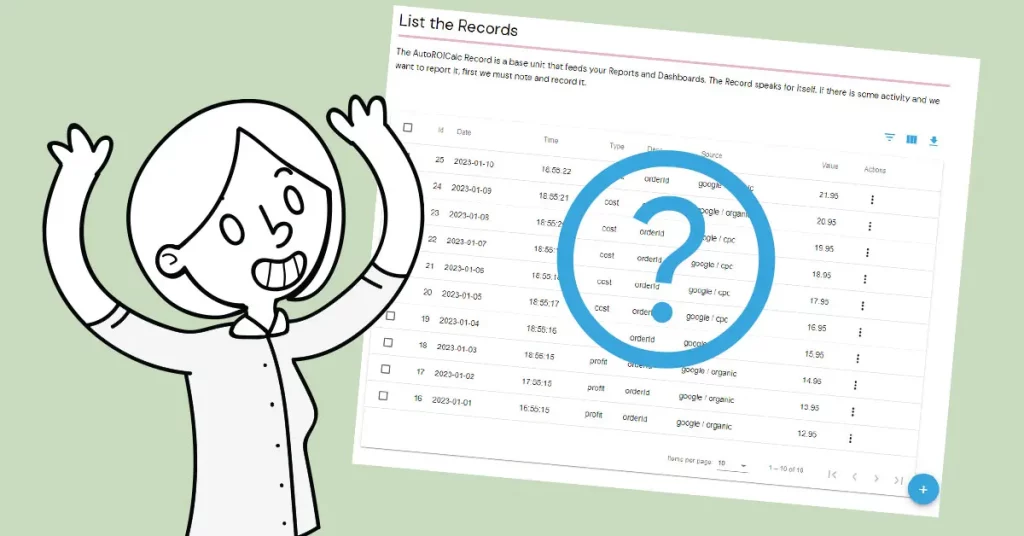
- As there are no limitations on how to arrange your AutoROICalc Records, there is an option to set custom Record Source. See the AutoROICalc Records section.
- Finally, include the imported Records in your Reports and Dashboards.
Just the ROI is important in the end
Google Analytics allows you to evaluate the ROI itself. But this applies mainly to the online “web” world and it is aimed at the advertising ROI. This can be insufficient because individuals and business owners want more complex reports including all the activities that make their business successful. Now here comes the AutoROICalc, where we can clearly see what´s going on based on complex data from different sources of different origins. And everything in the terms of ROI, because the costs and net profit are things you are most interested in.
Flexible analytics & reporting without BI complexity
Unify your data, build custom metrics, and automate dashboards and reports — all in one platform.
Unified and Consistent Data Layer
Aggregate and structure data from multiple platforms into one reliable, analytics-ready environment.
Flexible Data Management
Manage your data manually or automatically with powerful tools for synchronization, updates, and transformations.
Accessible Anytime, Anywhere
Your dashboards, reports, and data remain accessible across devices — always under your control.
Custom Analytics & Automated Reporting
Define your own KPIs, build custom dashboards, and automate reporting workflows across your organization.
Set Once, Enjoy Forever!
Start your free 30-day trial and explore all features.
Explore the pricing plans. No credit card is required.