
CSV and XML are popular file formats widely used also for data exchange. While the structure of CSV is clear and simple, XML can handle more complicated structured or unstructured data. We are in a situation with the AutoROICalc Records with a simple and known structure, so both formats are suitable and it´s up to the user to pick the one that fits the best. The 1.4.0 version comes with a feature of CSV/XML AutoROICalc Records import.
Import new data
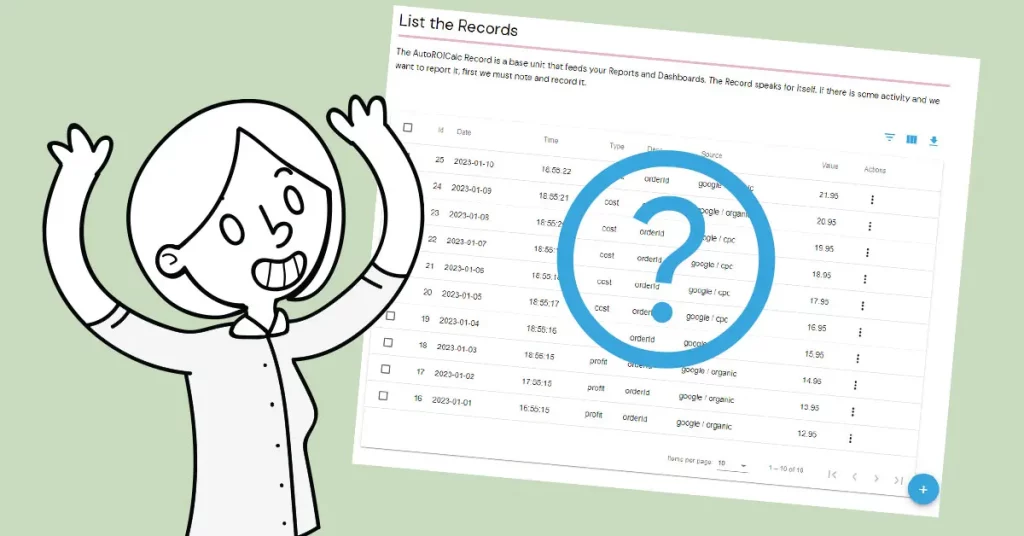
Sometimes, the AutoROICalc API is not suitable as for example of “offline” data processing which can be done manually or automatically. The spreadsheets are so popular for the manual stuff where the CSV output is so useful. On the other hand, the XML can be generated by some offline application. Importing new AutoROICalc Records from CSV or XML makes sense if we are talking about tens, hundreds, thousands, or even more items.
Export, edit, import
Batch editing of the AutoROICalc Records is not available now. If there is a requirement to export, edit and re-import the edited structure to update the Records, this can be done. The spreadsheet application can be a great help for this case too.
Sample CSV structure
Take a look at the sample CSV structure below:
- We have a header line.
- The each next line represents a single AutoROICalc Record.
- Please be aware that the Record sources are separated with the | character. If there is only one Record source, the separator is not necessary.
date,time,type,desc,source,value
2021-07-27,16:55:15,profit,orderId,google / organic|any,12.95
2021-07-28,17:55:15,profit,orderId,google / organic|any,13.95
2021-07-29,18:55:15,profit,orderId,google / organic|any,14.95
Sample XML structure
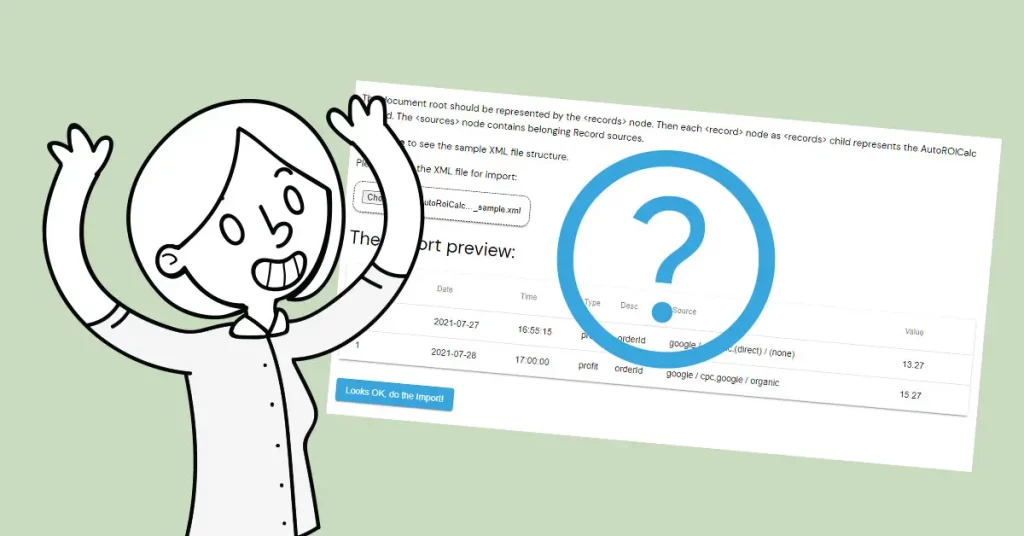
The sample XML structure is below:
- We have a document root represented by the <records> node.
- Then each <record> node represents the AutoROICalc Record.
- The <sources> node contains belonging Record sources.
<?xml version="1.0" encoding="UTF-8"?>
<records>
  <record>
    <date>2021-07-27</date>
    <time>16:55:16</time>
    <type>profit</type>
    <desc>orderId</desc>
    <sources>
      <source>google / organic</source>
      <source>(direct) / (none)</source>
    </sources>
    <value>13.27</value>
  </record>
  <record>
    <date>2021-07-28</date>
    <time>17:00:00</time>
    <type>profit</type>
    <desc>orderId</desc>
    <sources>
      <source>google / cpc</source>
      <source>google / organic</source>
    </sources>
    <value>15.27</value>
  </record>
</records>
Flexible analytics & reporting without BI complexity
Unify your data, build custom metrics, and automate dashboards and reports — all in one platform.
Unified and Consistent Data Layer
Aggregate and structure data from multiple platforms into one reliable, analytics-ready environment.
Flexible Data Management
Manage your data manually or automatically with powerful tools for synchronization, updates, and transformations.
Accessible Anytime, Anywhere
Your dashboards, reports, and data remain accessible across devices — always under your control.
Custom Analytics & Automated Reporting
Define your own KPIs, build custom dashboards, and automate reporting workflows across your organization.
Set Once, Enjoy Forever!
Start your free 30-day trial and explore all features.
Explore the pricing plans. No credit card is required.