

Since AutoROICalc 4.0, we have expanded what teams can calculate, import, and show in their reports. The 5.x releases add custom formulas, more ways to explore breakdown data, reusable report workflows, and improvements to day-to-day setup. Here are the changes that matter most when you build a reporting process.
Calculate the metric your team actually needs
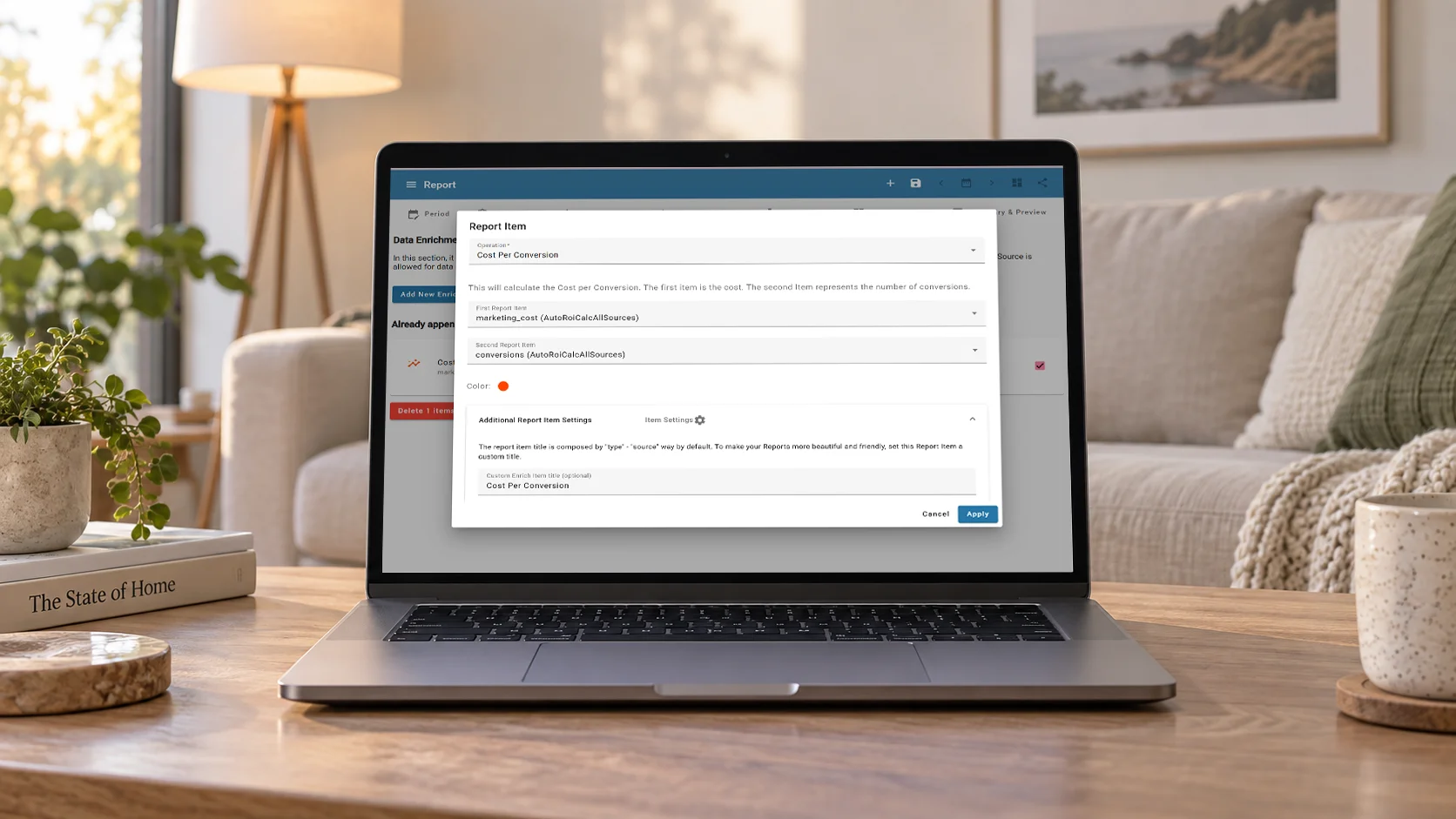
Report data enrichment can now combine multiple report items and use custom formulas. That makes it possible to build a metric from several inputs instead of limiting a report to individual record totals. For example, you can combine revenue, marketing cost, and conversions to calculate net return per conversion.
The formula editor supports operators, grouping, constants, and functions. Set clear report item names first, then give the calculated result a meaningful title and rounding.
See the details behind the totals
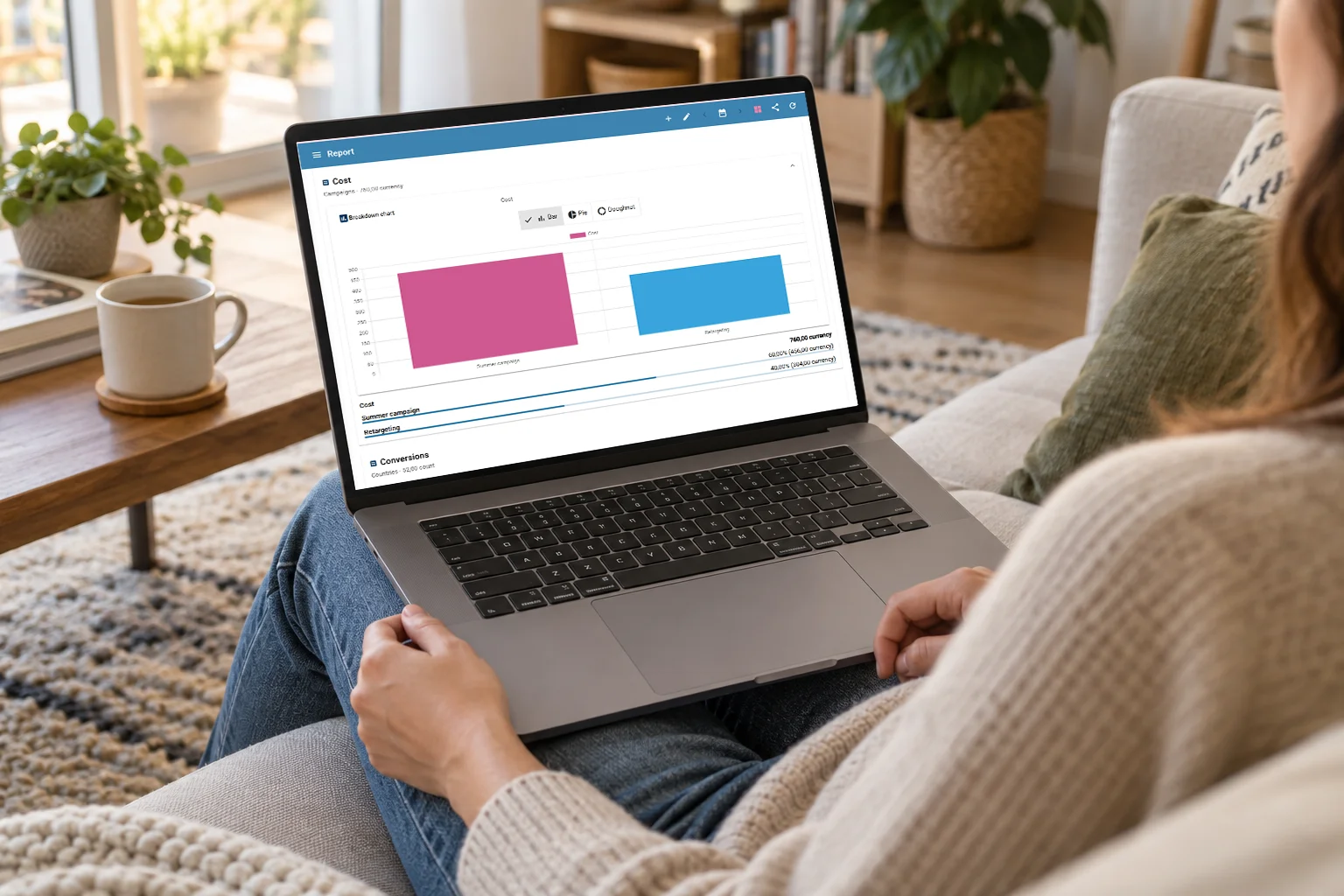
A dashboard is most useful when each report answers a clear question. New and updated report widgets include:
- Breakdowns,
- Date Range,
- Contribution Mix,
- Map,
- Real-Time,
- Mix,
- and Gauge.
The Map, Conversion Paths, and Sources Distribution widgets can use structured breakdown data. Together, these views help you move from a top-line number to questions about product, campaign, country, device, or source.
Reuse data and reporting setups
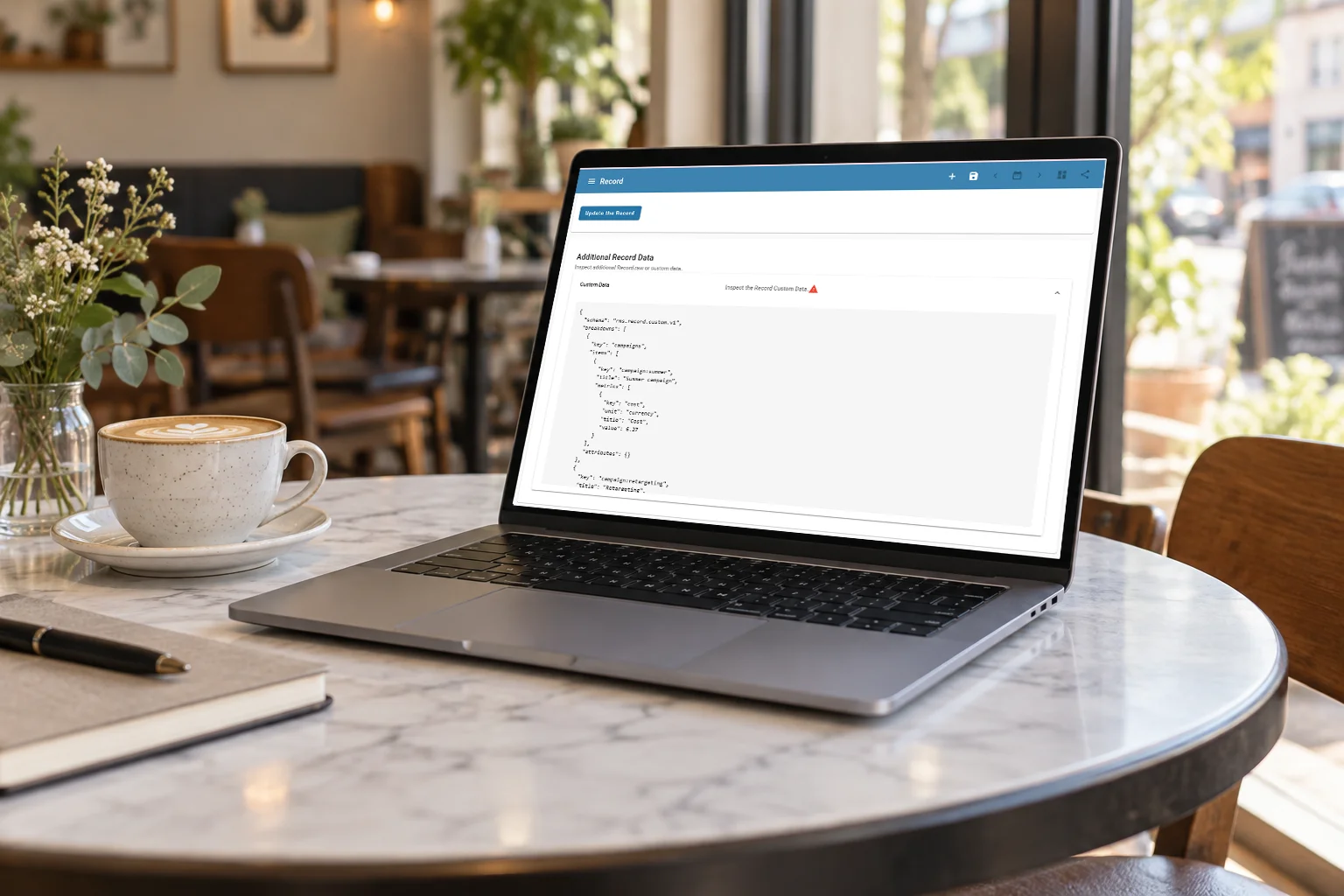
Records can carry custom data, and AutoROICalc supports CSV, XML, and native ARC imports. ARC is useful when you want to preserve the structure of exported records, including the custom data that powers breakdowns. Reports can also be exported or imported as a bundle with their collected records.
Report templates are easier to inspect before use, with previews and basic configuration information. Creators can edit their templates. These changes make it simpler to share a useful reporting pattern without rebuilding it from the beginning.
Start a complete workflow faster
One-Click Solutions are available for prepared reporting workflows. The Google Search Console solution can use a connected property, create a scheduled import, add prepared reports and a dashboard, and offer optional historical data import and email reporting.
We have also improved integrations, import flows, report calculation performance, dashboard report selection, and presentation details such as number formatting and dark theme.
If your team needs to run AutoROICalc in its own infrastructure, see the Self-Hosted Platform. It is a deployment option rather than a 5.x release feature.