
Category: Integrations
-

Capture Traffic Sources with the AutoROICalc JavaScript Module
Read more: Capture Traffic Sources with the AutoROICalc JavaScript ModuleA visitor opens your website from a newsletter, browses your pricing page, and requests a demo. Keeping the traffic source alongside that event helps you understand where enquiries are coming from. The AutoROICalc JavaScript tracking module, available as an npm package or a browser script, can capture traffic-source labels, keep a small browser-side source history,…
-
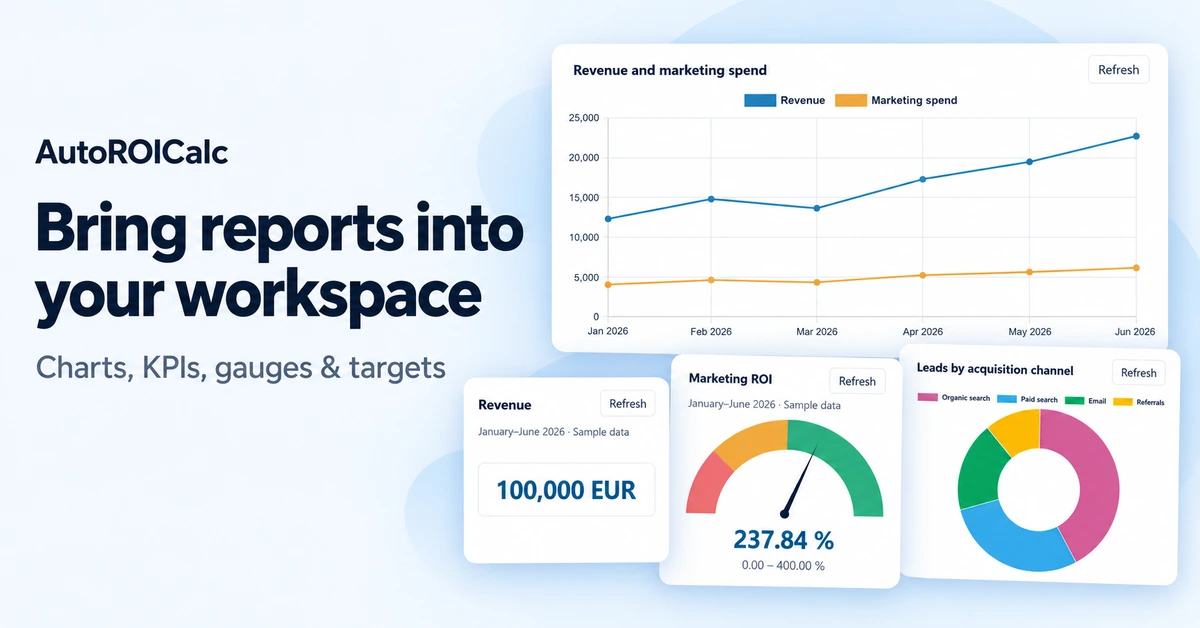
Bring Your Reports Into Your Workspace with AutoROICalc Widgets
Read more: Bring Your Reports Into Your Workspace with AutoROICalc WidgetsYour team already has places where work happens: a company website, an internal dashboard, or a client portal. With AutoROICalc report widgets, you can bring reporting into those spaces and make performance data part of the everyday workflow. Show a revenue chart beside your sales updates, place a lead-generation KPI on your team homepage, or…
-
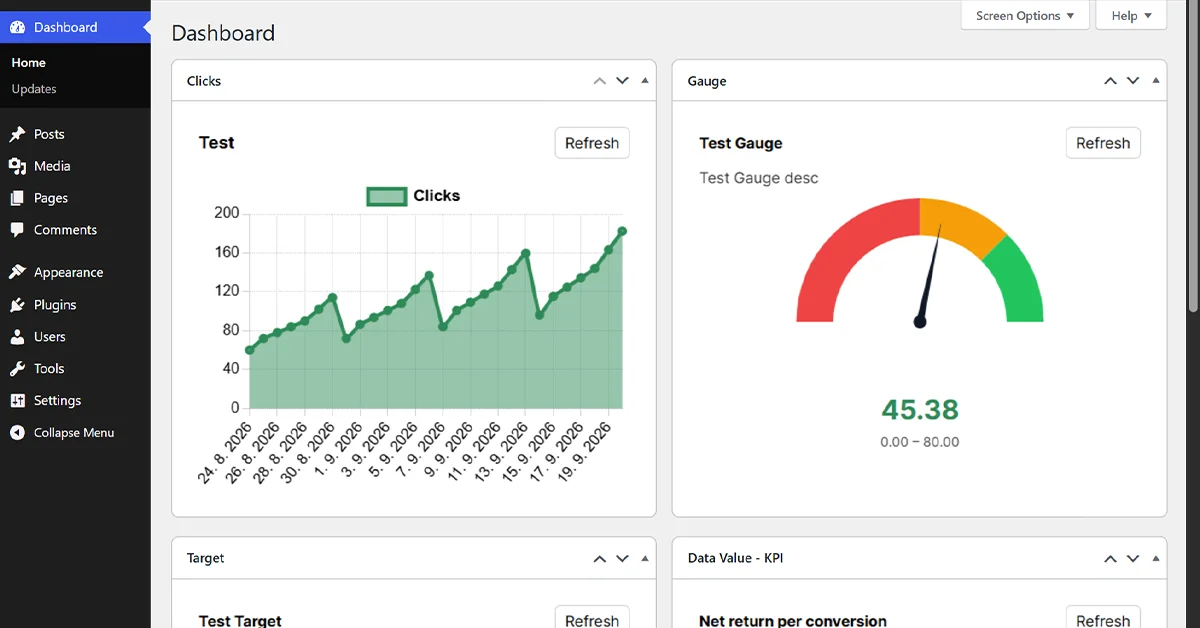
How to Track Button and Link Clicks in WordPress
Read more: How to Track Button and Link Clicks in WordPressTracking page views tells you where visitors went. It does not always tell you what they did. Did someone click your download button? Which traffic source produced that click? Did visitors interact with a pricing link, submit a form, add a product to their cart, or complete checkout? The AutoROICalc Event Tracking plugin for WordPress…
-

Case Study: Fetch Data From Google Search Console to Create Your Automated SEO Dashboards
Read more: Case Study: Fetch Data From Google Search Console to Create Your Automated SEO DashboardsOf course, we all know that the Google Search Console helps to monitor our site’s presence in Google Search results. But why not bring a bit of customization and automation for the SEO improvement? What SEO Data Can We Automatically Get? Here we are: Additional dimensions: What Data Do We Actually Need? Probably the most…
-

Automated SEO Reports? Here’s how to get started
Read more: Automated SEO Reports? Here’s how to get startedWhat are automated SEO reports? SEO Reports effortlessly generated with our tool. Set up your Automated SEO Reporting easily feeded with data from Google Search Console.
-

How to Setup Custom Web Events Tracking?
Read more: How to Setup Custom Web Events Tracking?Is your desire to have everything under control? Would you like to decide when and how to capture the user’s session source on your pages? Want to decide what and when will be sent? Want to have full control over your web events tracking workflow? Yeah, be the one who can benefit from our custom…
-

Custom Web Events Tracking NPM Package is Here!
Read more: Custom Web Events Tracking NPM Package is Here!Have you ever wondered how developers efficiently create and manage their projects without reinventing the wheel over and over again? What about NPM packages? The secret sauce behind modern web development. NPM, short for Node Package Manager, is a powerful tool that simplifies the process of sharing and using code in JavaScript projects.
-

How to Track Custom Web Events?
Read more: How to Track Custom Web Events?There are plenty of tools that can be used, such as Google Analytics, Mixpanel, Adobe Analytics, or Hotjar. Since these and others offer a comprehensive range of features, AutoROICalc comes with a custom web events tracking feature that can be useful in tracking particular or critical events that are important for improving ROI or valuable…
-

Where to find your GA4 Property ID?
Read more: Where to find your GA4 Property ID?Since the AutoROICalc Google Analytics Integration has been updated, we no longer list the Google Analytics Accounts of the User. Now we only require the Google Analytics 4 Property ID.
-

Share the Reports with anyone!
Read more: Share the Reports with anyone!Oh, what would we do without sharing on the internet today? Now you can share your AutoROICalc Reports with anyone! Since the Reports may hold business-sensitive data, some of them may be shared with those who care too.