Tracking page views tells you where visitors went. It does not always tell you what they did. Did someone click your download button? Which traffic source produced that click? Did visitors interact with a pricing link, submit a form, add a product to their cart, or complete checkout?
The AutoROICalc Event Tracking plugin for WordPress helps answer these questions by turning important website interactions into structured records that can be analyzed in AutoROICalc.
You can install it directly from the WordPress Plugin Directory.
Track button clicks in WordPress without adding code
Button clicks are often among the most valuable interactions on a website. Examples include:
- Download buttons
- Pricing and signup buttons
- Contact and demo requests
- Affiliate links
- Calls to action
- Document and software downloads
With AutoROICalc Event Tracking, you can select a Button block in the WordPress editor and enable tracking from its Event Tracking panel. There is no need to add an onclick handler or paste a JavaScript snippet into each page.
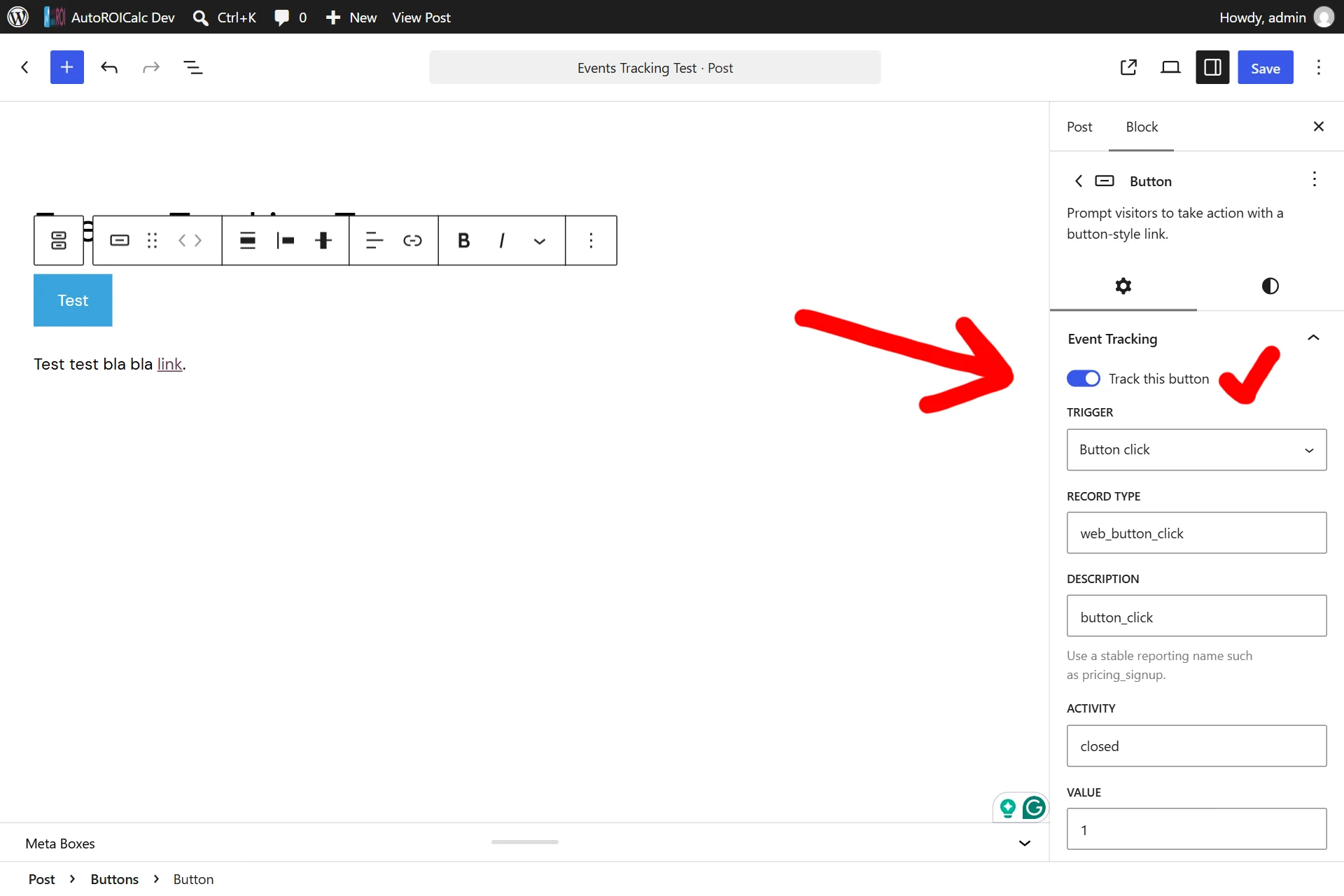
For every tracked interaction, you can configure:
- Record type and description
- Activity and numeric value
- Tags
- Debounce window
- Marketing source behavior
- Consent category
- Structured breakdown data
This allows a simple button click to become a useful business record rather than an isolated analytics event.
Track link clicks in WordPress content
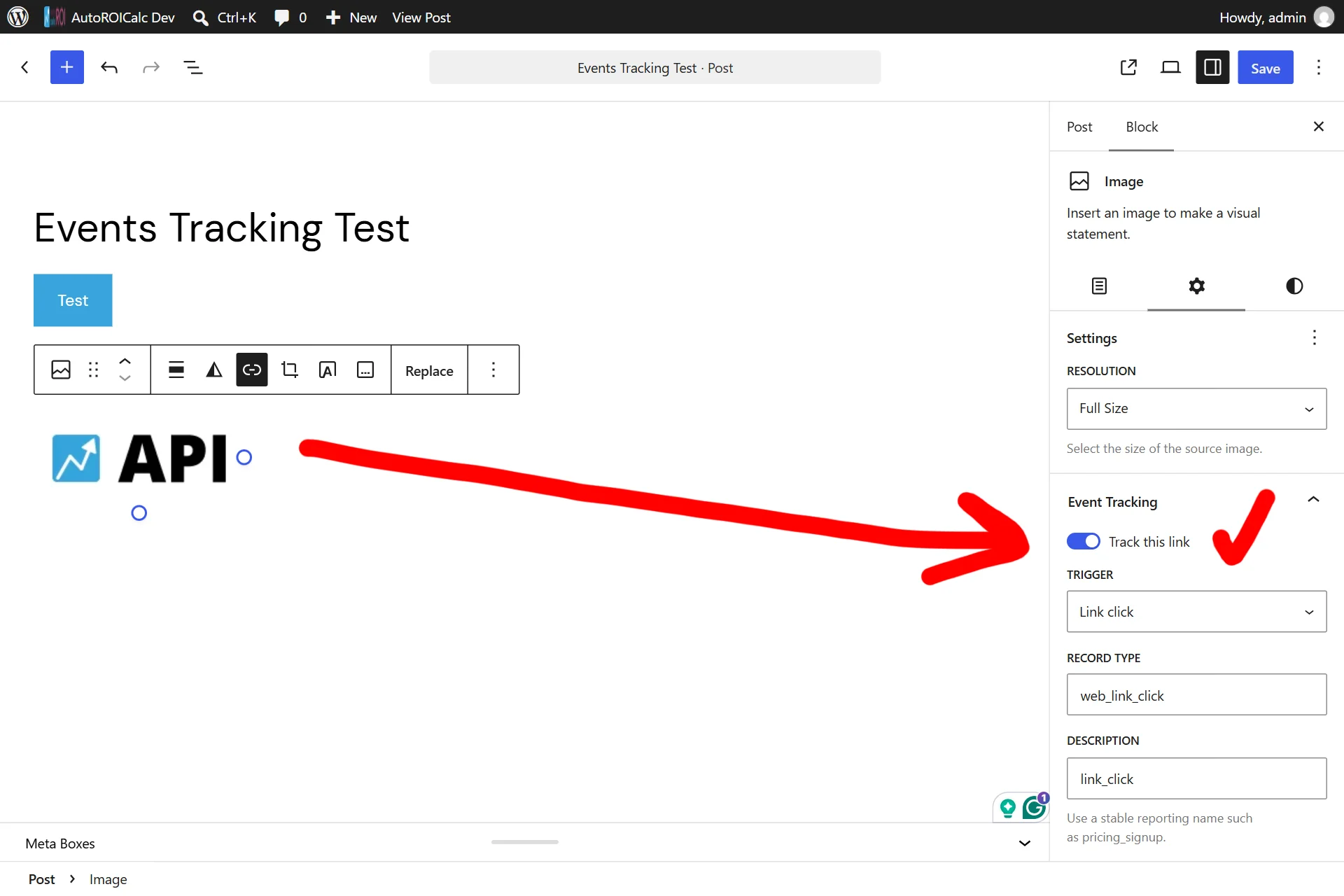
The plugin also supports click tracking for:
- Navigation links
- Linked images
- Links inside Paragraph blocks
- Links inside Heading blocks
- Links inside List Item blocks
When a text block contains multiple links, each rendered link receives its own event identity and target position. Records can distinguish internal links, outbound links and other URL schemes.
This is useful when measuring downloads, partner referrals, documentation usage, campaign landing pages and calls to action embedded in editorial content.
Capture source and medium attribution
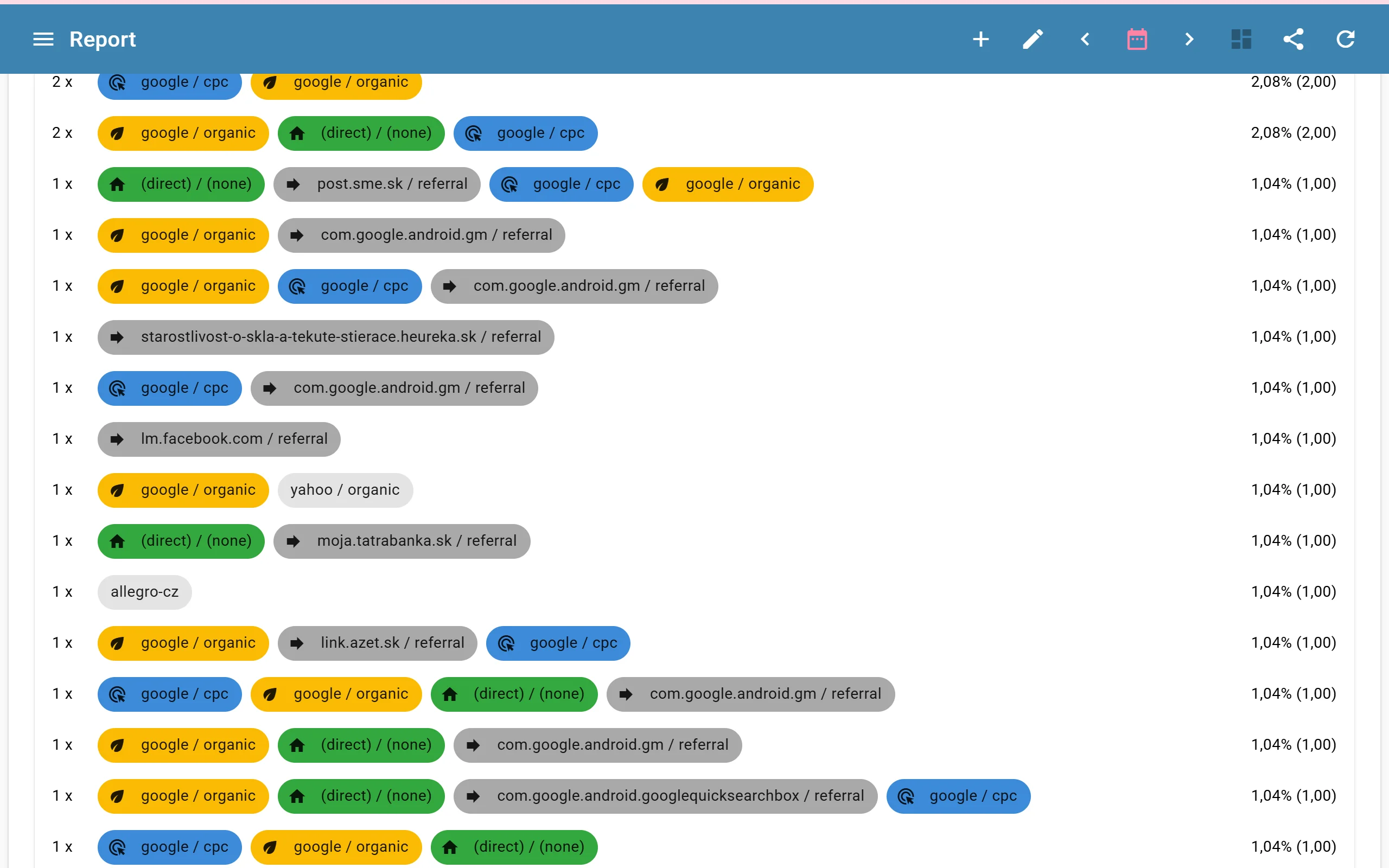
A conversion is more useful when you know where it came from.
AutoROICalc Event Tracking can derive familiar source / medium values from UTM parameters and referrer information. Examples include:
(direct) / (none)google / organicgoogle / cpcexample.com / referral
Editors can use the captured marketing sources or replace them with a fixed source override for a particular event.
This attribution is handled independently by AutoROICalc. The plugin does not connect to or read data from a Google Analytics account.
Prevent repeated clicks from inflating reports
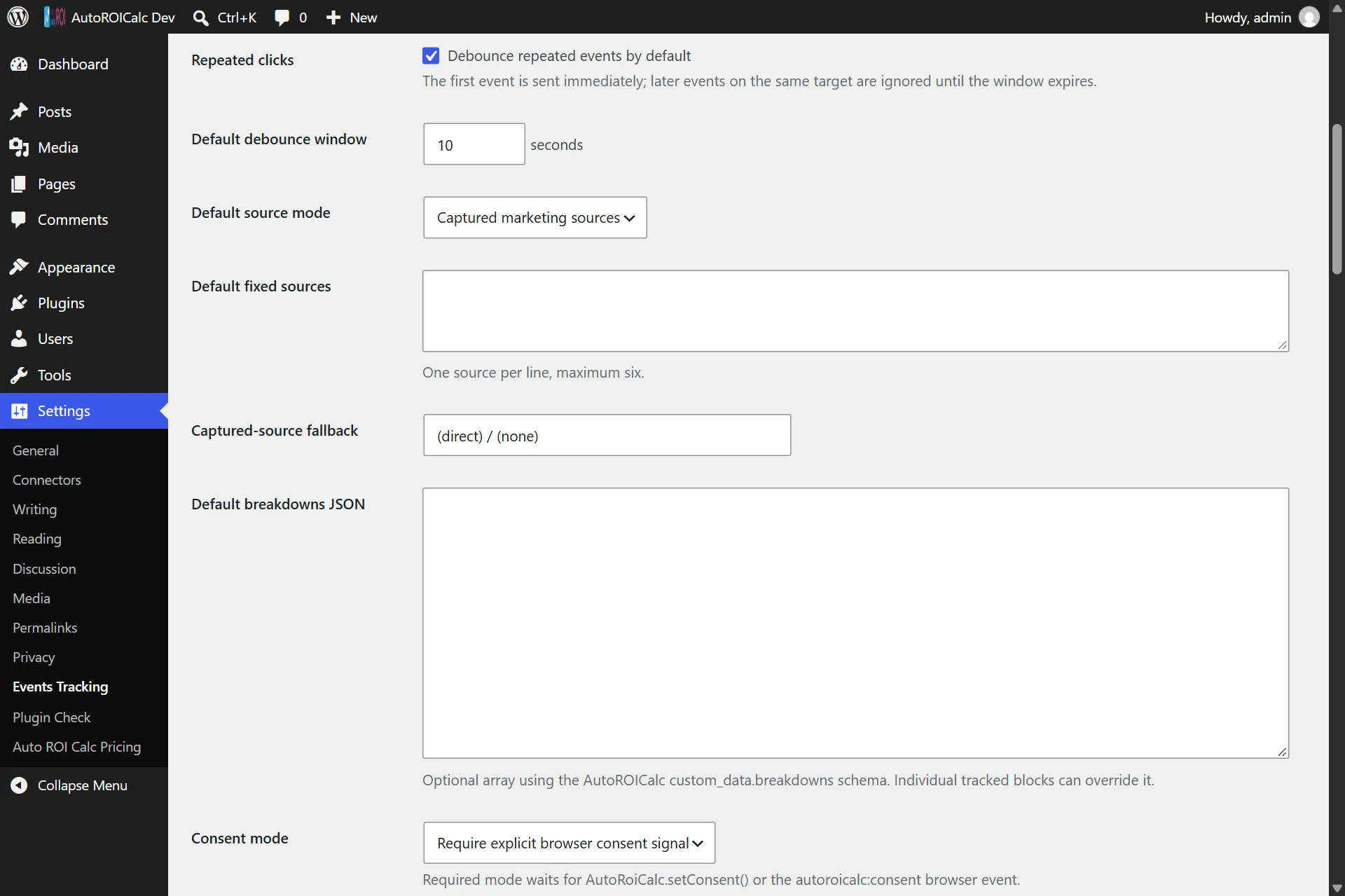
One visitor may click the same button repeatedly, especially when a download or external page takes time to open.
The plugin includes configurable event debouncing. With the default 10-second window, the first click is recorded immediately while subsequent clicks on the same target are ignored until the window expires.
Debouncing can be configured globally and overridden for individual blocks or tracking profiles.
Track forms, engagement and custom elements
Beyond button and link clicks, the WordPress event tracking plugin supports:
- Successful native form submissions
- Contact Form 7 events
- Gravity Forms confirmations
- Mouse hover events
- Elements becoming visible in the viewport
- Custom elements selected with CSS selectors
Form field values and customer details are not collected. This makes it possible to measure successful interactions without sending the submitted message or personal form content.
WooCommerce conversion tracking
The optional WooCommerce integration can create records for important ecommerce events, including:
- Product views
- Add-to-cart actions
- Checkout starts
- Completed purchases
WooCommerce records can include relevant product or order identifiers, SKU, quantity, value, currency and item count. They can then be combined with other marketing and business data inside AutoROICalc.
Secure delivery through WordPress
Browser events are sent to the website’s own WordPress REST endpoint first. WordPress validates the signed tracking configuration and relays accepted records to AutoROICalc using a server-side service token.
The service token is therefore not exposed to website visitors.
The plugin also supports consent categories and configurable runtime consent signals. Site administrators remain responsible for choosing settings appropriate for their jurisdiction and consent-management setup.
View reports inside the WordPress Dashboard
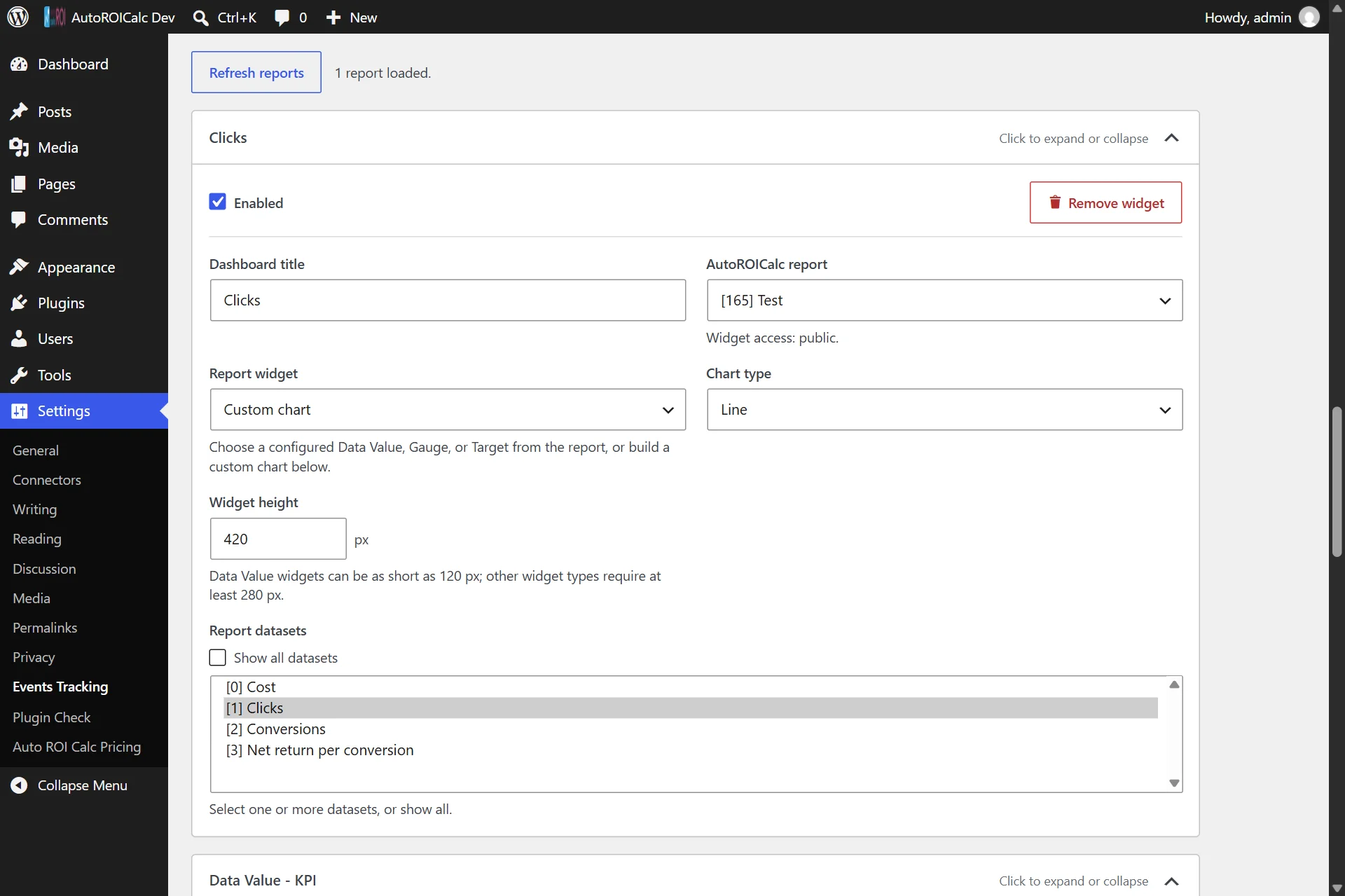
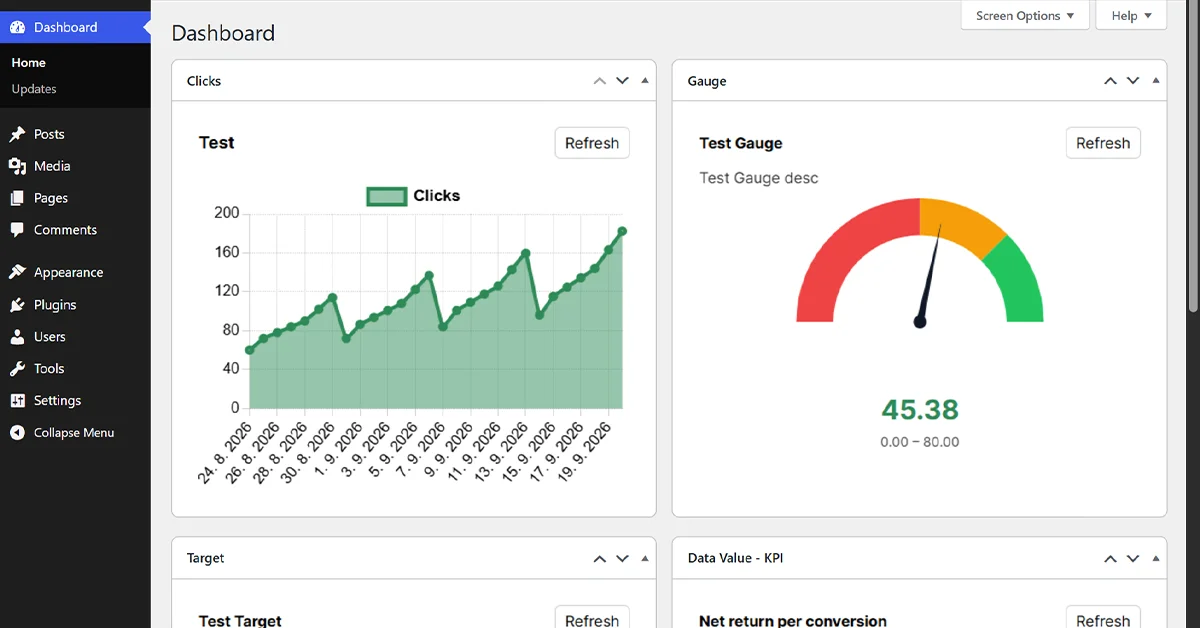
AutoROICalc report charts can be added as authenticated WordPress Dashboard widgets.
This gives authorized administrators a quick view of click or conversion activity without making the underlying report public. Dashboard widgets can be configured with a report, chart type, dataset selection, title and height.
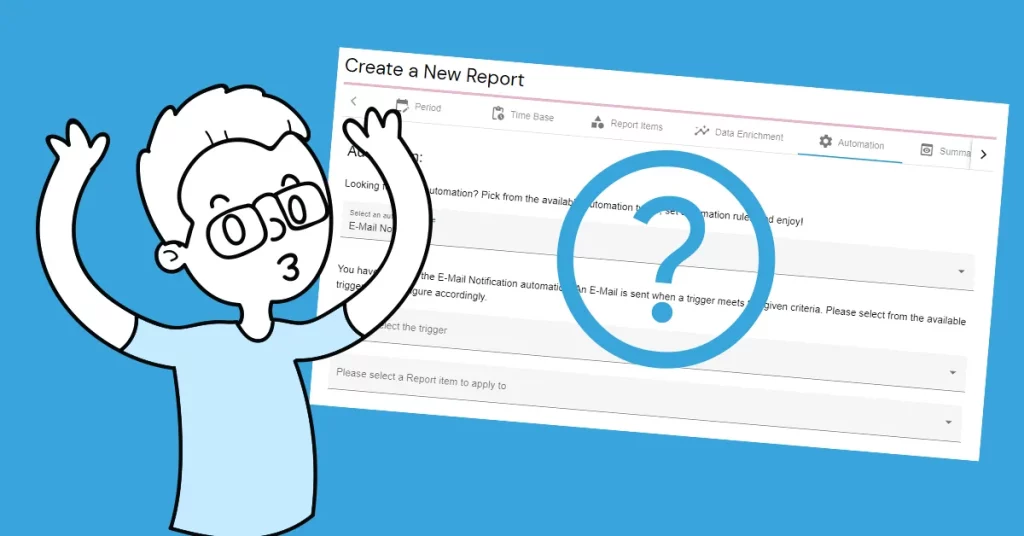
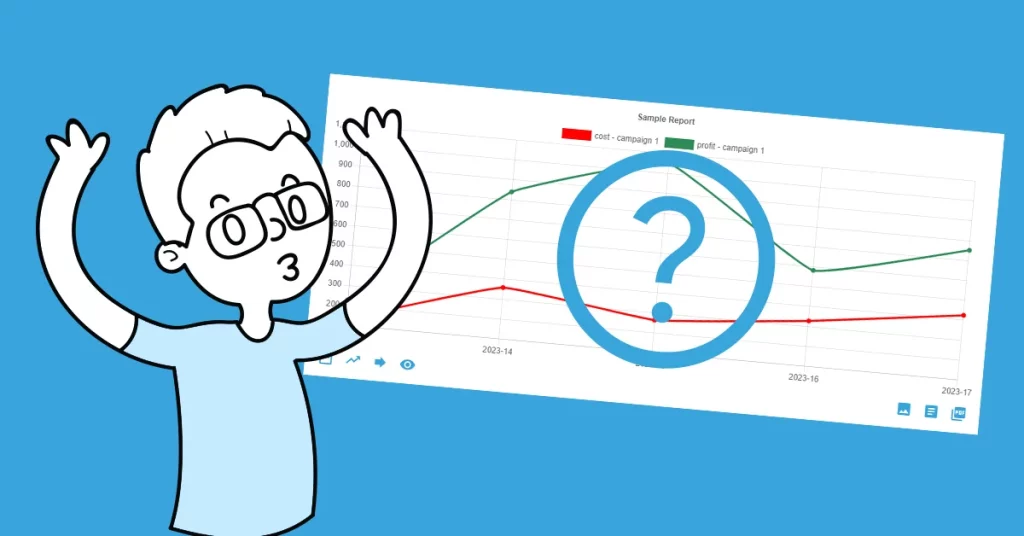
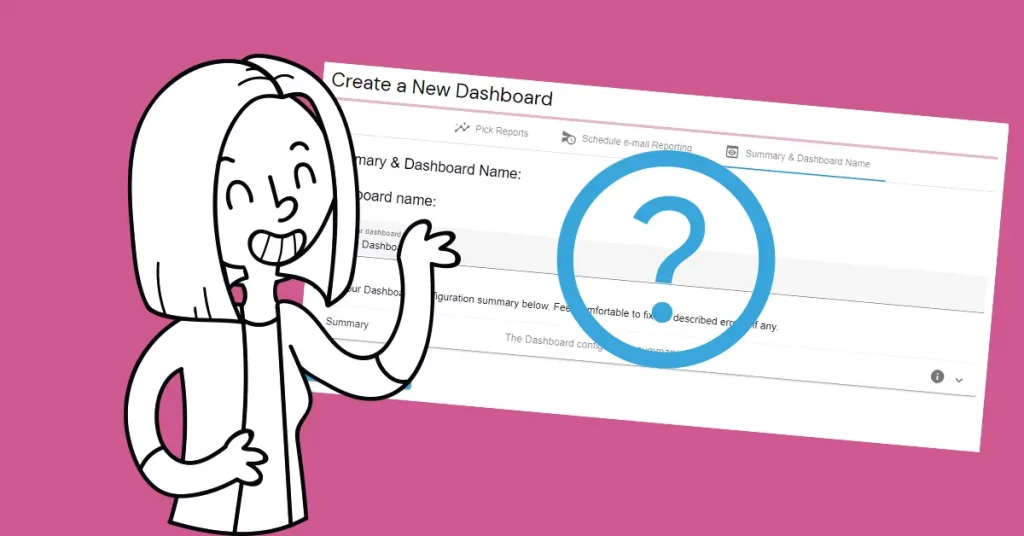
Behind the chart, AutoROICalc structures incoming data as Records that can be used in custom reports and dashboards. Its broader reporting platform can combine web events with marketing, ecommerce and internal business data. Learn how AutoROICalc works.
Start tracking important WordPress events
AutoROICalc Event Tracking is suitable for WordPress site owners who want more control over what counts as a meaningful event and how those events appear in reporting.
To get started:
- Install AutoROICalc Event Tracking from WordPress.org.
- Create or sign in to your AutoROICalc account.
- Add your service token under Settings → Events Tracking.
- Enable tracking on a WordPress button, link or other supported element.
- Test the event and build your report.
Instead of measuring every interaction indiscriminately, you can focus on the clicks, conversions and engagement signals that matter to your business.
Frequently asked questions about WordPress click tracking
What can I track with AutoROICalc Event Tracking?
You can track WordPress button clicks, link clicks, linked images, form submissions, mouse hovers, viewport visibility events and custom page elements. The optional WooCommerce integration can also track product views, add-to-cart actions, checkout starts and completed purchases.
Do I need to add JavaScript to track WordPress button clicks?
No. For supported WordPress blocks, tracking can be enabled directly from the Event Tracking panel in the block editor. Administrators can also configure custom CSS selector targets for elements that are not supported blocks.
Does the plugin work without WooCommerce?
Yes. The plugin works on standard WordPress websites for button clicks, link clicks, forms and other engagement events. WooCommerce support is optional and adds ecommerce-specific conversion events.
Can the plugin capture source and medium attribution?
Yes. It can derive source and medium values from UTM parameters and referrer information, including values such as google / organic, google / cpc, example.com / referral and (direct) / (none). This is independent AutoROICalc attribution and does not require a connection to Google Analytics.
Does AutoROICalc Event Tracking use cookies?
The plugin does not set an attribution cookie. Captured source history can be stored in browser local storage, while optional debounce state can use session storage. Site administrators remain responsible for configuring consent appropriately for their website and jurisdiction.
Is the AutoROICalc service token exposed to website visitors?
No. Browser events are sent to the website’s WordPress REST endpoint first. WordPress validates the event and relays it to AutoROICalc using the server-side service token.
How does the plugin handle repeated clicks?
Configurable debouncing can treat repeated interactions with the same target as one event during a defined time window. The default window is 10 seconds, and it can be changed globally or for an individual target.
Do I need an AutoROICalc account?
Yes. An AutoROICalc account and service token are required to deliver event records and use them in AutoROICalc reports and dashboards.