

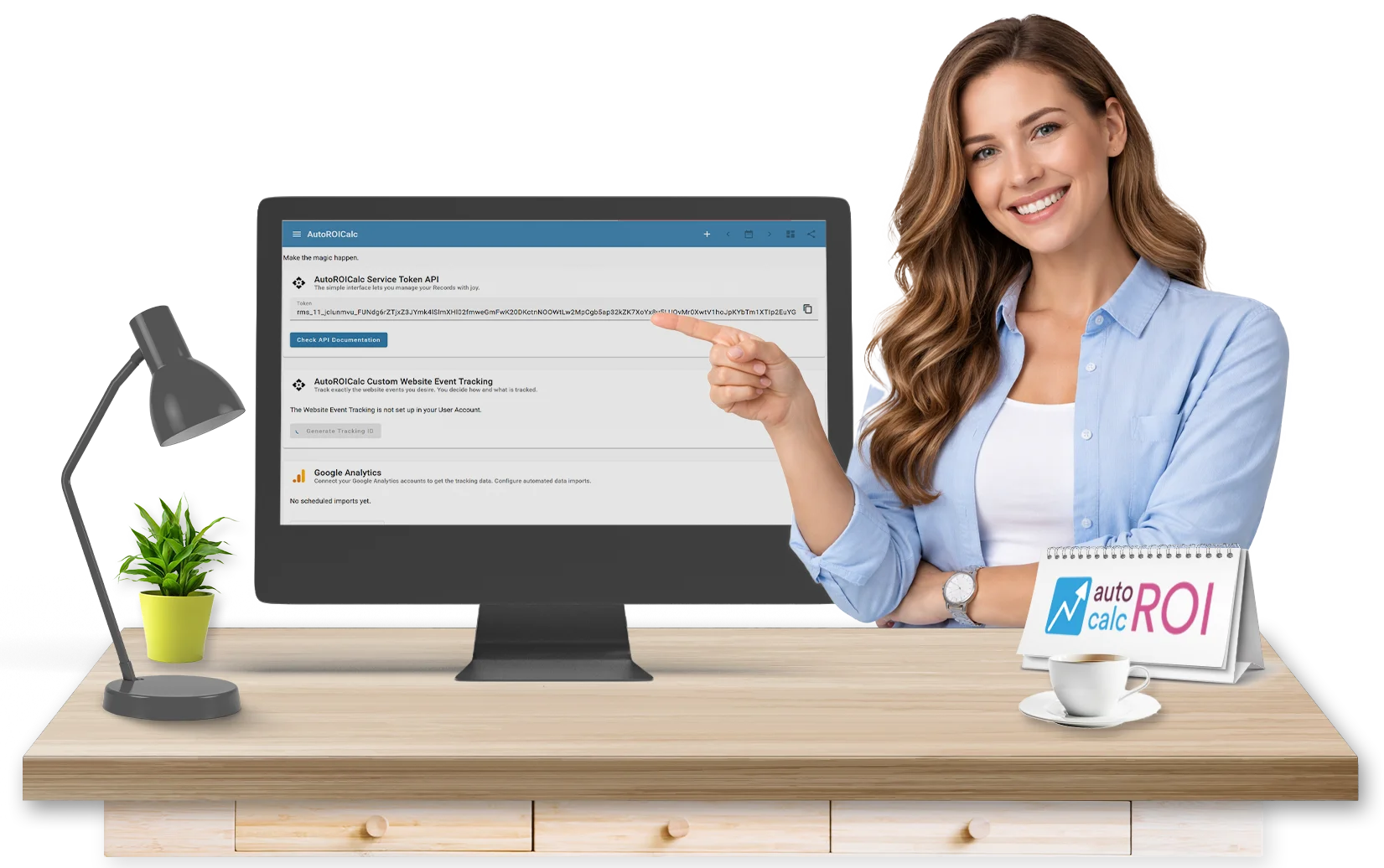
Connect your data.
Build reporting your way.
AutoROICalc integrates with your tools, data sources, and workflows — allowing you to collect, unify, and analyze data from across your business in one place.
From built-in integrations to API access, you have full flexibility in how data flows into your reporting.
Bring Your Data Together
AutoROICalc is built around a unified data model.
You can collect and combine data from multiple sources into a single reporting environment — making it easier to analyze performance, track ROI, and make decisions.
All data is structured into Records and becomes immediately available for reporting.
For example:
- Marketing data
- Web analytics
- Internal business data
- Custom event tracking
Built-in Integrations
Start quickly with ready-to-use integrations.
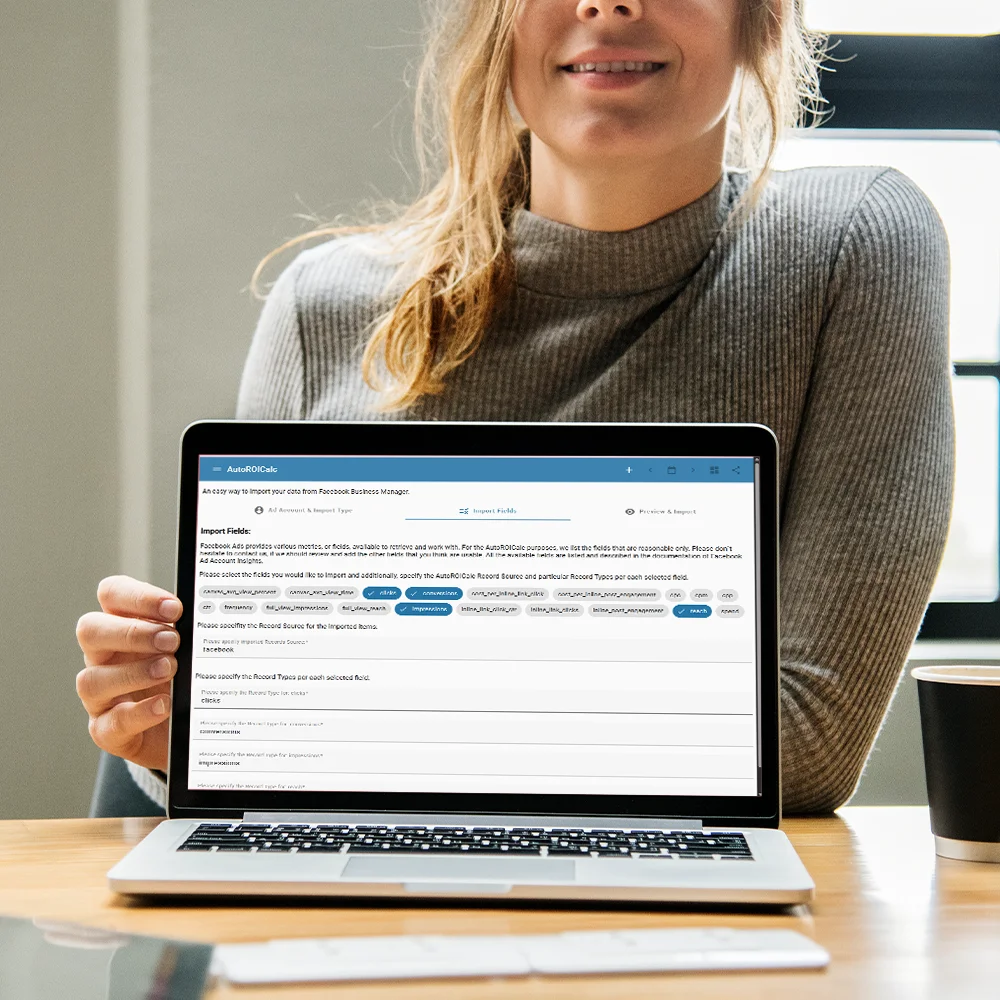
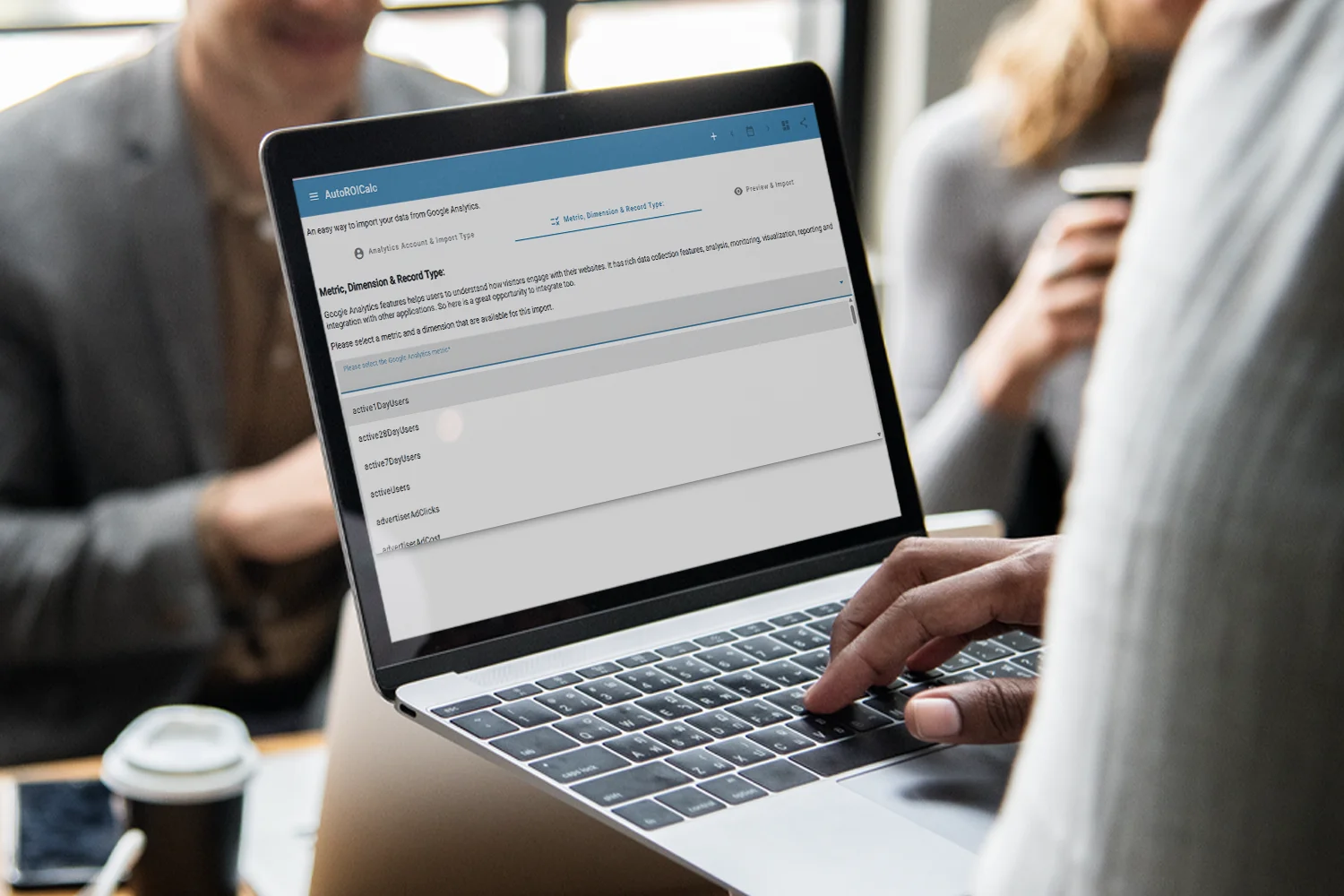
Google Analytics (GA4)
Import your web analytics data directly into AutoROICalc.
- Traffic and engagement metrics
- Custom dimensions and events
- Scheduled or manual data sync
Google Search Console
Analyze organic search performance alongside your business data.
- Clicks, impressions, CTR
- Search queries and pages
- Country and device segmentation
Facebook Ads Manager
Track advertising performance and ROI.
- Campaign and ad-level data
- Cost and conversion metrics
- Scheduled data imports
Collect Data via API
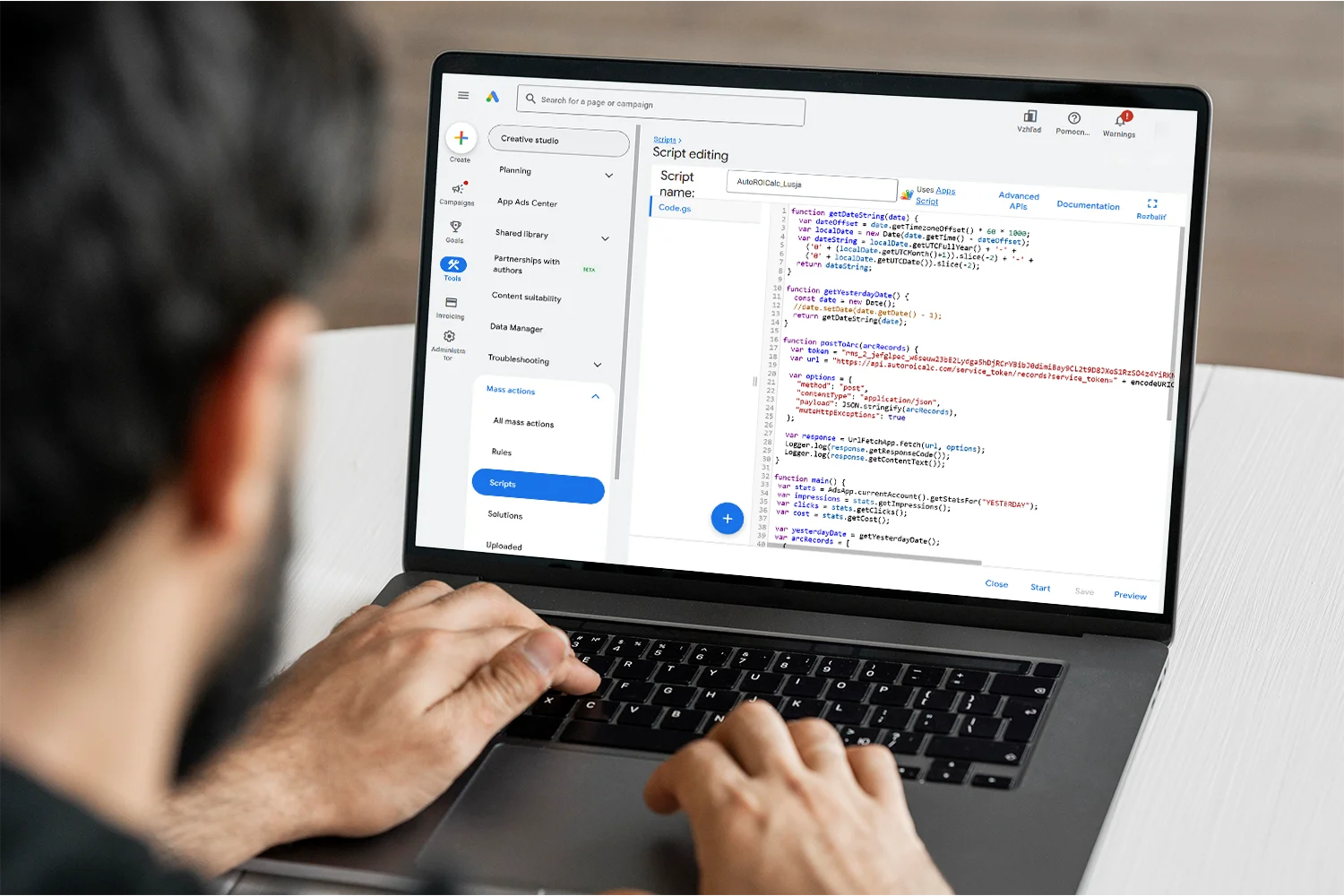
REST API
For maximum flexibility, AutoROICalc provides a powerful API.
- Secure authentication (OAuth 2.0 / service tokens)
- Full control over Records
- Programmatic data ingestion
- Integration with internal systems
Web Event Capture
Send data to AutoROICalc in real time.
This allows you to build custom tracking pipelines without relying on third-party tools.
- Dedicated event capture endpoint
- Track conversions and custom events
- Programmatic data ingestion
- Simple integration into websites or applications
Import Your Data
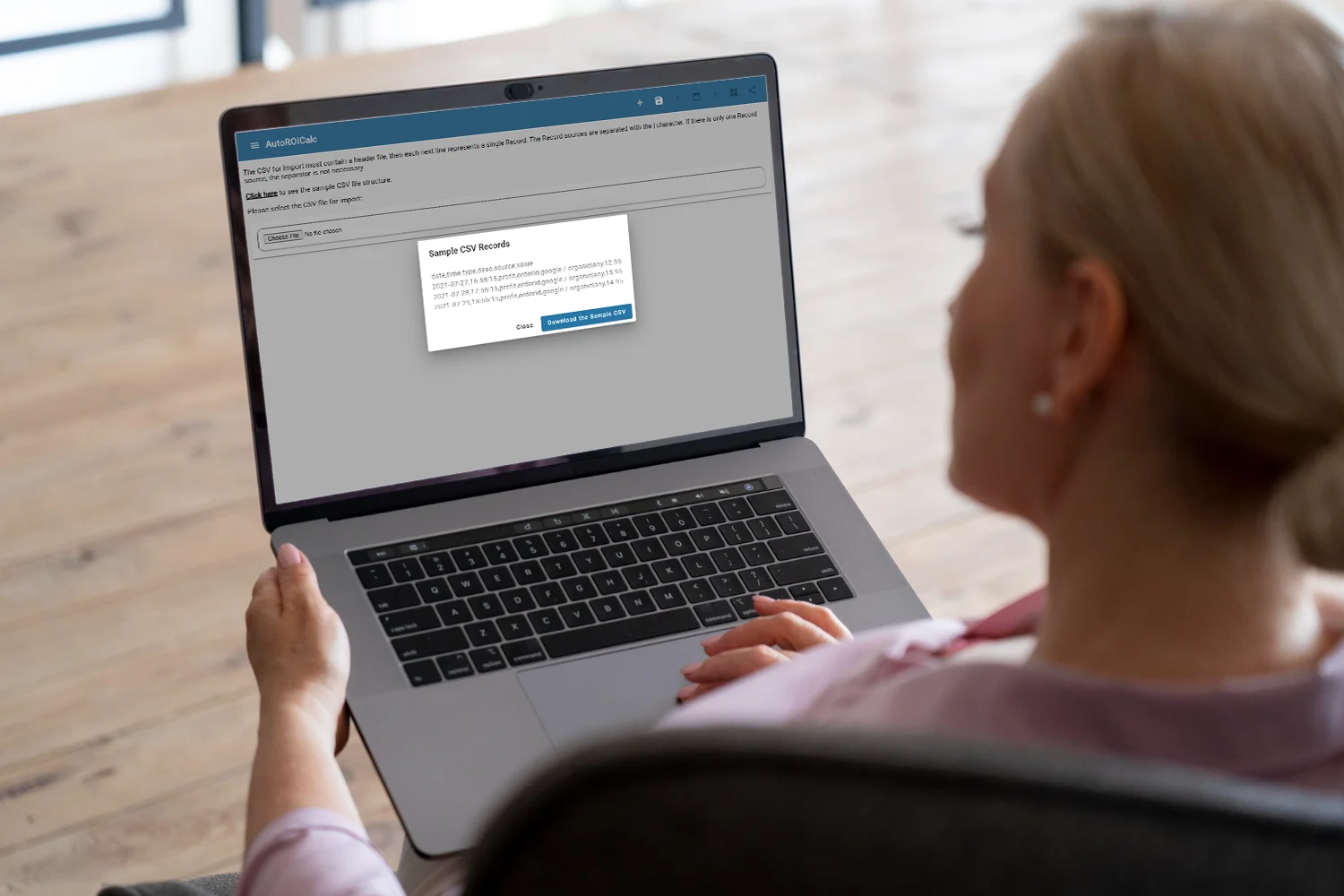
You can also import data manually or in bulk.
Supported formats include:
- CSV
- XML
- Native ARC format
This is ideal for:
- Historical data migration
- Offline data sources
- Custom exports from other systems
Build Your Own Integrations
AutoROICalc is designed to be extensible. You can:

- Connect internal databases
- Integrate with custom tools
- Automate data pipelines
- Enrich your data before reporting
Designed for Flexible Data Workflows
A consistent way to unify and analyze everything. Whether you:

- Sync marketing platforms
- Track product or sales events
- Combine multiple data sources
- Build custom reporting pipelines
From Data to Insights
Once your data is connected, AutoROICalc transforms it into actionable insights.
Everything updates as your data updates:

- Custom reports
- Automated dashboards
- ROI calculations
- Performance monitoring
Start Connecting Your Data

Bring your tools and data together in a single reporting environment.
Explore integrations, connect your data sources, and start building reporting that fits your business.
FAQ
What tools can I connect to AutoROICalc?
AutoROICalc supports built-in integrations such as Google Analytics, Google Search Console, and Facebook Ads.
In addition, you can connect virtually any system using the API or by importing data in supported formats.
What if my tool is not listed?
You can still connect it. AutoROICalc provides a flexible API and data import options that allow you to integrate custom tools, internal systems, or other third-party platforms.
How is data imported into AutoROICalc?
Data can be imported in multiple ways:
- built-in integrations (scheduled or manual sync)
- API (programmatic data ingestion)
- web event capture (real-time tracking)
- file import (CSV, XML, ARC format)
This allows you to choose the method that best fits your workflow.
Is data synced automatically?
Yes. Most built-in integrations support scheduled synchronization, allowing your data to stay up to date without manual effort. You can also trigger imports manually when needed.
Can I send data in real time?
Yes. Using the web event capture endpoint or API, you can send data to AutoROICalc in real time. This is useful for tracking conversions, user actions, or custom business events.
Can I combine data from multiple sources?
Yes. AutoROICalc is designed to unify data from multiple sources into a single reporting environment. You can combine marketing data, analytics data, and internal business data within the same reports and dashboards.
Do I need technical knowledge to set up integrations?
Not always. Built-in integrations can be configured with minimal setup. For custom integrations using the API or advanced workflows, some technical knowledge may be helpful.
Can I control what data is imported?
Yes. You can choose what data to import depending on the integration or method used. This includes selecting metrics, dimensions, or specific datasets relevant to your reporting needs.
Is there any limit to how much data I can import?
Data limits depend on your plan and deployment type. For larger or more complex data requirements, you can scale your usage or consider a Self-Hosted deployment for full control.
Are integrations available in both Cloud and Self-Hosted?
Yes. All integrations and API capabilities are available in both Cloud and Self-Hosted deployments. Self-Hosted deployments provide additional flexibility for integrating with internal systems.
Is my data secure when using integrations?
Yes. Data transferred through integrations is handled securely using authentication and encrypted communication. You maintain control over your data and how it is imported into AutoROICalc.
Can I transform or enrich data before reporting?
Yes. You can structure, combine, and process data within AutoROICalc before using it in reports. For advanced workflows, data can also be prepared externally and then imported.